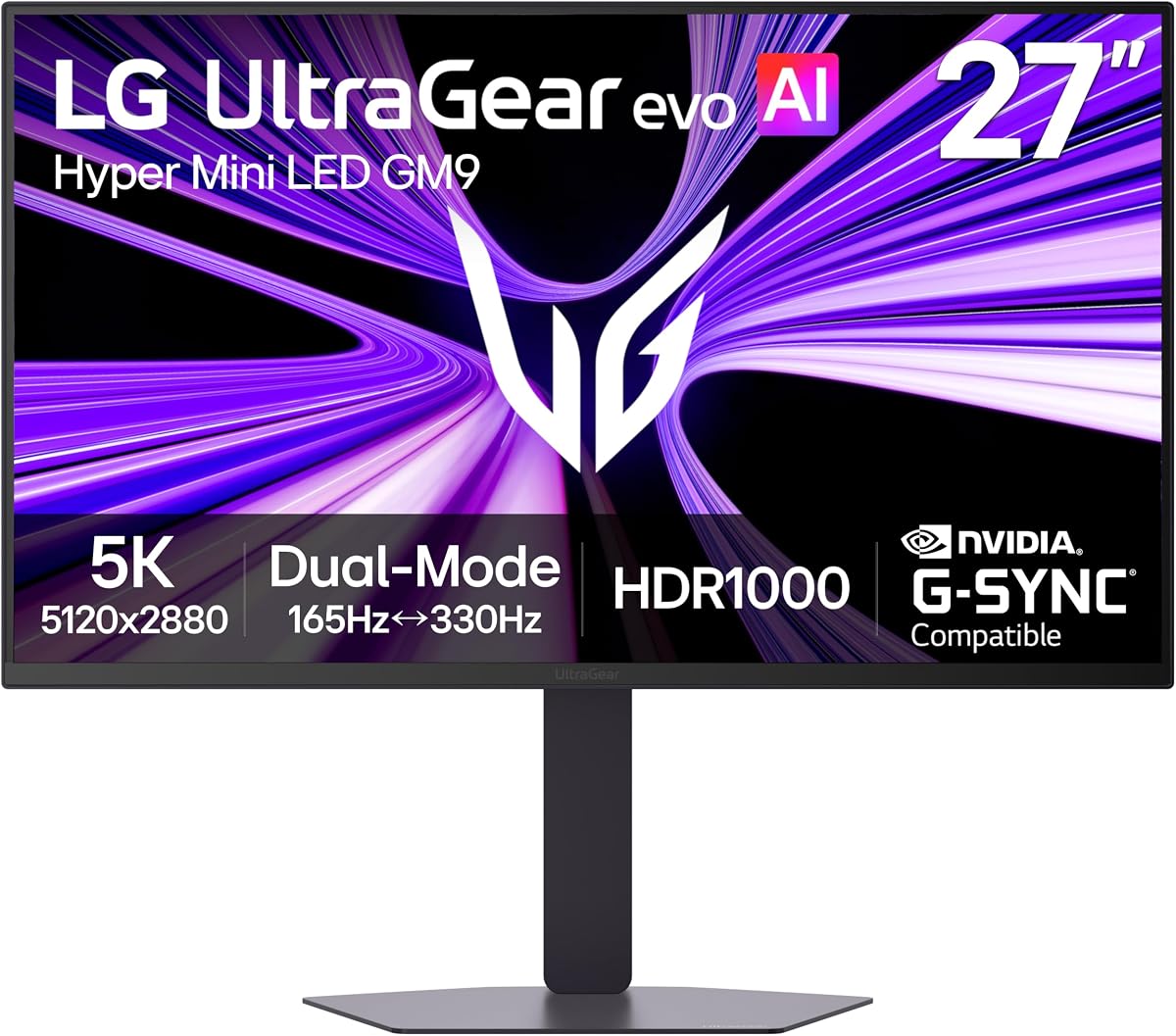
LG 27GM950B-B
3.1Editor score
Mini LED with 1250 nits peak brightness
5K 165Hz dual mode gaming
DP 2.1 for future-ready bandwidth
Finding the right display for professional creative work or high fidelity gaming requires precise visual clarity. The 27 inch 5K monitor category delivers exceptional pixel density that rivals professional reference screens while maintaining a compact footprint for modern desks.
We evaluated ten leading models based on color accuracy, refresh rate capabilities, connectivity options, and ergonomic design. Our analysis focuses on real world performance metrics including gamma tracking response times and panel uniformity to ensure reliable recommendations for diverse user needs.
Each pick highlights specific strengths whether you need Mac compatibility gaming performance or professional color grading tools. Prices and availability fluctuate frequently so verify current listings before purchasing to secure the best value for your specific requirements.
3.1Editor score

3.6Editor score
4.4Editor score
As an Amazon Associate we earn from qualifying purchases.
This side-by-side comparison summarizes key specifications across all ten models to help you quickly identify the best match for your specific workload and budget constraints.




The ASUS ProArt PA27JCV stands out as the premier choice for designers and video editors seeking reliable 5K clarity without breaking the bank. With a factory calibrated Delta E under 2 rating and 99% DCI-P3 coverage it delivers professional grade color performance immediately upon unboxing.
We may earn a commission when you buy through this link, at no additional cost to you.
Its Intelligent Brightness Adjustment feature uses ambient light sensors to maintain consistent visual comfort throughout the day reducing eye strain during long creative sessions. The Auto KVM feature allows seamless switching between two connected laptops using a single mouse and keyboard which enhances multi-device workflow efficiency.
While it lacks high refresh rate options suitable for competitive gaming the focus on stability and color fidelity makes it ideal for creative professionals. The inclusion of a free 3-month Adobe Creative Cloud subscription adds significant value for those building a professional workflow toolkit.
We recommend this monitor for Mac users and photographers who prioritize color accuracy over gaming performance. The 5-year warranty provides peace of mind for critical production equipment ensuring long term reliability in demanding work environments.
Factory pre-calibration ensures Delta E under 2 accuracy right out of the box for reliable editing results.
USB-C port supports DisplayPort superfast data and 96W power delivery via a single cable connection.
We may earn a commission when you buy through this link, at no additional cost to you.
Samsung Odyssey G8 delivers immersive visuals for gameplay with 5K resolution at 180Hz or QHD at 360Hz for ultra responsive action. Fast IPS panel ensures vivid colors across 178-degree viewing angles while motion blur stays minimal during fast moving scenes.
We may earn a commission when you buy through this link, at no additional cost to you.
The Dual Mode feature enables effortless toggling between resolution and refresh rates giving users flexibility for both stunning clarity and high speed gaming. HDR10+ optimizes brightness and contrast to provide enhanced depth and color richness in supported content.
Connectivity is robust with DP 2.1 HDMI 2.1 and USB hub options reducing cable clutter on modern setups. NVIDIA G-Sync compatibility and AMD FreeSync Premium ensure smooth gameplay by syncing GPU and panel to eliminate screen tearing and input lag.
Ideal for gamers who want 5K detail without sacrificing frame rates this monitor bridges the gap between productivity and entertainment. The height adjustable ergonomic stand allows personalized comfort for extended sessions while ensuring the display fits any desk layout.
Toggle effortlessly between 5K at 180Hz for visuals and QHD at 360Hz for action gaming precision.
Features DP 2.1 HDMI 2.1 and USB hub for seamless connectivity with less cable clutter.
We may earn a commission when you buy through this link, at no additional cost to you.
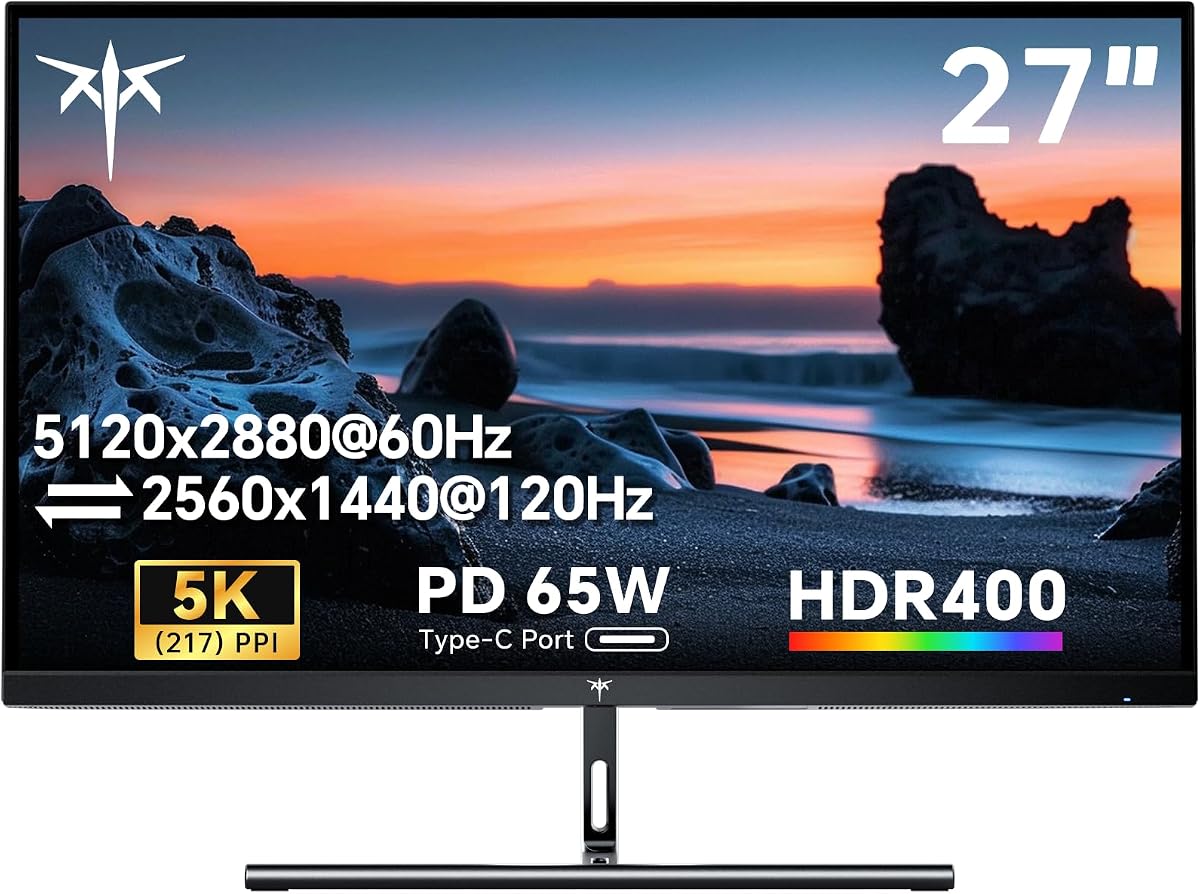
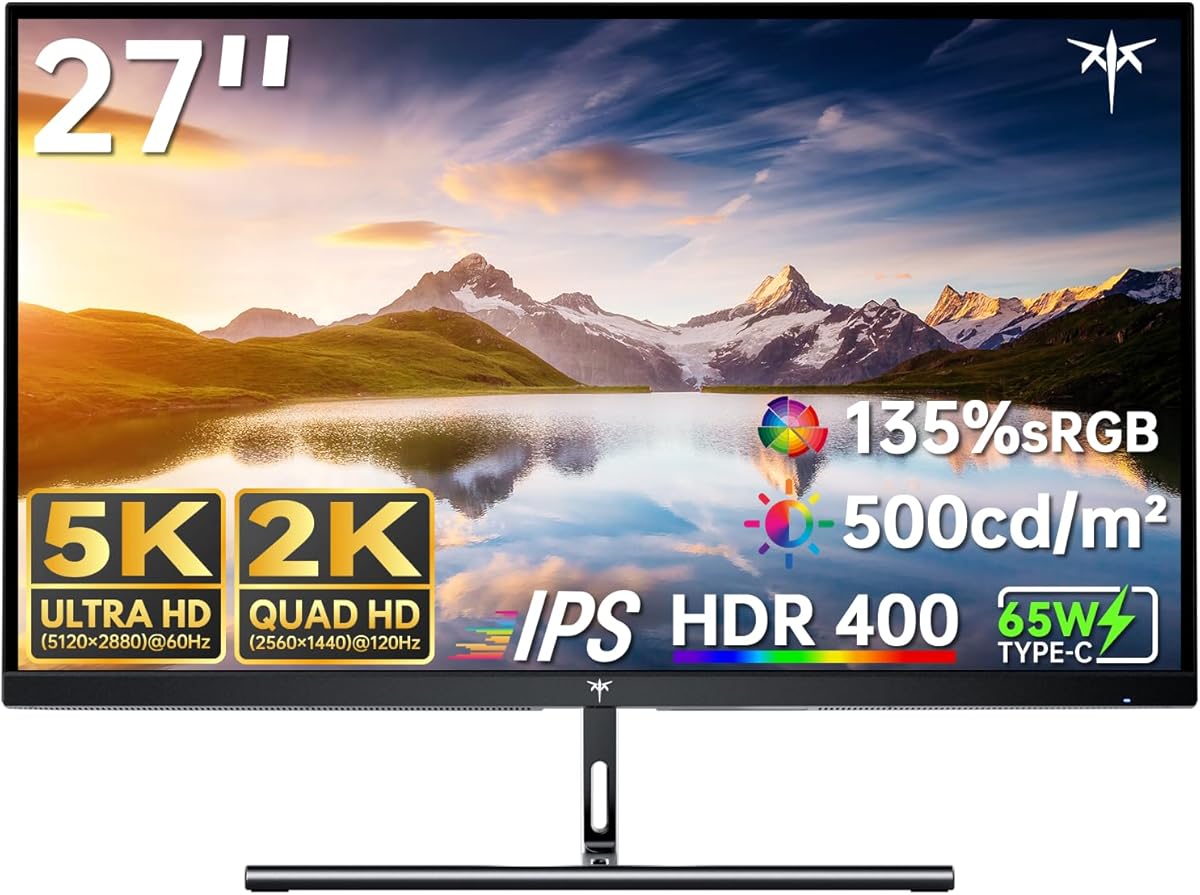
The KTC H27P3 offers exceptional value for professionals seeking sharp 5K clarity on a budget. With dual mode switching between 5K at 60Hz and 2K at 120Hz users can choose between stunning detail and smooth visuals based on current needs.
We may earn a commission when you buy through this link, at no additional cost to you.
Exceptional color accuracy with 135% sRGB area and 100% coverage ensures content aligns with Mac color performance. The 500cd/m2 brightness and HDR400 enhance contrast bringing your content to life with realistic details and vibrant hues.
Fully accessible connectivity includes 65W Type-C support DP 1.4 and HDMI 2.0 making it perfect for home office or gaming consoles. Blue Light Reduction and Flicker-Free features enable comfortable extended use whether editing documents or watching movies.
This monitor is recommended for budget conscious users who need professional resolution without premium costs. Responsive customer support and a three-year warranty add reliability for those investing in long-term workspace setups.
Switch between 5K 60Hz and 2K 120Hz to suit your specific needs for work or play.
Designed for seamless integration with Mac mini offering flexible 65W Type-C connectivity.
We may earn a commission when you buy through this link, at no additional cost to you.
ASUS ROG XG27JCEG provides ultra-sharp 5K visuals with a Fast IPS display that delivers deep contrast via VESA DisplayHDR 600. Dual mode allows switching to QHD at 320Hz for ultra-responsive competitive gaming eliminating ghosting and screen tearing effectively.
We may earn a commission when you buy through this link, at no additional cost to you.
Extreme Low Motion Blur Sync and G-SYNC Compatible technology ensure fluid gameplay while maintaining sharp details. The ROG Gaming A.I. technology includes features like Dynamic Shadow Boost and Crosshair to provide a competitive advantage in fast-paced titles.
Versatile connectivity features DisplayPort 1.4 HDMI 2.1 and USB-C with 15W Power Delivery to support various peripherals. The inclusion of a tripod socket makes this monitor unique for portable setups or angled viewing beyond standard desk placement.
Best for competitive gamers who need high refresh rates without sacrificing resolution clarity. The 3-month Adobe Creative Cloud subscription adds unexpected value for creators who also play high fidelity games during downtime.
Switch to 2K at 320Hz for ultra-responsive competitive gaming with near-instant response.
ROG Gaming A.I. Technology enhances visuals for a competitive edge in matches.
We may earn a commission when you buy through this link, at no additional cost to you.
KTC 5K Monitor offers 5K resolution at 60Hz for vibrant precise colors ideal for design video editing. Switching to 2K at 120Hz ensures smooth gaming performance making it a versatile tool for work and entertainment setups.
We may earn a commission when you buy through this link, at no additional cost to you.
Professional color performance includes 99% DCI-P3 and 100% sRGB coverage ensuring vivid accurate colors that match industry standards. HDR400 and 500 cd/m2 brightness deliver clear vibrant images even in bright lighting conditions.
Eye Care Technology reduces strain with Flicker-Free Hardware Low Blue Light and DC Dimming for comfort during extended use. Extensive connectivity features 65W USB-C PD and DP 1.4 to handle modern laptop and peripheral needs.
This monitor is perfect for freelancers and students needing professional color fidelity on a budget. The hardware low blue light feature ensures comfort during long editing sessions without the need for additional screen protectors.
99% DCI-P3 coverage and Delta E under 2 ensure precise colors for professional workflows.
Hardware Low Blue Light and Flicker-Free reduce eye strain during extended work sessions.
We may earn a commission when you buy through this link, at no additional cost to you.
LG 27GM950B-B powers ultra-bright 5K gaming with Hyper Mini LED technology reaching 1250 nits peak brightness for bold HDR visuals. 9216 LEDs provide deeper contrast and sharper detail minimizing blooming for a crisp viewing experience.
We may earn a commission when you buy through this link, at no additional cost to you.
AI Upscaling enhances content toward 5K resolution without GPU upgrades analyzing source signals to improve clarity and sharpness. Dual Mode switches between 5K at 165Hz for cinematic titles and QHD at 330Hz for competitive speed.
NVIDIA G-SYNC Compatible and AMD FreeSync Premium Pro minimize tearing and stuttering ensuring smooth responsiveness during fast gameplay. Future-ready connectivity includes DP 2.1 USB-C 90W PD and HDMI 2.1 for high bandwidth needs.
Recommended for gamers wanting high brightness and contrast in a 5K form factor. Users should check for firmware updates as new patches may improve performance stability based on current listings.
Hyper Mini LED delivers 1250 nits peak brightness for explosive HDR gaming effects.
Built-in processor enhances content sharpness toward 5K without needing a GPU upgrade.
We may earn a commission when you buy through this link, at no additional cost to you.
Dell S2725QC delivers breathtaking 4K visuals with 99% sRGB and ComfortView Plus for comfortable all-day viewing without sacrificing color accuracy. 120Hz refresh rate ensures smooth tear-free experiences for multitasking and light gaming.
We may earn a commission when you buy through this link, at no additional cost to you.
Re-engineered sound quality offers detailed audio with deeper frequency response reducing external speaker needs. Easy connectivity keeps desks organized with a single USB-C cable supporting up to 65W power delivery for laptops.
While it is a 4K model it provides excellent value for those who do not require 5K density. The ultra-low response time creates a captivating experience for work and play combined.
Ideal for office environments needing reliable performance at a lower cost than premium 5K options. The integrated audio and USB-C power delivery simplify desk setups for productivity focused users.
Improved ComfortView Plus reduces harmful blue light for all-day comfort without sacrificing color.
Single USB-C cable keeps your desk organized and clutter-free with 65W power delivery.
We may earn a commission when you buy through this link, at no additional cost to you.
LG 27UP850K-W offers 4K UHD HDR with built-in webOS for a multitasking hub that allows split screens and streaming. 95% DCI-P3 color gamut expression brings brilliant color to life for immersive viewing of shows and games.
We may earn a commission when you buy through this link, at no additional cost to you.
Put more ports to work with USB-C for data and 90W power delivery alongside DisplayPort and HDMI. The Switch app transforms the screen into a multitasking hub for work gaming and streaming with intuitive shortcuts.
Never In the Dark features Black Stabilizer brightens dark scenes giving an advantage over competitors. Dynamic Action Sync elevates gameplay reducing input lag for pro-level responsiveness in competitive titles.
Recommended for users who want an all-in-one display for media consumption and productivity. The ergonomic stand allows flexible adjustments ensuring optimal positioning for long workdays or gaming marathons.
Built-in webOS streaming platform transforms screen into a multitasking hub for work and games.
USB-C port supports data transfer and power delivery up to 90W for laptop charging.
We may earn a commission when you buy through this link, at no additional cost to you.
BenQ PD2730S features retina-like 5K resolution with 90W Thunderbolt 4 for seamless power and transfer with Mac setups. Nano matte panel diffuses ambient light ensuring reflection-free comfort for color-managed workflows in bright studios.
We may earn a commission when you buy through this link, at no additional cost to you.
Accurate and reliable color management includes 98% P3 and 2000:1 contrast ensuring precise accuracy for VFX storytelling. Daisy chain support allows two 5K displays on a Mac providing ample workspace for complex project layouts.
KVM switch enables control of two systems with one keyboard mouse via wireless Hotkey Puck for efficiency. Eye-comfort features enhance comfort during extended design sessions reducing visual fatigue from blue light exposure.
Best for Mac artists and animators needing reliable high-resolution displays. The wireless KVM puck streamlines transitions between machines ensuring a smooth workflow without needing extra peripherals or adapters.
Thunderbolt 4 delivers 90W power and supports two 5K displays for complex Mac setups.
Diffuses ambient light for reflection-free viewing ideal for color-managed professional workflows.
We may earn a commission when you buy through this link, at no additional cost to you.
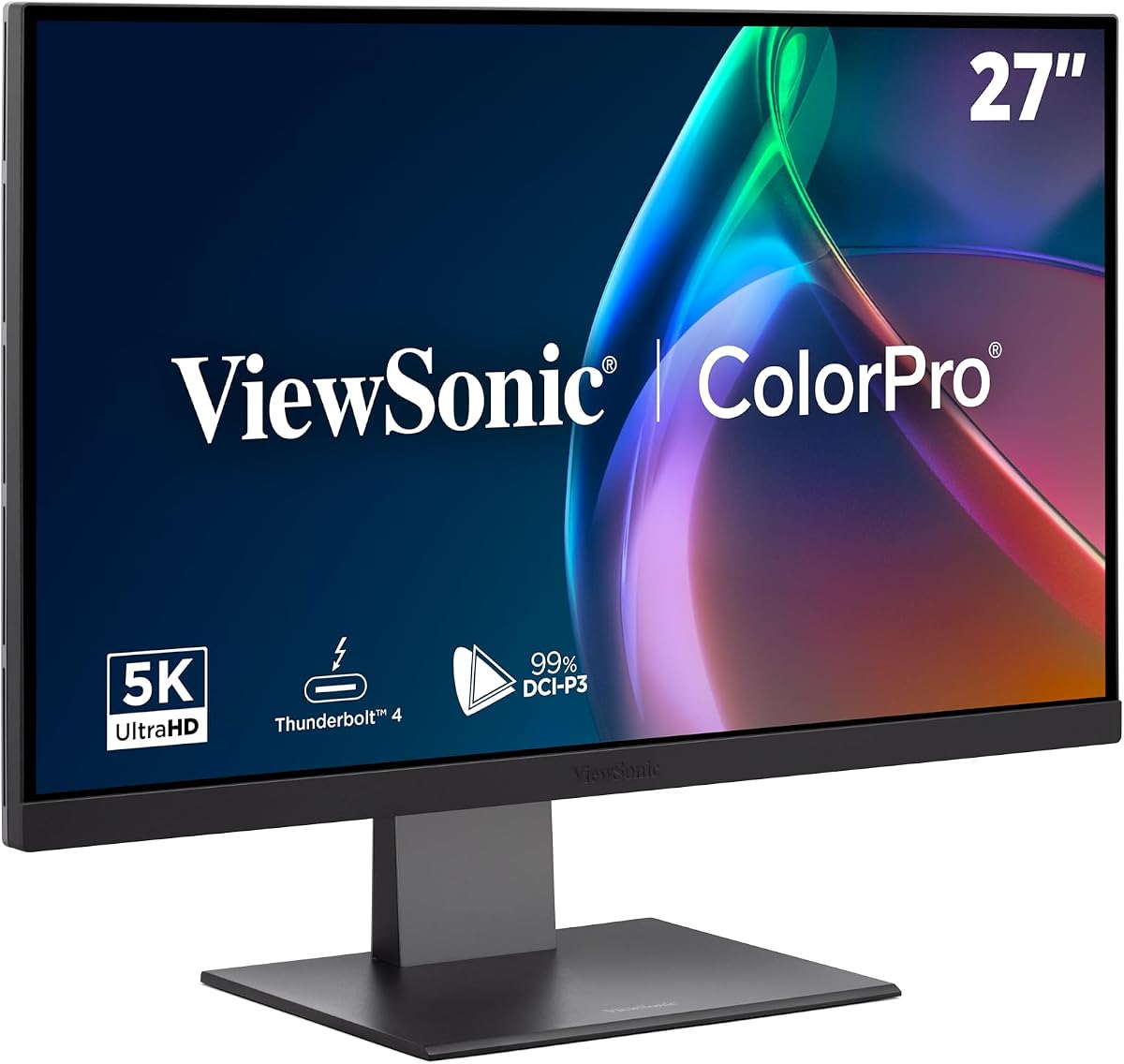
ViewSonic VP2788-5K offers unmatched clarity for Mac users with 5K resolution aligning perfectly with industry-leading color standards. Thunderbolt 4 connectivity supports up to 100W power delivery and daisy chain up to two 5K monitors for expanded workspaces.
We may earn a commission when you buy through this link, at no additional cost to you.
Mac-Level Color Precision includes 100% sRGB and 99% DCI-P3 coverage ensuring deep contrast and accuracy. Pantone Validated display certifies pinpoint color fidelity reproducing essential colors for professional-tier creative outputs.
Flexible connectivity options include Thunderbolt 4 USB-C HDMI and DisplayPort for modern professional hardware. The ergonomic stand allows tilt swivel rotate and height adjustment for personalized comfort and healthy workspace positioning.
Ideal for designers needing multi-monitor workflows with consistent color accuracy. The frameless design ensures a seamless visual experience when pairing multiple monitors for complex creative projects and tasks.
Integrated Thunderbolt 4 output allows daisy chaining up to two 5K monitors for multi-display setups.
Mac-Ready design with 100% sRGB and 99% DCI-P3 ensures seamless ecosystem performance.
We may earn a commission when you buy through this link, at no additional cost to you.
Selecting the right 27 inch 5K monitor requires balancing color accuracy connectivity and refresh rates for your specific workload and budget.
The 27 inch 5K display delivers 5120 by 2880 resolution with roughly 218 pixels per inch providing ultra-sharp text and smooth gradients for creative work. Higher pixel density makes images look more realistic and reduces the need for scaling in professional software.
Prioritize models with high PPI if you work with detailed graphics or text heavy workflows requiring sharp clarity.
Look for monitors with 99% DCI-P3 and 100% sRGB to ensure vibrant accurate colors for video editing and design tasks. Factory calibration with Delta E under 2 means the display is ready for professional use right out of the box.
Choose displays with factory calibration to save time and ensure consistent color accuracy across different projects.
USB-C and Thunderbolt 4 ports are essential for modern setups offering video data and power delivery through one cable. Check for DisplayPort 2.1 if you plan to use high refresh rates or multiple displays for future proof connectivity.
Verify USB-C power delivery matches your laptop needs to avoid carrying extra chargers to your desk.
Gamers and interactive users should seek higher refresh rates like 144Hz or above with fast response times to reduce motion blur and ghosting. Creative professionals may prefer standard 60Hz to prioritize stability and color accuracy over speed.
Select refresh rates based on your primary usage to avoid paying for features you will not utilize.
HDR support such as HDR400 or higher ensures vibrant images with better contrast in bright indoor environments. Monitors with high nits ratings allow you to see details in dark scenes while maintaining brightness during work.
Check HDR certification levels to ensure the display matches the quality of content you intend to consume.
A fully adjustable stand with tilt swivel and height control reduces neck strain during extended work sessions. VESA mounting compatibility allows you to use third-party arms if the built-in stand does not meet your needs.
Prioritize ergonomic adjustments to maintain comfort and posture when spending long hours in front of the display.
Mac users should look for Thunderbolt 4 or 5K specific features to ensure seamless scaling and color alignment. Windows users benefit from G-Sync or FreeSync to match hardware capabilities and reduce visual artifacts in games.
Match the monitor to your operating system to avoid scaling issues or unexpected behavior.
Extended warranties such as 5 years offer peace of mind for expensive monitors used in professional settings. Responsive customer support ensures quick resolutions to potential issues preventing downtime in critical work environments.
Invest in warranties and support services to protect your investment over the long term.
Connect your monitor using the recommended DisplayPort or Thunderbolt cable to ensure the 5K resolution and high refresh rate are properly recognized by your computer hardware.
Use the on-screen display menu or dedicated software to calibrate brightness and color settings to match your specific workspace lighting conditions for accurate viewing.
Clean the screen with a soft microfiber cloth and avoid harsh chemicals to protect the coating and ensure the display remains free of smudges and dust over time.
Yes it is highly worth it because the high pixel density allows for precise editing without scaling issues. Professional creators often prefer it for sharper text and more screen real estate for tool palettes.
To achieve 5K at 60Hz you need a DisplayPort 1.4 cable or a certified Thunderbolt 4 cable. Standard HDMI cables may not support the required bandwidth for this resolution.
Absolutely most models in this list support Mac Mini with USB-C or Thunderbolt connections. Ensure the power delivery matches your Mac Mini needs to keep it charged during use.
A powerful GPU is recommended to drive 5K resolution smoothly especially for gaming or video editing. However many models include AI upscaling to assist weaker GPUs in achieving high visual quality.
Yes most include flicker-free and low blue light technologies to reduce eye strain. Some even have matte panels to reduce reflections making them easier on the eyes in bright rooms.
5K offers roughly 78 percent more pixels than 4K resulting in much sharper text and details. For graphic design and photo editing the added clarity can significantly improve accuracy.
We recommend the ASUS ProArt PA27JCV for its unmatched color accuracy and Mac compatibility making it ideal for professional creators. For gamers the Samsung Odyssey G8 provides a perfect blend of high resolution and fast refresh rates.
Prioritize your specific needs whether it is color fidelity for design or speed for gaming to select the right model. Consider connectivity options like Thunderbolt 4 if you plan to expand your workstation with multiple monitors in the future.
Always check current prices and availability as listings fluctuate frequently. This guide serves as a baseline but verifying the latest deals ensures you get the best value for your investment.