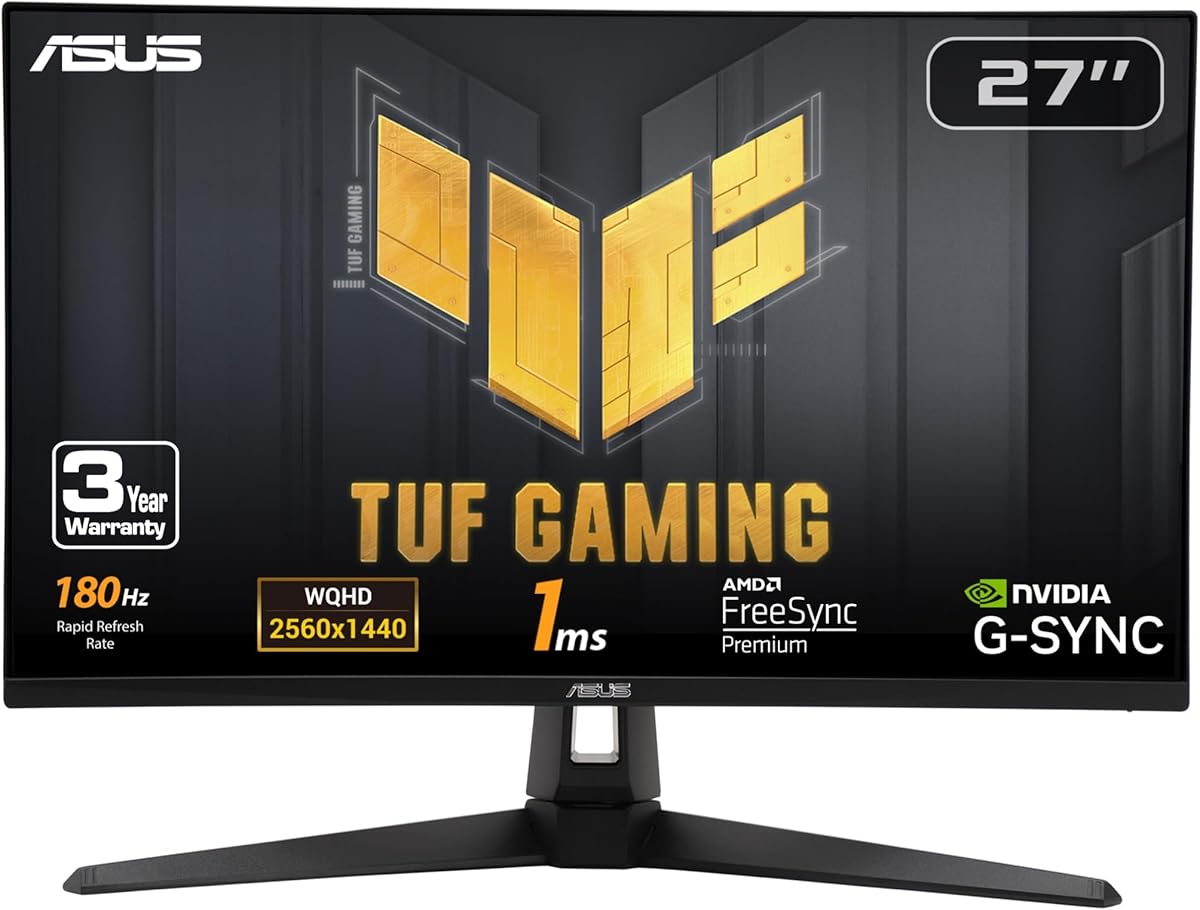
ASUS TUF Gaming VG27AQ3A 27 Inch 1440p 180Hz G-SYNC Gaming Monitor
4.6Editor score
ELMB Sync for ghosting elimination
G-Sync Compatible and FreeSync Premium
Built-in audio solution included
Finding the perfect display for your setup can be challenging with so many options available today. A 27 inch WQHD 1440p gaming monitor offers the sweet spot between resolution and performance. It provides sharp visuals without taxing your graphics card too much during intense gaming sessions.
We have carefully compared ten top rated models based on their refresh rates, panel types, and overall build quality. Each product on this list brings unique strengths whether you are into competitive esports or immersive single player adventures. Our analysis focuses on real world performance and user feedback.
Every pick below showcases specific strengths and trade offs to help you make an informed decision. Note that prices and availability can change frequently so checking current listings is recommended before purchasing. This guide aims to simplify your search for the ultimate gaming experience.
4.6Editor score
4.5Editor score

4.4Editor score
As an Amazon Associate we earn from qualifying purchases.
This side-by-side comparison highlights the key specifications of each model to help you quickly identify which one fits your needs.


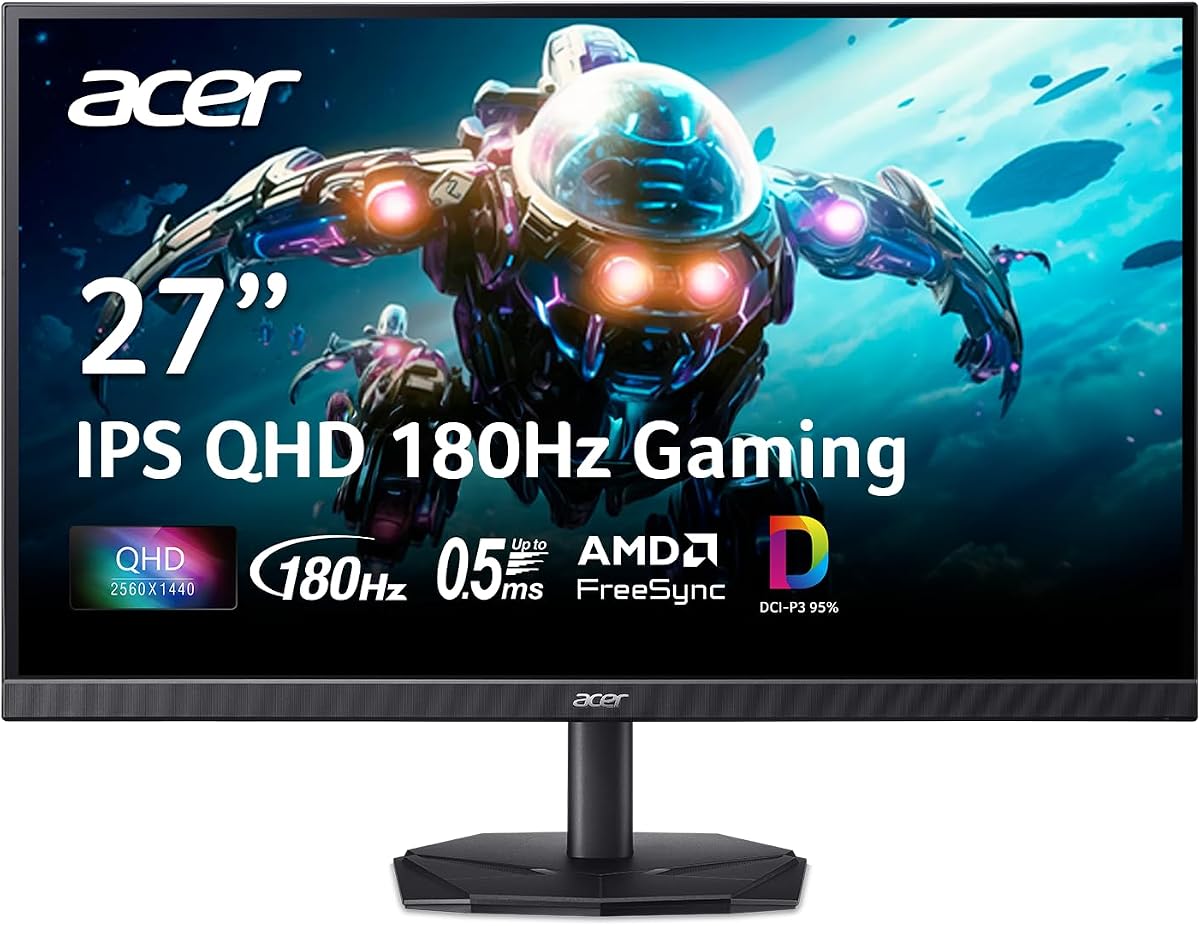
The Acer Nitro KG271U stands out as a top contender in the 27 inch WQHD category with its impressive 180Hz refresh rate. Users praise its sharp image quality and smooth motion handling which is ideal for fast-paced games.
We may earn a commission when you buy through this link, at no additional cost to you.
Its 0.5ms response time ensures that fast movements on screen remain crisp without ghosting. The panel delivers accurate colors covering 95 percent of the DCI-P3 gamut making it versatile for content creation too.
While the zero-frame design looks sleek it does not have advanced HDR capabilities. This is acceptable given the price point and the monitor excels where it matters most during gameplay.
If you want a reliable monitor for competitive gaming and general use this model is a strong recommendation. It balances performance and value effectively for most users.
The 180Hz refresh rate provides fluid motion that reduces motion blur significantly compared to standard 60Hz screens.
Support for DCI-P3 95 percent makes this monitor great not just for gaming but also for creative tasks.
We may earn a commission when you buy through this link, at no additional cost to you.
The ASUS TUF VG27AQ3A offers premium features like ELMB Sync which allows for clear visuals during high refresh rates without sacrificing adaptive sync benefits. It is designed for gamers who demand the best image clarity possible.
We may earn a commission when you buy through this link, at no additional cost to you.
Its compatibility with both G-Sync and FreeSync ensures smooth gameplay across different graphics card brands. The included speakers provide convenience though they are not meant to replace a dedicated audio setup.
The cost is higher than average but the inclusion of software subscriptions and advanced tech justifies the investment. It remains a robust choice for those willing to pay for quality.
For enthusiasts looking for top-tier performance this monitor is a excellent choice. It delivers on both gaming and visual fidelity needs consistently.
ELMB Sync works with variable refresh rates to eliminate tearing and blur simultaneously for sharper images.
A free three-month Adobe Creative Cloud subscription adds significant value for content creators using this display.
We may earn a commission when you buy through this link, at no additional cost to you.
The Acer Nitro XV271U is known for its highly ergonomic stand which allows for tilt swivel and height adjustments. This makes it comfortable for long gaming sessions as you can easily position the screen perfectly.
We may earn a commission when you buy through this link, at no additional cost to you.
Its 180Hz refresh rate and 0.5ms response time ensure that motion remains smooth and clear. The monitor supports FreeSync Premium which helps prevent screen tearing during intense gameplay.
While it lacks some advanced color features of higher-end models it offers solid performance for the price. The inclusion of necessary cables in the box is a nice touch for immediate setup.
If you value adjustability and smooth motion this monitor is a great fit. It is a reliable option for those needing comfort and performance on a budget.
The ergonomic stand allows you to adjust the screen height and tilt for optimal eye level positioning.
With a rapid 180Hz refresh rate you will experience minimal motion blur during fast-paced gaming scenarios.
We may earn a commission when you buy through this link, at no additional cost to you.
The Samsung Odyssey G5 features a curved screen design that immerses you into the game world more than flat panels do. Its 180Hz refresh rate keeps action scenes fluid and responsive for competitive play.
We may earn a commission when you buy through this link, at no additional cost to you.
Users love the Black Equalizer feature which helps brighten dark areas without washing out bright parts of the screen. This gives you a tactical advantage in games where shadows hide enemies.
While the curve is great for immersion some users may find it limits viewing angles from the side. However for a single user setup it provides a fantastic experience.
If you want a unique gaming experience with deep contrast this monitor is ideal. It brings a cinematic feel to your desk setup effectively.
The curved design draws your focus to the center of the screen enhancing immersion in racing and flight sims.
Black Equalizer adjusts dark zones in games so you can spot enemies hiding in shadows more easily.
We may earn a commission when you buy through this link, at no additional cost to you.
The SANSUI 200Hz monitor offers an incredibly high refresh rate at a very competitive price point. It is perfect for budget-conscious gamers who still want to enjoy high speed gaming without compromises.
We may earn a commission when you buy through this link, at no additional cost to you.
Its 1ms response time ensures quick transitions between pixels reducing motion blur significantly. The eye care technologies like anti-flicker and low blue light help reduce strain during long sessions.
While it does not come with speakers the included DP cable and multiple ports make it easy to connect. It is a straightforward option that focuses on raw performance value.
If you are looking for high refresh rates without breaking the bank this is a strong pick. It delivers excellent speed for the price category.
The 200Hz adaptive sync allows for smoother gameplay which is a huge advantage in competitive shooters.
Low blue light and anti-flicker features protect your eyes during extended gaming or work sessions.
We may earn a commission when you buy through this link, at no additional cost to you.
This SANSUI model stands out because of its fully rotating stand which includes a pivot feature for vertical orientation. It is a fantastic choice for coders or anyone who needs to view tall documents comfortably.
We may earn a commission when you buy through this link, at no additional cost to you.
On the gaming side it delivers a fast 200Hz refresh rate with MPRT low motion blur technology. This ensures that visuals remain crisp even during rapid movements.
The color coverage is strong making it suitable for creative work as well. However the stand design might take up more desk space than others.
If you need a flexible screen that works for work and play this is a great option. It combines productivity features with gaming speed effectively.
The pivot function allows you to rotate the screen 90 degrees for reading code or long documents.
MPRT Low Motion Blur helps keep images sharp during fast action ensuring you see every detail clearly.
We may earn a commission when you buy through this link, at no additional cost to you.
The KOORUI G2721P features a modern minimalist design that looks great on any desk without distraction. It is built with gaming in mind offering a high 200Hz refresh rate for smooth visuals.
We may earn a commission when you buy through this link, at no additional cost to you.
Users appreciate the game assistant tools like crosshairs and timers that help improve gameplay. The slim bezel design makes it a perfect choice for multi-monitor setups where space is key.
While the HDR performance is not spectacular it adds a bit of visual flair to compatible content. The VESA mount compatibility gives you more flexibility in how you install it.
If you value style and functionality this monitor is a good choice. It blends aesthetics with performance for a modern setup.
The ultra-thin body and minimal bezels provide a clean look that fits well with modern gaming setups.
On screen game assistants provide visual overlays that help you aim and track time better during matches.
We may earn a commission when you buy through this link, at no additional cost to you.
The Acer Nitro EDA270U features a deep 1500R curve which wraps around your vision for an immersive experience. This curvature is particularly effective for racing and simulation games where field of view matters.
We may earn a commission when you buy through this link, at no additional cost to you.
With a 180Hz refresh rate you will enjoy fluid motion that keeps up with fast game engines. The zero-frame design enhances the cinematic feel by removing distracting borders between screens.
It is priced reasonably for a curved option making it accessible to many gamers. While color accuracy is not its strongest suit the immersion it provides is valuable.
If you want to feel like you are inside the game this monitor is an excellent choice. It prioritizes immersion over professional color fidelity.
The 1500R curve matches the human eye field of view for a more natural and immersive gaming experience.
Zero-frame design eliminates thick bezels making multi-monitor setups look seamless and professional.
We may earn a commission when you buy through this link, at no additional cost to you.
The ASUS TUF VG27AQL1A is a highly trusted model in the gaming community due to its consistent performance and durability. It offers a 170Hz refresh rate that ensures smooth gameplay across a variety of titles.
We may earn a commission when you buy through this link, at no additional cost to you.
Features like ELMB Sync and G-Sync compatibility make it versatile for different types of games. The build quality is solid reflecting the reliability that ASUS is known for.
While it may not be the absolute newest on the market it remains a reliable choice for those who value stability. It covers all the essential bases for a great gaming experience.
If you want a proven performer that just works this monitor is a safe bet. It is excellent for those who prefer reliability over cutting-edge specs.
With consistent frame rates and sync tech you get a frustration free experience in almost any game genre.
ASUS provides solid warranty support and driver updates ensuring your monitor stays performant over time.
We may earn a commission when you buy through this link, at no additional cost to you.
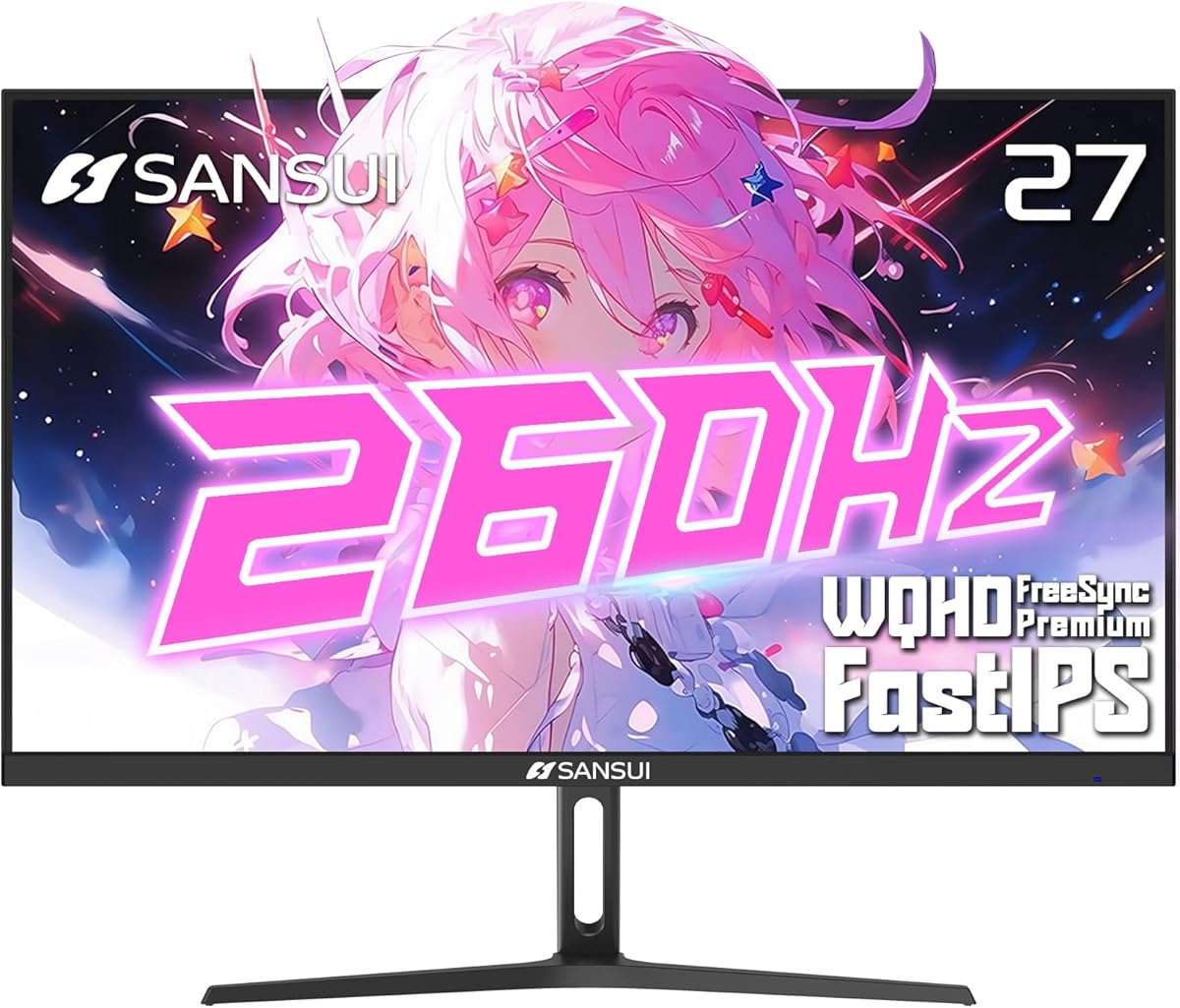
The SANSUI 260Hz monitor is designed for users who demand the highest refresh rates available at this resolution. It delivers up to 260Hz which is ideal for professional competitive gaming where every millisecond counts.
We may earn a commission when you buy through this link, at no additional cost to you.
Its 98 percent DCI-P3 color coverage ensures that the visuals are not only fast but also vibrant and accurate. This makes it a versatile tool for both high speed gaming and creative work.
To fully utilize this refresh rate you need a powerful graphics card. For those with high-end systems this monitor is a perfect match.
If you are a serious gamer chasing the best performance this monitor is worth the investment. It pushes the boundaries of what is available in 1440p.
260Hz provides the smoothest motion possible on this size screen giving you an edge in competitive play.
The high DCI-P3 coverage ensures that colors pop and remain accurate for professional content creation tasks.
We may earn a commission when you buy through this link, at no additional cost to you.
Choosing the right monitor involves understanding how different features affect your gaming and work experience. Here are the key factors to consider before you buy.
Refresh rate measures how many times per second your screen updates. For gaming a rate of 144Hz or higher is recommended to ensure smooth motion without stuttering.
Look for a rate that matches your PC capabilities to avoid bottlenecks.
Response time indicates how quickly a pixel can change color. Faster response times reduce motion blur and ghosting which is crucial for fast-paced action games.
Aim for 1ms or less for the clearest moving images during gameplay.
IPS panels offer excellent color accuracy and wide viewing angles making them versatile for both gaming and creative work.
Choose IPS if you want balanced performance and accurate colors over high contrast.
Adaptive sync technologies like G-Sync and FreeSync prevent screen tearing by matching the monitor refresh rate to your graphics card frame rate.
Ensure the monitor supports the sync technology compatible with your GPU for the best experience.
Adjustable stands that allow height tilt and swivel help maintain a comfortable posture during long sessions.
Check if the stand offers pivot if you plan to use the screen vertically.
Having multiple ports like HDMI and DisplayPort allows you to connect multiple devices easily.
Ensure your chosen model has enough ports for your specific setup needs.
Color gamut coverage defines how many colors a monitor can display. High coverage is beneficial for content creation and vibrant gaming visuals.
Look for sRGB or DCI-P3 coverage depending on your color accuracy needs.
HDR support can enhance contrast and brightness in supported content. It is less critical for gaming but nice for movies.
Verify the HDR level if you want to use the monitor for mixed media consumption.
Set your monitor to the native resolution and highest refresh rate via your operating system settings for the best performance.
Use a quality cable like DisplayPort to ensure your GPU can drive the high refresh rates without issues.
Clean the screen gently with a microfiber cloth and avoid using harsh chemicals to maintain the panel quality.
Yes 1440p offers sharper images and more screen real estate than 1080p. It provides a better balance between detail and performance for mid to high-end PCs.
You will need a capable graphics card to push high frame rates at 1440p. Mid-range cards can handle it but top-tier cards will maximize refresh rates.
Both technologies prevent screen tearing by syncing frame rates. G-Sync is for NVIDIA GPUs while FreeSync is for AMD but many monitors support both via adaptive sync.
Absolutely 27 inch WQHD screens offer plenty of space for multitasking. The resolution is sharp enough for text and comfortable for long work hours.
Yes curved monitors can reduce eye strain and increase immersion. However they might distort straight lines which can be distracting for design work.
It is not strictly necessary but it provides a smoother experience than 60Hz or 144Hz. Competitive gamers often prefer higher rates for an edge in reaction time.
We reviewed ten excellent monitors ranging from budget friendly options to premium high performance models. Each brings unique strengths to fit different needs and budgets effectively.
Prioritize what matters most to you whether that is color accuracy refresh rate or ergonomics. Your specific use case should drive your final decision.
Always check current prices and availability as these change frequently. Make sure your system meets the requirements to get the most out of your new monitor.