
Samsung 49 Odyssey OLED G9
4.3Editor score
QD-OLED Panel
0.03ms Response Time
144Hz Refresh Rate
Finding the right display can transform how you work and play. A 49 inch monitor offers a massive canvas that replaces dual setups with a single seamless experience. These ultrawide screens provide ample space for multitasking immersive gaming, and creative projects.
We compared ten leading models based on resolution, refresh rate, panel type, and connectivity. Our analysis focuses on real-world performance, ergonomic design, and value. Each product was evaluated for its ability to deliver clarity speed, and comfort during extended sessions.
Each pick highlights specific strengths like OLED vibrancy or business connectivity. Ratings reflect user feedback and technical benchmarks. Prices fluctuate frequently so check current listings before purchasing to ensure you get the best deal available on the market.
4.3Editor score
4.5Editor score

4.2Editor score
As an Amazon Associate we earn from qualifying purchases.
This side-by-side comparison highlights the key specifications of each model to help you decide quickly. Look for resolution refresh rates and panel types that match your primary use case.




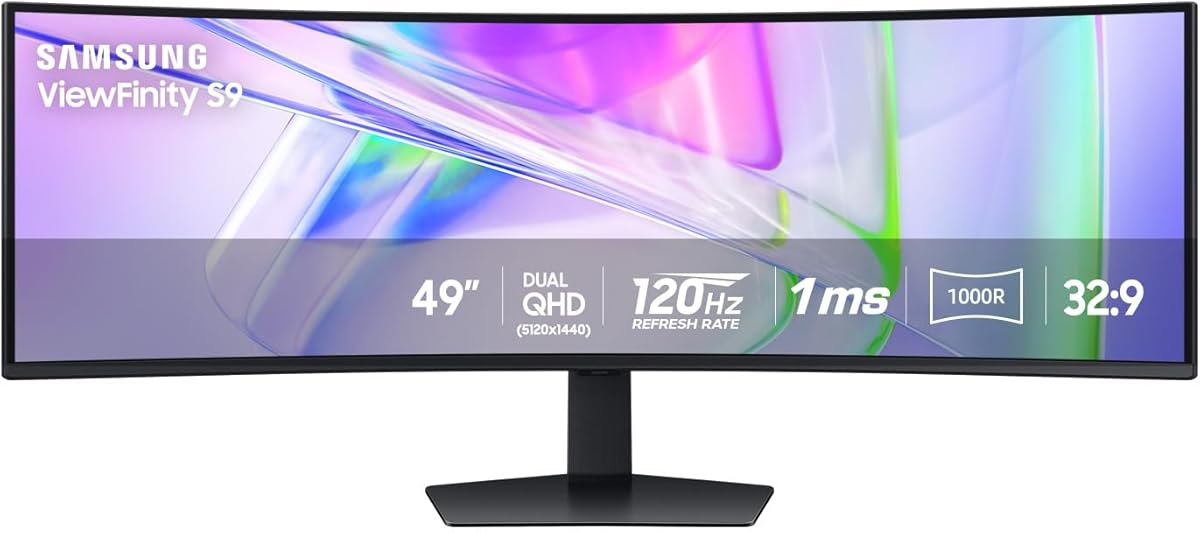
This Samsung monitor stands out as the top choice for professionals needing a single-screen workspace. With a 49 inch Dual QHD display it replaces dual monitors effortlessly. Users praise its ability to streamline workflows through superior clarity and connectivity options.
We may earn a commission when you buy through this link, at no additional cost to you.
The USB-C port supporting 90W charging turns the monitor into a hub for laptops. This reduces cable clutter on your desk significantly. The 120Hz refresh rate ensures smooth scrolling and responsive visuals for both office tasks and casual gaming.
While the HDR 400 certification is decent it may not impress hardcore content creators. However for standard office use the color accuracy remains reliable. The built-in speakers are a nice touch but external audio might still be preferred for critical listening.
Buy this if you value productivity and desk simplicity. It is ideal for designers developers and multitaskers who want one seamless setup. The ergonomic stand allows height adjustment ensuring comfort during long workdays.
The 32:9 aspect ratio lets you view multiple documents side by side without window toggling.
USB-C docking simplifies laptop connections providing video data and power through one cable.
We may earn a commission when you buy through this link, at no additional cost to you.
The Samsung Odyssey OLED G9 delivers a gaming experience few monitors can match. Its QD-OLED panel offers infinite contrast and true blacks perfect for dark scenes. Gamers report immersive visuals that make every pixel pop with vibrant color.
We may earn a commission when you buy through this link, at no additional cost to you.
With a 0.03ms response time motion blur is virtually non-existent. The 144Hz refresh rate keeps gameplay fluid and responsive. Thermal modulation prevents overheating ensuring the panel stays cool during marathon sessions.
Static elements like taskbars dim automatically to prevent burn-in. While this protects the screen it can be distracting for users with static UI elements. Careful management of screen savers is recommended for longevity.
Choose this if you prioritize image quality above all else. It is best for competitive gamers and media enthusiasts seeking the ultimate visual fidelity. Ensure your content avoids static heavy layouts to maximize panel lifespan.
QD-OLED technology expands color gamut offering richer shades than standard LED panels.
Near-instant response times ensure your moves reflect instantly on screen for competitive edges.
We may earn a commission when you buy through this link, at no additional cost to you.
INNOCN delivers impressive specs at a competitive price point. The 5K2K resolution offers sharper text and finer details than standard DQHD. Reviewers note it is great for general gaming and multitasking without breaking the bank.
We may earn a commission when you buy through this link, at no additional cost to you.
The USB-C port supports 65W power delivery simplifying laptop setups. Colors are accurate with 99% sRGB coverage meeting most creative needs. The curved screen wraps around your view enhancing immersion significantly.
HDR 400 support is limited but adequate for general use. The stand allows tilt and height adjustment but lacks swivel which might restrict positioning. Users should consider a VESA mount for more flexibility.
Pick this if you want high resolution on a budget. It suits students and casual gamers needing performance without premium costs. Just be mindful of lighting conditions due to basic HDR capabilities.
5K2K resolution provides clarity often found only in more expensive monitors.
Height adjustment and tilt help maintain a comfortable viewing angle during long tasks.
We may earn a commission when you buy through this link, at no additional cost to you.
CRUA targets fast-paced gamers with a high refresh rate model. The 165Hz refresh rate ensures ultra-smooth motion in action titles. Color accuracy is strong with 120% sRGB coverage making it suitable for design too.
We may earn a commission when you buy through this link, at no additional cost to you.
FreeSync support prevents tearing during intense gameplay. The 1500R curvature balances immersion without being too extreme. Wall mount compatibility offers a clean aesthetic if you prefer a floating look.
Without built-in speakers you will need external audio. The stand lacks advanced ergonomic features like swivel. Users should prioritize this for performance metrics rather than extra accessories.
This is ideal for budget-conscious gamers needing speed. It fits well in home setups where external speakers exist. Prioritize this if 165Hz smoothness is your main requirement.
165Hz refresh rate delivers fluid motion crucial for competitive gaming sessions.
Wide color gamut ensures rich visuals for both gaming and creative work.
We may earn a commission when you buy through this link, at no additional cost to you.
This G9 model pushes speed to the max with a 240Hz refresh rate. HDR 1000 brightness delivers stunning light and shadow details. Gamers praise its ability to eliminate lag in fast titles.
We may earn a commission when you buy through this link, at no additional cost to you.
The 1000R curve wraps aggressively around your vision. This enhances immersion but requires deep desk space. Core lighting adds ambient effects that sync with in-game actions for flair.
At this price point it competes with high-end laptops. Not everyone needs 240Hz unless playing competitive shooters. The aggressive curve might limit placement options in small rooms.
Buy this if you demand the fastest refresh rates available. It is perfect for serious esports enthusiasts who want premium HDR. Ensure your desk is deep enough to accommodate the curve.
240Hz refresh rate provides a distinct advantage in fast-paced competitive matches.
HDR 1000 brightness reveals subtle details in dark or bright environments.
We may earn a commission when you buy through this link, at no additional cost to you.
INNOCN offers a budget-friendly entry into ultrawide gaming. The 144Hz refresh rate keeps gameplay smooth for most users. Built-in speakers add convenience without extra cables for audio.
We may earn a commission when you buy through this link, at no additional cost to you.
Resolution is lower than DQHD models but still acceptable. USB-C support makes laptop docking simple and clean. Color accuracy meets sRGB standards suitable for basic editing tasks.
The 1800R curve is gentle and fits most desks. HDR performance is standard but lacks depth in darker scenes. Users should adjust expectations based on the price point.
This is a great choice for those new to ultrawide. Ideal for casual gamers needing reliable performance. Focus on value and connectivity rather than peak resolution.
USB-C connectivity allows for a single cable connection to laptops.
Integrated speakers reduce clutter by eliminating the need for external ones.
We may earn a commission when you buy through this link, at no additional cost to you.
Amzfast brings multitasking features to a mid-range ultrawide. PIP and PBP allow viewing two sources simultaneously on one screen. This is useful for monitoring chats while gaming.
We may earn a commission when you buy through this link, at no additional cost to you.
Color performance stands out with 120% sRGB coverage. The 120Hz refresh rate ensures smooth visuals for most games. Adaptive Sync helps prevent screen tearing during rapid motion.
Limited user feedback makes reliability harder to gauge. HDR performance is average suitable only for casual media consumption. Check current stock availability before purchasing.
Pick this for its unique split-screen utility. Best for users needing multiple inputs without extra screens. Consider the lack of extensive reviews before committing.
Picture in Picture lets you keep secondary apps visible during gaming.
Eye care tech reduces strain during extended viewing sessions.
We may earn a commission when you buy through this link, at no additional cost to you.
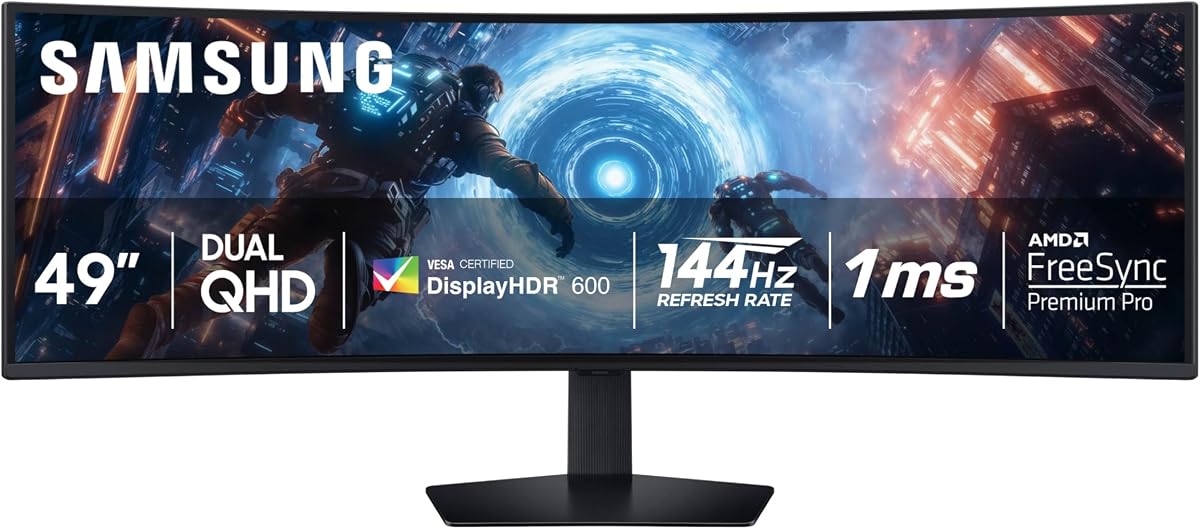
This 2025 model refines the popular G9 legacy. HDR 600 provides decent contrast for general gaming and media. The 144Hz refresh rate balances performance with cost effectively.
We may earn a commission when you buy through this link, at no additional cost to you.
Auto Source Switch simplifies transitions between devices. The ergonomic stand allows easy tilt and height adjustments. Reviewers appreciate the balance of features and reliability.
It lacks OLED benefits but avoids burn-in risks. Price fluctuations may occur so timing matters. Check current deals to find the best value.
Ideal for those wanting proven performance without premium costs. Fits most gaming setups with a balance of features. Ensure you catch it on sale for best value.
Auto Source Switch automatically detects devices reducing input switching hassle.
HDR 600 offers deeper blacks and brighter whites than standard panels.
We may earn a commission when you buy through this link, at no additional cost to you.
MSI merges OLED speed with high refresh rates. The 0.03ms response time eliminates motion blur completely. G-Sync compatibility ensures smooth visuals on NVIDIA GPUs.
We may earn a commission when you buy through this link, at no additional cost to you.
OLED Care features protect the panel from degradation. The 240Hz refresh rate is rare in ultrawide OLEDs. It delivers unmatched fluidity in competitive gaming.
Legacy VGA support is rare and useful for older hardware. Price remains high compared to standard LED options. Ensure your GPU supports full bandwidth.
Choose this for elite gaming performance. It suits serious esports players needing speed. Check compatibility with your PC hardware before purchase.
0.03ms response time provides instant clarity in fast-moving scenes.
Built-in care tools reduce risk of image retention over time.
We may earn a commission when you buy through this link, at no additional cost to you.
ASUS continues to offer reliable performance at lower prices. The 144Hz refresh rate ensures smooth gameplay on a budget. Included Creative Cloud adds value for creators.
We may earn a commission when you buy through this link, at no additional cost to you.
Eye comfort tech minimizes strain during long sessions. The 1800R curve provides comfortable immersion without excessive glare. It is a solid choice for secondary setups.
Resolution is lower than modern standards but acceptable for budget builds. Newer models may offer sharper text. Check if the Creative Cloud offer is active.
Best for budget gamers prioritizing speed. Ideal for setups where resolution isn't critical. Ensure the included benefits still apply before buying.
144Hz refresh rate helps reduce motion blur in competitive titles.
Included creative software adds extra value for content creators.
We may earn a commission when you buy through this link, at no additional cost to you.
Selecting the right ultrawide monitor depends on your primary use case. Consider panel type resolution and connectivity to match your needs.
Resolution determines text clarity and image sharpness. Dual QHD (5120×1440) offers crisp text suitable for work and gaming. Lower DFHD models may appear softer but are cheaper.
Aim for Dual QHD if you want sharp visuals. Check GPU power to drive higher resolutions smoothly.
Refresh rate affects how smooth motion looks. Higher rates like 144Hz or 240Hz reduce blur. Look for Adaptive Sync to prevent tearing.
Prioritize high refresh rates for gaming. For office work 60Hz suffices but higher adds smoothness.
OLED panels offer deep blacks and vibrant colors. VA panels provide good contrast for general use. IPS offers wide viewing angles but lower contrast.
Choose OLED for media immersion. VA balances cost and contrast for general gaming.
Curvature wraps the screen to your view. 1000R is immersive but requires deep desks. 1800R is gentler for varied spaces.
Consider desk depth when choosing curvature. 1000R suits dedicated gaming setups.
USB-C allows single cable charging and display. HDMI and DP ensure compatibility. Check input count for multiple devices.
Prioritize USB-C for laptop users. Verify HDMI 2.1 for next-gen consoles.
Stand adjustability reduces neck strain. Look for height tilt and swivel options. VESA mounts offer more flexibility.
Adjustable stands improve comfort. Use VESA mounts for arm flexibility.
Color coverage impacts creativity. 99% sRGB ensures accurate output. HDR adds contrast but requires true brightness.
Check sRGB for creative work. True HDR needs 600+ nits for impact.
Warranty length covers panel issues. Brands like Samsung and MSI offer strong support. Read reviews for reliability.
Prioritize warranties for expensive units. Check for dead pixel policies.
Always start with proper mounting. Ensure your desk is deep enough to support the curvature. Use VESA mounts if the stand feels unstable.
Adjust brightness and contrast to match your room lighting. Use night modes to reduce eye strain during evenings. Enable adaptive sync for smoother visuals.
Clean the screen gently with a microfiber cloth. Avoid harsh chemicals that damage coatings. Update firmware regularly for optimal performance.
Yes they excel at multitasking. You can split the screen to view multiple apps side by side. This reduces the need for secondary monitors significantly.
Most models support HDR400 or HDR600. Higher tiers like HDR1000 offer better contrast. Check specific certifications for peak brightness claims.
1000R is more immersive but requires a large desk. 1800R is versatile for smaller spaces. Choose based on your room size.
Yes many models like the Samsung Business series are designed for this. They offer high clarity and ergonomic stands. They replace dual monitor setups perfectly.
For competitive gaming 240Hz is ideal. For casual use 144Hz offers smoothness without high cost. Always match your GPU capability.
Higher resolutions like DQHD require strong graphics cards. For basic office use any modern PC suffices. For gaming aim for RTX 3080 or better.
Most support VESA 75×75 or 100×100 mounts. Check the manual to confirm. This allows flexible arm setups if needed.
With proper care they last 5 to 7 years. OLED panels might age differently due to static use. Adjust settings to minimize wear.
We highlighted top models like the Samsung Business 49 for productivity and the Odyssey OLED for gaming. Each serves distinct needs effectively.
Prioritize resolution and refresh rate based on use. A 144Hz DQHD panel offers balance for most users.
Remember prices change often so check current deals. Verify warranty terms before finalizing your purchase decision.