
Samsung 40 Inch ViewFinity S8
4.3Editor score
Thunderbolt 5 connectivity support
5K2K WUHD resolution
Built-in KVM switch included
AI ready monitors are redefining how we interact with digital displays by integrating intelligent features that enhance productivity and entertainment. These screens go beyond traditional visuals to offer adaptive brightness, smart connectivity, and AI driven image optimization.
We evaluated ten leading models based on their AI capabilities, display quality, connectivity options, and user feedback. Our analysis focuses on how each monitor leverages artificial intelligence to improve the user experience in both professional and gaming scenarios.
Each pick highlights specific strengths such as smart home integration, AI upscaling, or advanced image processing. Note that availability and specifications may vary by region and retailer, so verify details before making a purchase decision.
4.3Editor score

4.2Editor score
4.4Editor score
As an Amazon Associate we earn from qualifying purchases.
This side-by-side comparison highlights the key specifications and unique features of each monitor to help you quickly identify the model that best fits your workflow and entertainment needs.



The Samsung 32 Smart Monitor M7 stands out as a top choice for users seeking AI driven display features. It integrates Samsung Vision AI to optimize visuals based on content type ensuring comfortable viewing and immersive gaming experiences.
We may earn a commission when you buy through this link, at no additional cost to you.
Key strengths include the AI Picture Optimizer which adjusts visuals for work or games and the Active Voice Amplifier which analyzes background noise to enhance dialogue clarity. This monitor also provides instant access to streaming content and smart home control without needing a connected PC.
Trade-offs involve reliance on internet connectivity for smart features and the absence of a traditional operating system which may limit flexibility for some power users. However these are acceptable given the focus on standalone convenience and AI automation.
Ideal for smart home enthusiasts and streamers this monitor delivers vivid detail and adaptive audio. It is a strong recommendation for those prioritizing AI features and smart functionality in a versatile display solution.
AI Picture Optimizer adapts visuals to enhance comfort for documents and deepen immersion for games.
Active Voice Amplifier analyzes background noise to adjust content volume for clear dialogue.
We may earn a commission when you buy through this link, at no additional cost to you.
The Samsung 40 ViewFinity S8 offers a premium experience with its 5K2K WUHD resolution and curved panoramic display. It is designed for professionals needing efficient multitasking and robust connectivity for data intensive tasks.
We may earn a commission when you buy through this link, at no additional cost to you.
Standout features include Thunderbolt 5 support allowing up to 140W charging and a built-in KVM switch for controlling two sources with one keyboard and mouse. HDR10+ optimizes brightness and contrast for detailed color gamuts.
The high price and large size are trade-offs but acceptable for users needing maximum screen real estate and connectivity. The ergonomic design allows height tilt and swivel adjustments for comfort.
This monitor is best for creative professionals and multitaskers seeking a seamless experience. It delivers a streamlined view with powerful connectivity for advanced workflows.
The 5K2K WUHD resolution provides a streamlined experience with vivid detail.
Thunderbolt 5 manages data tasks and charging with efficiency.
We may earn a commission when you buy through this link, at no additional cost to you.
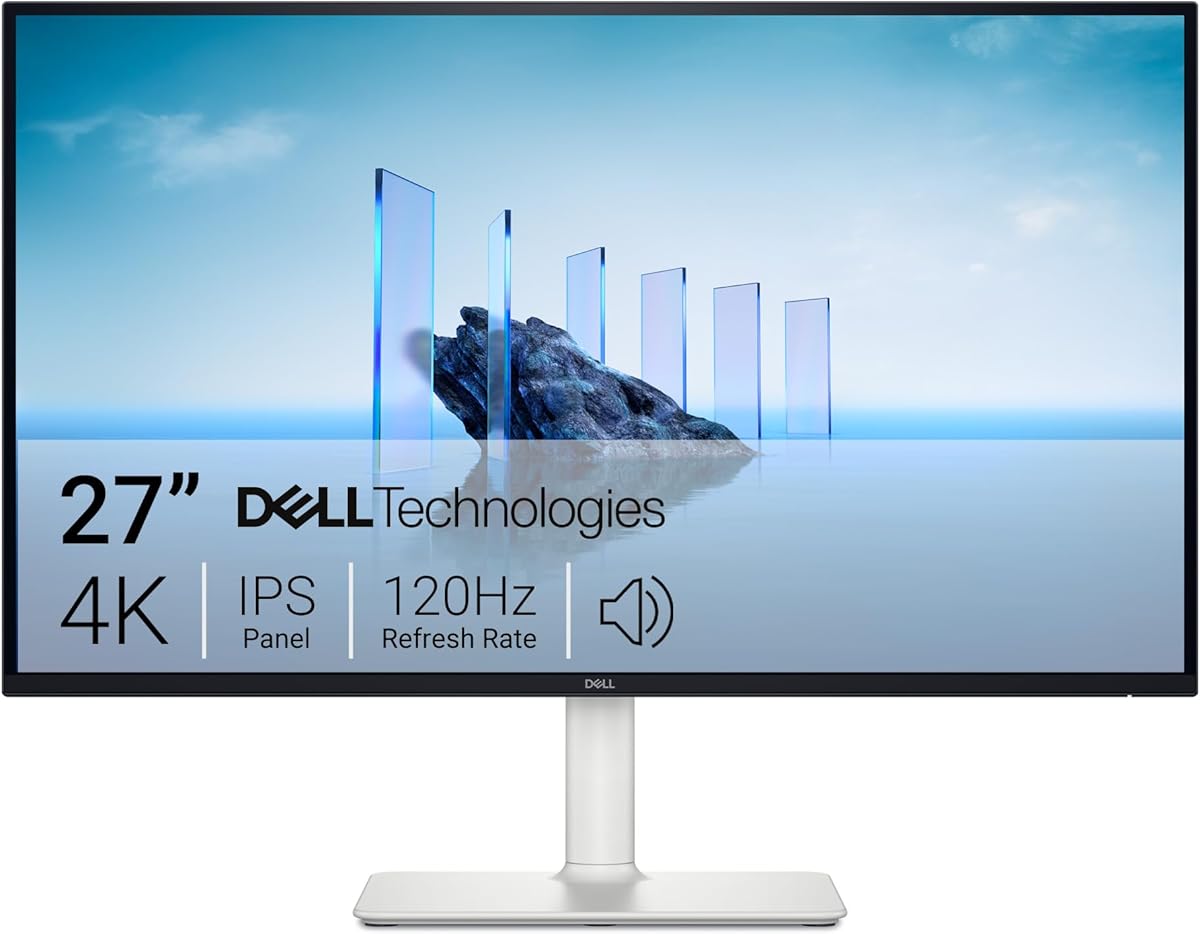
The Dell 27 Monitor S2725QS is a reliable budget option offering solid performance for work and play. It features 4K UHD visuals with IPS technology and a smooth 120Hz refresh rate.
We may earn a commission when you buy through this link, at no additional cost to you.
Strengths include ComfortView Plus which reduces harmful blue light and a re-engineered sound system with detailed audio. The ultra-thin bezel and ash white finish provide a refined minimalist design.
Trade-offs involve the lack of smart OS features and basic inputs compared to smarter models. These are acceptable for users prioritizing visual comfort and design over AI connectivity.
Best for daily office use and casual gaming this monitor delivers comfort and clarity. It is a strong choice for those seeking quality visuals at an accessible level.
ComfortView Plus reduces blue light emissions without sacrificing color accuracy.
Immerse in 4K visuals with 99% sRGB and HDR readiness.
We may earn a commission when you buy through this link, at no additional cost to you.
The LG 27UP850K-W delivers stunning 4K image quality ideal for content creators and media consumption. It supports VESA DisplayHDR 400 and offers vibrant colors with up to 95% DCI-P3 color gamut.
We may earn a commission when you buy through this link, at no additional cost to you.
Key strengths include USB Type-C for data and power delivery up to 90W plus built-in stereo speakers with Waves MaxxAudio. The ergonomic stand allows flexible height tilt and pivot adjustments.
Trade-offs involve the absence of smart apps and limited gaming features compared to dedicated gaming models. These are acceptable for users focusing on visual fidelity and connectivity.
Best for creators and media users this monitor provides immersive visuals and convenient connectivity. It is a solid choice for those seeking color accuracy and HDR support.
Explore HDR content with 95% DCI-P3 color gamut expression.
USB Type-C enables data transfer and power delivery without adapters.
We may earn a commission when you buy through this link, at no additional cost to you.
The Samsung 32 M8 Smart Monitor enhances entertainment with AI upscaling and direct streaming access. It optimizes lower resolution content to nearly 4K for clearer visuals.
We may earn a commission when you buy through this link, at no additional cost to you.
Strengths include controlling multiple devices with one mouse and keyboard plus HDR10+ for nuanced settings. The SolarCell Remote eliminates disposable batteries and the SlimFit Camera aids video calls.
Trade-offs involve reliance on internet and potential subscription needs for gaming. These are acceptable for smart home integration and streamlined control.
Best for entertainment focused users this monitor provides convenience and smart features. It is a strong choice for those seeking a 2nd TV or smart display.
Unlock full 4K potential by upscaling lower resolution content.
Maximize multitasking by controlling multiple devices seamlessly.
We may earn a commission when you buy through this link, at no additional cost to you.
The LG 27U730SA-W reimagines home office use with webOS and remote PC access. It provides seamless access to streaming apps without a PC.
We may earn a commission when you buy through this link, at no additional cost to you.
Key strengths include Brightness Control which adjusts visuals and Dynamic Tone Mapping for optimal detail. USB Type-C allows connection and charging with one cable.
Trade-offs involve remote control dependency and average audio quality. These are acceptable for office flexibility and streaming convenience.
Best for remote workers this monitor delivers versatile access and control. It is a strong choice for those seeking a PC free home office.
Remotely access your PC and cloud services via Remote PC.
Brightness Control adjusts screen for clear visuals day or night.
We may earn a commission when you buy through this link, at no additional cost to you.
The ASUS ROG XG27ACS is designed for professional gamers needing ultrafast performance. It delivers sharp visuals with 180Hz refresh rate and Fast IPS technology.
We may earn a commission when you buy through this link, at no additional cost to you.
Strengths include ELMB SYNC for motion blur reduction and a USB-C hub for peripherals. The 1ms response time ensures sharp visuals.
Trade-offs involve lack of smart features. These are acceptable for competitive gaming focus.
Best for competitive gamers this monitor provides responsiveness and clarity. It is a strong choice for immersive gameplay.
Ultrafast 180Hz refresh rate designed for professional gamers.
USB-C hub supports video and peripheral connections.
We may earn a commission when you buy through this link, at no additional cost to you.
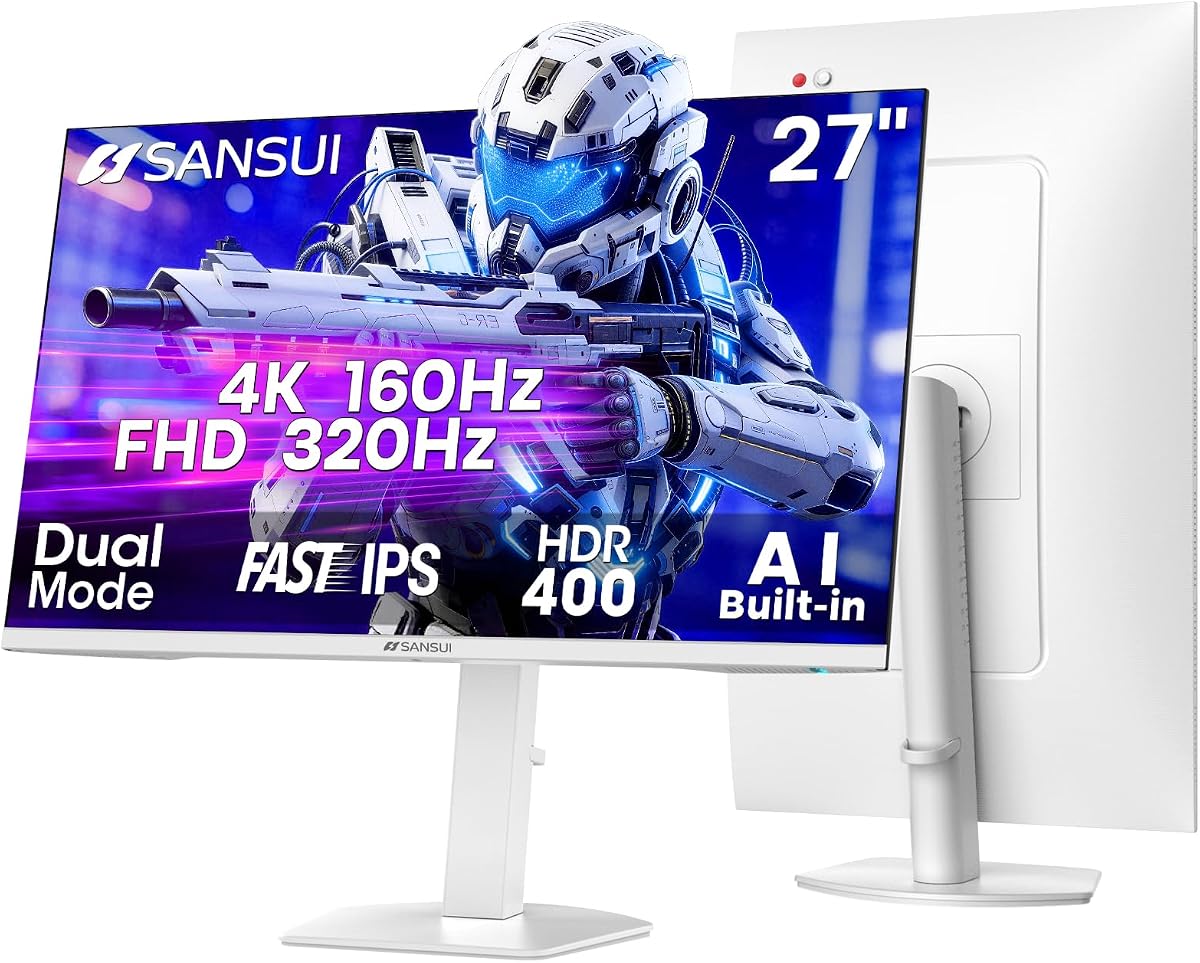
The SANSUI 27 4K Gaming Monitor offers versatile performance with dual mode refresh rates. It balances 4K clarity and FHD speed.
We may earn a commission when you buy through this link, at no additional cost to you.
Strengths include AI Crosshair for precision and HDR400 for depth. The stand supports pivot and swivel.
Trade-offs involve basic AI features. These are acceptable for the value.
Best for gamers seeking versatility this monitor delivers adaptable performance. It is a strong choice for diverse gaming styles.
Dual mode PC monitor for gaming and office.
AI Crosshair and Sniper Scope enhance precision.
We may earn a commission when you buy through this link, at no additional cost to you.
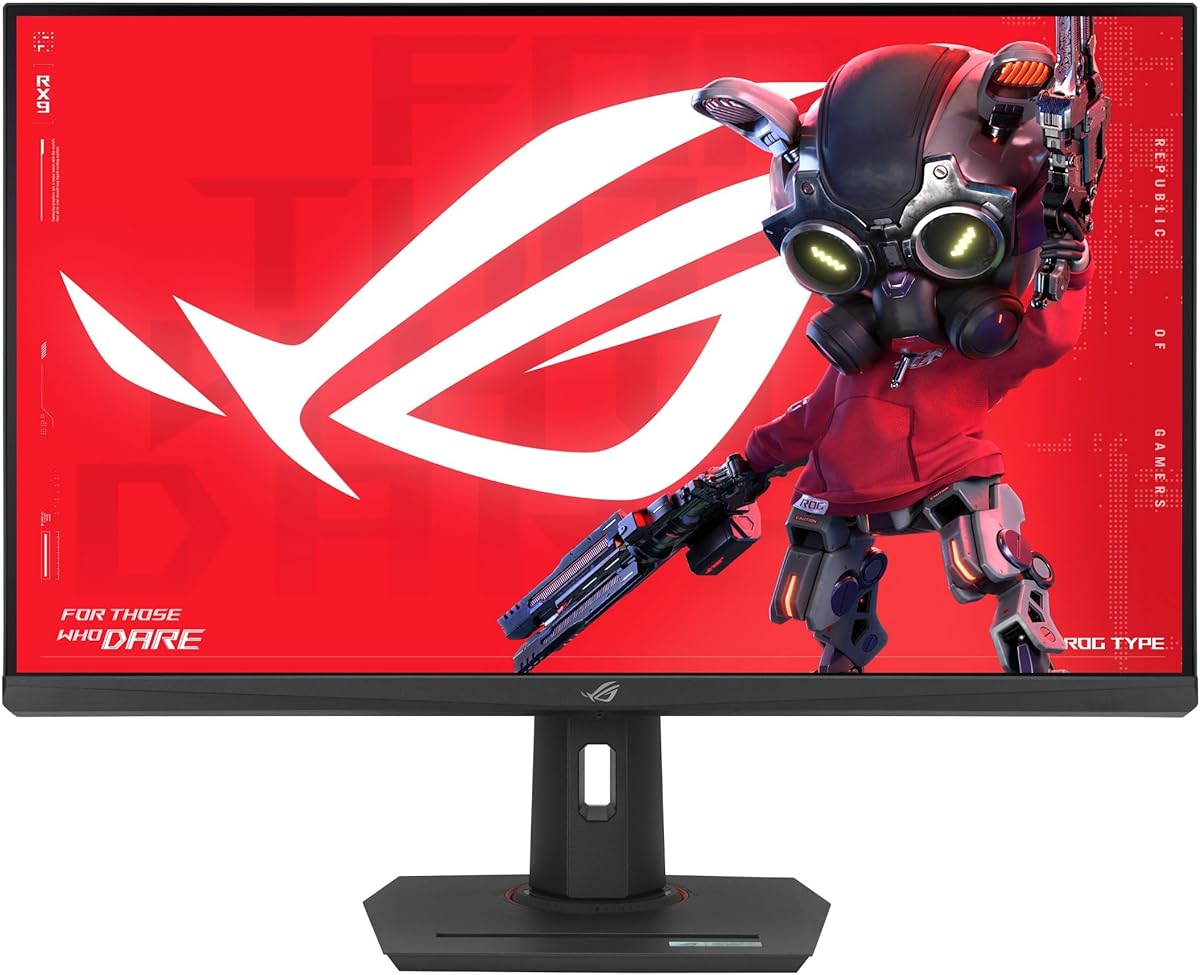
The ASUS ROG XG32UCG is a premium gaming display with dual mode technology. It offers 4K 160Hz or FHD 320Hz performance.
We may earn a commission when you buy through this link, at no additional cost to you.
Strengths include 0.3ms response time and ROG Gaming A.I. USB-C simplifies setup.
Trade-offs involve high cost. These are acceptable for premium quality.
Best for serious gamers this monitor delivers top performance. It is a strong choice for competitive play.
Dual mode display technology for 4K or FHD.
ROG Gaming A.I enhances gaming experience.
We may earn a commission when you buy through this link, at no additional cost to you.
The SANSUI 34 Curved Gaming Monitor offers an immersive ultrawide experience. It delivers fast performance with AI built-in.
We may earn a commission when you buy through this link, at no additional cost to you.
Strengths include 200Hz refresh and AI Blue light reduction. VESA mount compatible.
Trade-offs include no speakers. These are acceptable for the price.
Best for wide immersion this monitor delivers speed. It is a strong choice for gaming.
34 inch curved 1500R display.
AI Blue light reduction technology included.
We may earn a commission when you buy through this link, at no additional cost to you.
Choosing an AI ready monitor requires evaluating resolution refresh rate AI features and connectivity to match your specific use case.
Select a resolution and size that match your workspace. Higher resolutions like 4K offer clarity for design and video while larger sizes benefit multitasking.
Match screen size to room distance for optimal viewing.
Higher refresh rates ensure smooth motion for gaming and scrolling. Response time affects blur and ghosting particularly in fast-paced scenarios.
Prioritize refresh rate for gaming and speed for work.
Look for AI image optimization adaptive brightness or noise reduction. These features enhance comfort and visual fidelity automatically.
Verify AI functions align with your daily tasks.
Ensure USB-C HDMI and DisplayPort options meet your devices. Smart monitors may require stable Wi-Fi for streaming.
Check power delivery and hub needs.
Adjustable stands reduce strain with height tilt and swivel. VESA mounting allows flexibility for arm mounts.
Prioritize ergonomic adjustability.
IPS offers wide viewing angles and color. VA provides deep contrast and OLED delivers deep blacks.
Choose based on color and contrast needs.
High DCI-P3 and sRGB coverage are vital for creators. Look for calibration and HDR support for vibrant visuals.
Confirm color coverage for design work.
Prices vary by resolution and features. Determine a range that balances quality and value.
Invest in features you will use.
Connect via USB-C or HDMI to ensure optimal signal and power. Enable smart features through the on-screen menu settings.
Calibrate display settings to match room lighting and viewing distance. Update firmware to benefit from latest AI enhancements.
Clean with a soft microfiber cloth and avoid harsh chemicals. Ensure ventilation around the unit for long-term performance.
An AI ready monitor integrates intelligent features like adaptive brightness AI image upscaling and smart connectivity. It optimizes performance automatically without requiring external processing.
Some features like streaming apps require internet but basic AI optimizations such as brightness control work locally. Check model specifics for offline capabilities.
Smart monitors can function as standalone displays for streaming but full productivity often requires a PC connection. Remote access features may help bridge this gap.
It analyzes input content and adjusts contrast color and brightness dynamically. This ensures optimal viewing based on scene complexity.
USB-C supports video and power but power delivery depends on wattage. Verify device compatibility for charging needs.
60Hz suffices for office work but gamers benefit from 120Hz or higher. Match refresh rate to your primary content type.
The top picks offer diverse strengths from smart home control to high refresh gaming displays. Samsung and LG lead in AI integration while Dell provides reliable performance.
Prioritize features like AI optimization and connectivity based on your workflow. Ergonomics and resolution should also guide your final selection.
Verify current availability and regional specs as details vary. Ensure your choice aligns with your specific display needs.