
ASUS ProArt PZ13 2-in-1 AI Laptop
3.9Editor score
OLED 3K Display
Snapdragon X Plus Processor
1TB NVMe SSD
Finding a detachable laptop that works seamlessly with a dock requires careful consideration of connectivity, performance, and build quality. These versatile devices offer the portability of a tablet with the productivity of a laptop when connected to external displays and peripherals.
We compared ten real products based on their processor power, screen quality, connectivity options, and user ratings. Each model was evaluated for its ability to handle docking scenarios efficiently while maintaining portability for on-the-go use.
This guide details the strengths and weaknesses of each option to help you choose wisely. Remember that availability and configurations can vary, so always verify current specifications before making your final purchase decision.
3.9Editor score

4.5Editor score
4.4Editor score
As an Amazon Associate we earn from qualifying purchases.
The following table provides a side-by-side overview of all ten models analyzed in this guide. Use this comparison to quickly identify key differences in processors, storage, memory, and display specifications across the range.


This Dell Latitude 7000 7320 Detachable stands out as the top choice for users needing a reliable device for docking. It has a 4.5-star rating and offers strong performance with its Core i7 processor and 16GB RAM. The inclusion of Thunderbolt 4 ensures fast data transfer and seamless external display connectivity.
We may earn a commission when you buy through this link, at no additional cost to you.
The device handles multitasking efficiently thanks to the quad-core processor that boosts to 4.6 GHz under heavy load. Its 13-inch FHD+ touchscreen provides clear visuals for documents and media. The included keyboard and Windows 11 Pro make it ready for professional environments immediately.
While the 256GB storage is standard for this class, users with large files may need external drives. The pen is also sold separately which is an extra cost to consider. These trade-offs are acceptable given the overall performance and connectivity options.
If you need a dependable detachable for dock usage that balances portability with power, this model is the recommendation. It suits professionals who value Thunderbolt connectivity and Windows 11 Pro features over maximum storage capacity.
The Thunderbolt 4 port allows for high-speed data transfer and supports external monitors with power delivery making docking setup simple and efficient.
Windows 11 Pro includes advanced security and productivity features like Active Directory and Bitlocker encryption ideal for business or remote work scenarios.
We may earn a commission when you buy through this link, at no additional cost to you.
The ASUS ProArt PZ13 offers a premium experience with its OLED 3K display and generous storage. Rated 3.9 stars it targets users wanting high-fidelity visuals and ample space. The Snapdragon X Plus processor provides efficiency and multitasking capability suitable for media and light creative work.
We may earn a commission when you buy through this link, at no additional cost to you.
Its standout feature is the included Dockztorm Portable USB Hub which enhances connectivity for dock scenarios. The 1TB SSD ensures plenty of room for projects and files. The AMOLED screen delivers vibrant colors and deep blacks ideal for design or entertainment tasks.
Users should verify app compatibility with the ARM-based processor as some x86 applications may run slower. The rating reflects some user concerns but the hardware specs are impressive for the price point. These factors are manageable for those prioritizing screen quality.
Choose this model if visual fidelity and storage are your top priorities for a detachable setup. It is particularly well suited for creative professionals or media consumers who dock frequently and need reliable connectivity options.
The 2.8K AMOLED touchscreen provides exceptional color accuracy and contrast making it perfect for creative work or watching high-quality video content.
The included Dockztorm USB Hub offers fast data sync and additional ports reducing the need for separate docking solutions when connecting peripherals.
We may earn a commission when you buy through this link, at no additional cost to you.
This Dell Latitude 7320 offers excellent value for budget conscious buyers seeking a capable detachable. With a 4.4-star rating it delivers strong performance through its Core i5 processor and 16GB RAM. The FHD+ touch screen provides clear visuals for daily productivity tasks without breaking the bank.
We may earn a commission when you buy through this link, at no additional cost to you.
The device handles multiple applications smoothly thanks to the generous RAM capacity. Its Windows 11 Pro license ensures access to security features typically reserved for enterprise users. The renewed status means it has been tested for quality but is more affordable than new models.
Storage is limited to 256GB which may require cloud or external solutions for large files. Being a renewed unit buyers should check warranty terms carefully upon purchase. These factors are minor compared to the overall value proposition for students or casual users.
For those seeking a reliable dock compatible laptop at a lower price this model is the ideal choice. It balances essential features and cost effectively making it accessible for a wider range of users needing mobility and connectivity.
This renewed unit provides professional features and solid performance at a fraction of the cost of new models making technology accessible to more users.
With 16GB of RAM this device can handle multitasking and browser tabs efficiently without slowing down even during busy work sessions.
We may earn a commission when you buy through this link, at no additional cost to you.
This variant of the Dell Latitude 7320 increases storage to 512GB while maintaining the Core i5 processor and 16GB RAM. It is suitable for users needing more local file space without upgrading to higher tier models. The rating of 3.1 suggests mixed user experiences but offers solid technical specs.
We may earn a commission when you buy through this link, at no additional cost to you.
The added storage allows for more applications and files to be stored locally reducing reliance on cloud services. Its Windows 11 Pro setup ensures security features are available for work environments. The 13-inch touchscreen provides a familiar interface for touch input.
The lower rating may indicate variability in renewed unit quality or battery life concerns. Potential buyers should weigh the storage benefit against the cost difference compared to the 256GB version. These factors depend on individual storage needs and budget flexibility.
Choose this model if you require more than 256GB of storage but not the highest capacity. It remains a competent option for general productivity when connected to a dock for extended desktop use sessions.
The 512GB SSD provides double the storage of the base model allowing more files to be stored locally without external drives.
Windows 11 Pro is included ensuring access to device encryption and management tools suitable for professional environments.
We may earn a commission when you buy through this link, at no additional cost to you.
The Lenovo Chromebook Duet Gen 9 brings Chrome OS to a detachable form factor with strong battery life. Rated 4.2 stars it is ideal for users who rely on web-based apps and cloud storage. Its USB-C ports allow connection to external monitors without needing a dock station.
We may earn a commission when you buy through this link, at no additional cost to you.
The MediaTek processor with AI power enhances multimedia performance and user interactions. Its lightweight build and military grade durability make it suitable for travel or daily commuting. The WUXGA display provides sharp visuals for documents and streaming content.
Chrome OS limitations mean some desktop applications are unavailable which could impact specific workflows. The 8GB RAM is adequate for most web tasks but may struggle with heavy multitasking. These trade-offs are acceptable for cloud-centric users.
If you prefer simplicity and long battery life for dock connectivity this Chromebook is a smart pick. It works well for students or casual users who need a flexible device that transitions easily between tablet and laptop modes.
With up to 12 hours of battery life this device lets you work or study for extended periods without needing to recharge constantly.
USB-C ports support external monitors directly up to 4K resolution reducing the need for additional docking accessories.
We may earn a commission when you buy through this link, at no additional cost to you.
This Dell Latitude 7320 variant offers an entry-level configuration with 8GB RAM. It maintains the Core i5 processor for decent processing speed but limits multitasking headroom. The lack of a rating requires buyers to rely on product specs for evaluation.
We may earn a commission when you buy through this link, at no additional cost to you.
Windows 11 Pro provides standard security and productivity features suitable for basic business tasks. The 256GB SSD ensures quick boot times and responsive system performance. Its silver finish adds a professional aesthetic to the detachable form factor.
With 8GB RAM users may experience slower performance when running many apps or browser tabs. This limits its suitability for heavy workflows compared to 16GB models. The decision depends on typical usage patterns and budget constraints.
Choose this model if you primarily need simple productivity tasks with minimal multitasking. It serves as an affordable option for those who connect to a dock occasionally and do not require high RAM capacity for performance.
The processor ensures responsive performance for common tasks and maintains efficiency for daily workloads without excessive power consumption.
Windows 11 Pro includes essential business tools and security protocols making it suitable for professional environments and remote work.
We may earn a commission when you buy through this link, at no additional cost to you.
This variant features similar specs to the Pro version but runs Windows 11 Home instead. The 1TB SSD and 16GB RAM provide ample resources for demanding tasks. Rated 3.2 stars it reflects some user dissatisfaction but retains strong hardware capabilities.
We may earn a commission when you buy through this link, at no additional cost to you.
The OLED display continues to be a highlight with vibrant colors and sharp text for viewing. The included USB hub simplifies peripheral connections when docked without needing extra adapters. Backlit keys improve typing experience in low light environments.
Windows 11 Home lacks some enterprise features available in Pro but suits most personal users. The rating may stem from software compatibility or battery optimization issues. These are minor concerns given the overall value.
For those seeking high specs without needing Pro features this model offers a good balance. It is suitable for home or creative use where visual quality and storage are more important than advanced management tools.
The 3K AMOLED screen delivers stunning visuals with deep blacks and vivid colors making media and design work look exceptional.
The portable USB hub included with purchase improves connectivity options for external devices and accessories easily.
We may earn a commission when you buy through this link, at no additional cost to you.
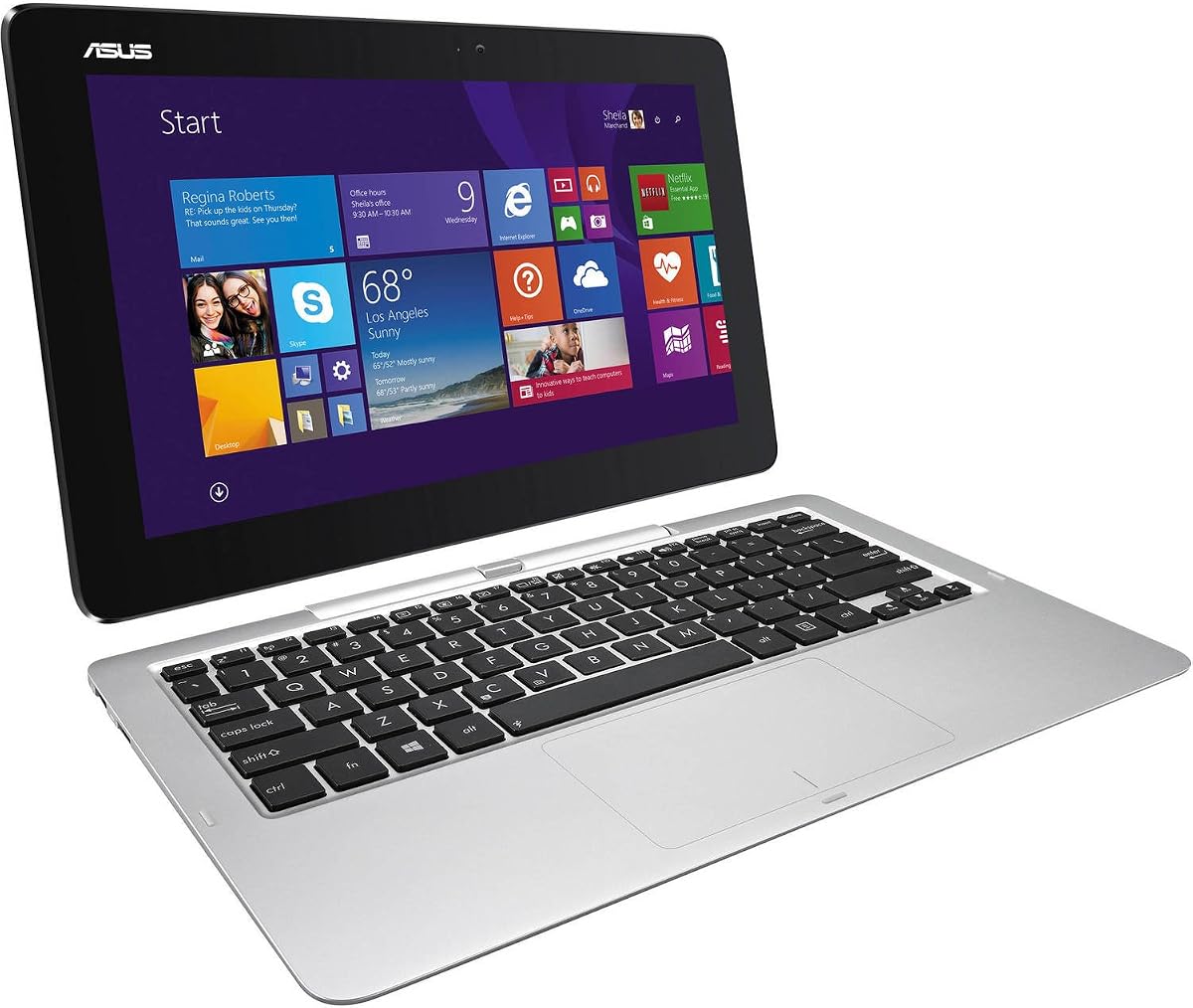
This ASUS Transformer Book is an older model designed for basic use. It features 4GB RAM and 64GB storage which are minimal by modern standards. Rated 3.7 stars it shows limited appeal for heavy workloads but may suffice for light tasks.
We may earn a commission when you buy through this link, at no additional cost to you.
Its small 11.6-inch screen and compact build make it highly portable. The touch interface allows simple navigation for web browsing or email. However the processor and memory limit performance for anything beyond basic productivity.
Limited storage and RAM mean users will likely rely heavily on cloud services. The Windows 8.1 OS may no longer receive support updates making security a consideration. These factors restrict its use to simple scenarios.
Choose this only for light occasional use or legacy compatibility. It is not recommended for dock-dependent workflows needing higher performance or modern software support.
The lightweight and compact design makes it easy to carry around for simple tasks on the go.
The modest specs make this an economical option for users with very basic computing needs and tight budgets.
We may earn a commission when you buy through this link, at no additional cost to you.
This maximum storage variant of the Latitude 7320 comes with 1TB SSD and 16GB RAM. Rated 2.4 stars it has significant user feedback issues but offers strong hardware specs on paper. The capacity ensures extensive file storage without cloud reliance.
We may earn a commission when you buy through this link, at no additional cost to you.
The Core i5 processor maintains consistent performance for daily tasks with ample memory for multitasking. Thunderbolt 4 ports support external displays and fast data transfer for docking. Windows 11 Pro adds enterprise grade security and tools.
Low ratings suggest potential unit quality variability or battery issues. The price is higher than standard models which may impact value perception. These factors require careful review of warranty and return policies.
If maximum local storage is essential and specs match needs this could work. However users should consider alternatives with better ratings unless storage is the priority over reliability.
With 1TB of SSD space users can store large files and applications locally without needing external storage solutions.
Windows 11 Pro provides advanced security and management tools suitable for business environments.
We may earn a commission when you buy through this link, at no additional cost to you.
This renewed Dell Latitude 7320 combines i7 performance with 16GB RAM and 512GB storage. Rated 4.3 stars it offers reliable hardware for demanding users needing speed. The processor boosts to 4.6 GHz providing strong single core performance.
We may earn a commission when you buy through this link, at no additional cost to you.
Its FHD+ touchscreen ensures clear visuals for work and media. Windows 11 Pro supports professional features and security protocols effectively. The renewed status delivers this performance at a more affordable cost than new models.
The higher price compared to i5 versions may not justify the upgrade for basic users. Battery life varies with renewed units but generally meets daily needs. These factors are acceptable for performance focused buyers.
Select this model if you need faster processing power and storage capacity within the Dell line. It serves well for professional workflows requiring multitasking speed and dock connectivity without buying new.
The Core i7 processor delivers fast speeds for demanding tasks ensuring smooth multitasking and responsiveness.
Windows 11 Pro and 16GB RAM make this device capable of professional workflows and business applications.
We may earn a commission when you buy through this link, at no additional cost to you.
Choosing the right detachable laptop for docking requires understanding connectivity, performance, and display needs.
The processor determines how well the device handles multitasking and docked applications. Look for Intel Core i5 or i7 or Snapdragon X Plus for efficient performance.
Prioritize processors with higher base speeds and boost capabilities for smoother workflows.
Ensure the device has Thunderbolt 4 or USB-C with power delivery to connect to docks effectively. Additional ports like USB-A reduce adapter dependency.
Check for integrated Ethernet or wireless standards to maintain stable connections when docked.
RAM affects multitasking efficiency especially when running multiple apps and browser tabs. Aim for at least 16GB for comfortable use.
More memory ensures the system remains responsive even with external monitors connected.
SSD capacity determines local file storage. Consider 512GB or higher if you store large files locally.
Larger SSDs reduce reliance on cloud storage or external drives during dock usage.
Screen resolution and technology impact visual clarity. Look for Full HD or OLED panels with touch support.
High brightness and color accuracy are essential for productivity and content creation.
Windows 11 Pro offers advanced features suitable for business environments. Chrome OS suits simpler web-based workflows.
Choose an OS that supports your required apps and security needs.
Durability and weight matter for portable use. Military grade certifications indicate ruggedness.
A sturdy chassis ensures the device withstands frequent detaching and docking.
Long battery life allows extended use away from power sources. Aim for at least 10 hours.
Efficient processors contribute to longer runtimes and better portability.
When docking ensure the USB-C or Thunderbolt cable is securely connected to both the device and the dock. Verify that external monitors and peripherals are detected properly before starting work.
Keep the device clean by wiping the screen and keyboard regularly with microfiber cloths. Avoid exposing the detachable ports to dust or moisture to prevent connection issues.
Update drivers and firmware periodically to maintain compatibility with docking accessories. Monitor battery health and charge cycles to prolong device lifespan over time.
A detachable laptop is suitable for docking if it has compatible ports like USB-C with DisplayPort and power delivery. It should support external displays and provide sufficient power and data throughput for connected peripherals.
Not all detachable laptops connect to every dock. Compatibility depends on port types supported. Always check that your device has the required Thunderbolt or USB-C specifications.
At least 16GB of RAM is recommended to handle multiple applications and external monitors smoothly. This ensures the system remains responsive when multitasking during docked sessions.
Windows 11 Pro is not strictly necessary but offers advanced security features useful for business environments. Home versions work fine for personal productivity and docking tasks.
Most detachable laptops include a detachable keyboard that can connect via Bluetooth. When docked external keyboards can also be used for enhanced typing comfort.
Avoid keeping the battery at full charge continuously and limit extreme temperature exposure. Regular updates and optimized charging settings help maintain long-term battery capacity.
The top picks in this guide offer strong options across various budgets and performance needs. Dell and ASUS models lead with robust features and compatibility for docking scenarios.
When prioritizing consider processing power connectivity options and screen quality to match your workflow requirements. Memory and storage capacity play key roles in long-term satisfaction.
Always verify current pricing and availability since stock varies. Use the comparison details provided to ensure your final selection meets all your functional expectations.