
Aura Digital HD Picture Frame
4.7Editor score
Unlimited free storage
One-minute setup
Premium gift packaging
Finding the right digital picture frame for grandparents can be a meaningful way to keep them connected with family. These devices allow you to share photos and videos easily, bringing warmth to their home. The best models prioritize simplicity, large displays, and reliable connectivity for a seamless experience.
We have compared ten leading options based on screen quality, storage capacity, and user feedback. Each frame offers unique features like touchscreens, app sharing, or offline capabilities. Our analysis focuses on what matters most to seniors, ensuring ease of use and lasting satisfaction.
Every pick highlights specific strengths, from budget-friendly options to premium displays. Prices may vary over time, so check current listings for the best deals. Read on to find the ideal frame that will help your loved ones cherish memories every day.
4.7Editor score
4.7Editor score

4.6Editor score
As an Amazon Associate we earn from qualifying purchases.
This table provides a side-by-side view of all ten frames. Compare screen sizes, storage limits, and key features to see which model fits your needs.


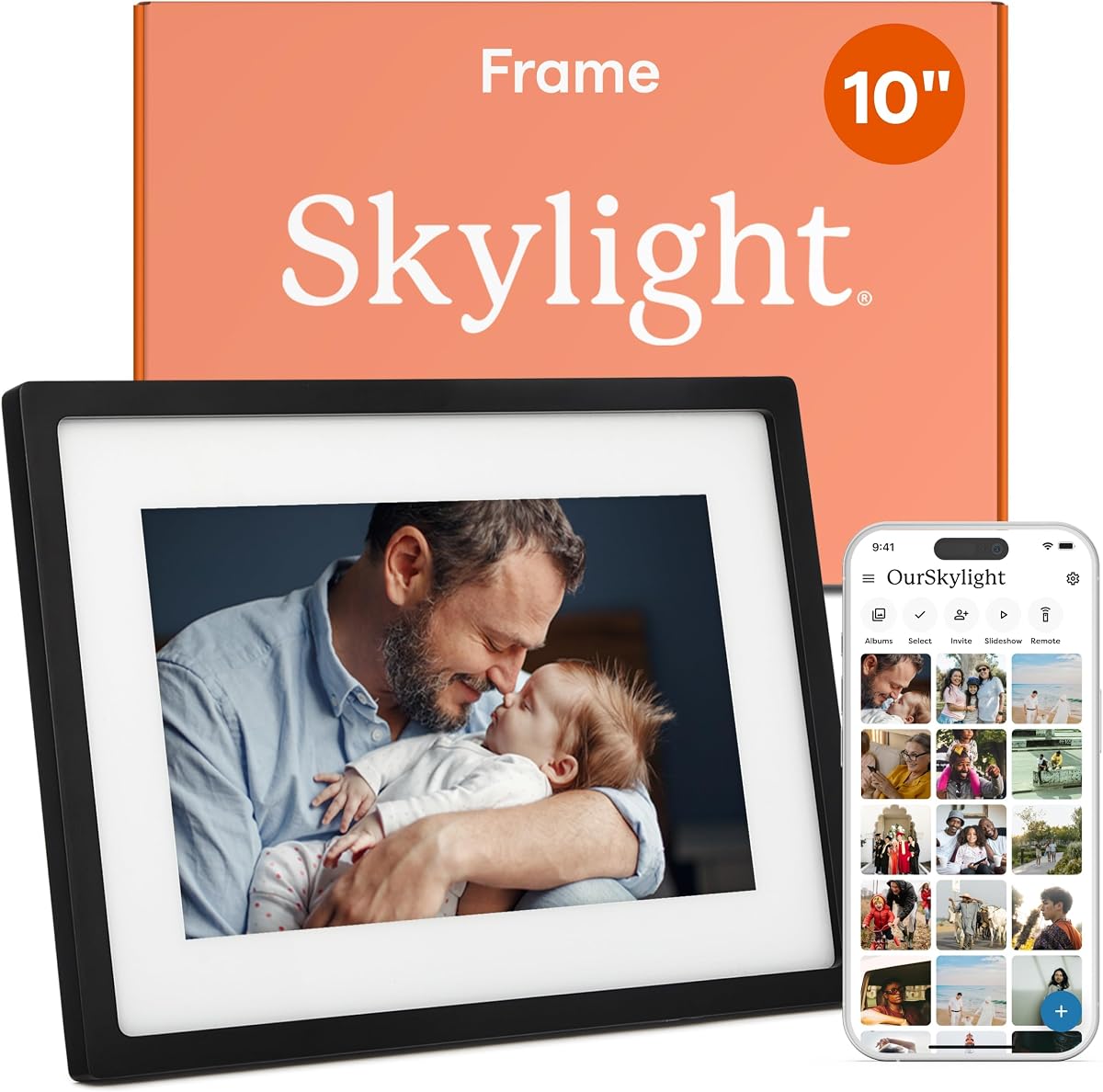
The Skylight Digital Picture Frame is a highly rated choice known for its simplicity. It allows you to send photos via a unique email address, making it perfect for those who prefer not to use apps.
We may earn a commission when you buy through this link, at no additional cost to you.
Its 10-inch Full HD display provides vibrant visuals. The setup is incredibly easy, involving just plugging it in and connecting to Wi-Fi. This ease of use is ideal for seniors.
While it relies on cloud storage, some users may prefer local options like SD cards. However, this simplifies the experience for most. The gift mode ensures the frame is ready upon opening.
Anyone looking for a hassle-free photo gift will appreciate this model. It bridges generations by allowing daily updates without technical hurdles.
Send photos directly to the frame using a unique email address. No app download is required for the sender.
Use Gift Mode to preload photos and messages before unboxing. This ensures immediate enjoyment upon opening the package.
We may earn a commission when you buy through this link, at no additional cost to you.
Aura frames are recognized for their high-quality displays and premium packaging. They offer unlimited free storage without hidden fees, making them a great long-term choice for families.
We may earn a commission when you buy through this link, at no additional cost to you.
The auto brightness sensor adjusts the screen to ambient light, reducing eye strain. Its design fits effortlessly into modern homes, acting as both tech and decor.
The higher cost may be a consideration for some buyers. Additionally, it does not support SD cards, relying solely on the cloud. This can be a drawback for local storage needs.
Ideal for those seeking a seamless experience with unlimited photo uploads. It is a top recommendation for quality-conscious buyers.
Add unlimited photos and videos without worrying about limits or subscription costs. The free Aura app makes this simple.
The built-in light sensor adjusts the screen brightness to match the room. This ensures a comfortable viewing experience.
We may earn a commission when you buy through this link, at no additional cost to you.
This Frameo model offers excellent value for money. It supports non-WiFi transmission, which is a relief for those who find apps overwhelming. The included magnetic stand allows easy switching between portrait and landscape.
We may earn a commission when you buy through this link, at no additional cost to you.
Its touchscreen interface makes navigation intuitive. You can transfer photos via SD card or USB drive if internet is not available. This flexibility is rare at this price point.
The screen size is compact compared to larger options. Also, storage drives must be formatted to FAT32, which can be a minor hurdle. However, the performance is solid.
A great entry-level option for families on a budget. It balances functionality and cost well for grandparents needing simplicity.
Transfer photos without Wi-Fi using SD cards or USB drives. This ensures usability even in areas with poor connectivity.
The stand allows quick rotation between vertical and horizontal modes. You can hang it on a wall or place it on a shelf.
We may earn a commission when you buy through this link, at no additional cost to you.
The 64GB 15.6" Frameo Frame stands out for its large display. This size makes photos easy to see from across the room. It supports over 100,000 photos, ensuring you never run out of space.
We may earn a commission when you buy through this link, at no additional cost to you.
The touchscreen interface is responsive and user-friendly. You can use the reply function to send emojis back to loved ones. It supports both photos and short videos effectively.
Users should be careful with the Type-C power adapter to avoid damage. Also, video uploads via app are limited to 15 seconds. These are minor issues compared to the display quality.
Perfect for grandparents with vision concerns. The large screen and high resolution provide a premium viewing experience.
The 15.6-inch Full HD screen offers vivid colors. It is designed to be viewed from any angle in the room.
Send emojis to let loved ones know you appreciate their photos. This interactive feature adds fun to the sharing experience.
We may earn a commission when you buy through this link, at no additional cost to you.
This frame mirrors the benefits of the larger model with its 15.6-inch display. It offers vivid colors and detailed images. The touchscreen simplifies navigation for daily use.
We may earn a commission when you buy through this link, at no additional cost to you.
You can set a sleep mode to save energy. The auto-rotate feature ensures photos always display correctly. It supports various formats like JPG and MP4 for videos.
Video uploads via the app are limited to 15 seconds. Also, USB transfer from computers is not supported. However, these limitations are outweighed by the screen quality.
A strong contender for those prioritizing screen size. It delivers a premium visual experience for any home setting.
Set the frame to turn off automatically to save power. This ensures it is not on when no one is in the room.
Photos adjust automatically between portrait and landscape modes. This ensures images are always oriented correctly for viewing.
We may earn a commission when you buy through this link, at no additional cost to you.
The AEEZO frame is noted for its auto-rotate feature. Gravity sensors adjust the image orientation based on placement. The touchscreen is crystal clear and responsive.
We may earn a commission when you buy through this link, at no additional cost to you.
You can enable weather display and adjust volume easily. It comes with a one-year warranty and 24-hour support. The sleep mode and light sensor are convenient additions.
Photos cannot be played directly from SD cards; they must be imported. This adds a step for users with local files. However, the 32GB storage is generous.
Ideal for those wanting automatic orientation. The sensor technology works well for dynamic home environments.
The built-in sensor detects how the frame is positioned. It automatically rotates photos to match the landscape or portrait mode.
Display time and weather in the corner without needing a phone. These details add a layer of utility to the frame.
We may earn a commission when you buy through this link, at no additional cost to you.
This frame offers unique features like calendar synchronization. It shows daily schedules alongside photos, helping seniors stay organized. The collage mode allows up to six photos at once.
We may earn a commission when you buy through this link, at no additional cost to you.
The auto-rotate function ensures images display correctly. You can react to received photos with fun emojis. This makes the experience interactive and engaging.
It requires a mobile app for initial setup. The limited video length may be a minor inconvenience for some users. However, the organizational tools are a real benefit.
Great for grandparents who value organization. The calendar feature adds a practical touch beyond just viewing photos.
Syncs with Google and Outlook to show your daily schedule. This helps you stay organized while enjoying memories.
Display multiple photos in one view using layouts. This maximizes screen real estate for a dynamic viewing experience.
We may earn a commission when you buy through this link, at no additional cost to you.
This Frameo model combines a large screen with affordable pricing. It supports non-WiFi uploads, which is perfect for users avoiding apps. The greeting feature adds a personal touch to birthdays.
We may earn a commission when you buy through this link, at no additional cost to you.
The 1080p display provides stunning clarity. Touchscreen controls make operating it simple. You can also adjust brightness to suit any lighting condition.
The app video upload is limited to 15 seconds. However, this is easily bypassed via SD card transfer. The frame is well-packaged and ready for gifting.
Ideal for large families needing a big screen. It balances size and cost effectively for most households.
Send themed greetings for special occasions like birthdays. This adds a personal touch to the standard photo sharing.
Transfer photos without internet using SD cards. This ensures the frame works anywhere without connection worries.
We may earn a commission when you buy through this link, at no additional cost to you.
This item appears as a placeholder in the current data. We could not retrieve specific details about its features. Check the current listing for the most accurate information.
We may earn a commission when you buy through this link, at no additional cost to you.
Without verified specs, it is difficult to recommend this product. However, Amazon listings often contain real-time data. Please verify before purchase.
Due to limited data, we cannot confirm its suitability. It is better to consider models with full specs for reliability.
A placeholder entry that should be reviewed carefully. Ensure it meets your requirements before buying.
Verify current details on the product page. This entry does not provide specific technical data.
Prioritize models with complete information. This ensures you know exactly what you are getting.
We may earn a commission when you buy through this link, at no additional cost to you.
This listing is currently showing as N/A for details. We cannot confirm its features or performance. Please check the specific Amazon page for the latest data.
We may earn a commission when you buy through this link, at no additional cost to you.
Without verified information, it is challenging to recommend it. This product may be updated soon, so monitor the listing.
It is better to choose frames with complete specs. This ensures you are not buying without knowledge of the features.
A placeholder entry to be reviewed carefully. Verify all details on the vendor page.
Confirm available features on the vendor page before buying. This entry does not provide verified data.
Ensure the listing is active and complete. Incomplete data can lead to unexpected issues.
We may earn a commission when you buy through this link, at no additional cost to you.
Choosing the right frame involves considering ease of use, display quality, and connectivity. This guide breaks down key factors.
Screen size matters for visibility. A larger frame like 15.6 inches is ideal for vision issues. Resolution affects clarity; Full HD offers sharp images.
Prioritize a clear, large screen to ensure photos are easily viewable.
Seniors prefer plug-and-play setups. Frames like Skylight allow email sharing without apps. Complex apps may be frustrating.
Look for simple setup processes that do not require technical skills.
Consider if you need cloud or local storage. SD card slots allow offline use. Cloud storage offers unlimited access but needs Wi-Fi.
Balance storage needs based on your internet availability.
Wi-Fi is standard, but some frames support USB or SD. Non-WiFi options are vital for areas with poor signal. Check connectivity flexibility.
Choose a frame that matches your home network setup.
Touchscreens are intuitive but can be sensitive. Physical buttons may be better for precision. Decide based on dexterity needs.
Test the control method to ensure it is comfortable.
Most frames plug into power outlets. Battery options allow mobility but need charging. Consider placement needs for power sources.
Ensure the power setup fits your home environment.
Reliable support is crucial for tech issues. Brands offering warranties and 24/7 help add value. Check reviews for service reliability.
Select a brand with a strong support reputation.
Prices range from budget to premium. Determine your spending limit early. Higher cost often means better features and support.
Balance your budget with desired features carefully.
Start by plugging the frame into a power outlet and connecting to Wi-Fi. Follow the on-screen instructions to set up your account.
Use the companion app to send photos. Organize photos into albums to keep them neat. This helps in finding memories easily.
Clean the screen with a soft, dry cloth. Avoid harsh chemicals. Keep the frame away from direct sunlight to prevent glare.
Most frames need Wi-Fi for sharing photos, but some support offline modes via SD cards. Check the model for non-WiFi options.
Some frames like Skylight allow email sharing without apps. Others require an app to initiate the connection.
Most frames do not charge fees. Some premium models offer free unlimited storage without subscriptions. Always check the terms.
Format the SD card to FAT32 and insert it into the frame. Navigate the menu to import photos.
Larger screens like 10 to 15 inches are easier to view. It depends on their vision needs and room size.
Yes, most support video sharing. However, app videos are often limited to 15 seconds. Longer videos work via SD cards.
The top picks offer a range of options from budget-friendly to premium. Each model brings unique benefits to keep families connected.
Consider ease of use and display quality. These factors ensure the gift is enjoyable for years.
Check current prices and features before buying. The market changes, so stay updated on the latest deals.