
Caydo P3 Art Projector
4.0Editor score
Native 1080P resolution
400 ANSI lumens brightness
Exclusive drawing assistant app
Discover the top AI drawing projectors for kids and artists. Compare features, ratings, and capabilities to find the perfect tool for your creative projects.
AI drawing projectors are revolutionizing how children and adults approach art. These devices use artificial intelligence to transform ideas or photos into traceable outlines, making creativity accessible for everyone.
We evaluated ten top models based on image quality, ease of use, AI capabilities, and safety features. Our analysis focuses on real user feedback and technical specifications to ensure reliable recommendations.
Each pick highlights unique strengths for different needs, from toddler-friendly toys to professional artist tools. Remember that availability and specifications may change, so verify details before purchasing.
4.0Editor score

4.8Editor score
4.4Editor score
This side-by-side comparison details key specifications for all ten models. Use this table to quickly identify which device matches your specific creative requirements and budget.




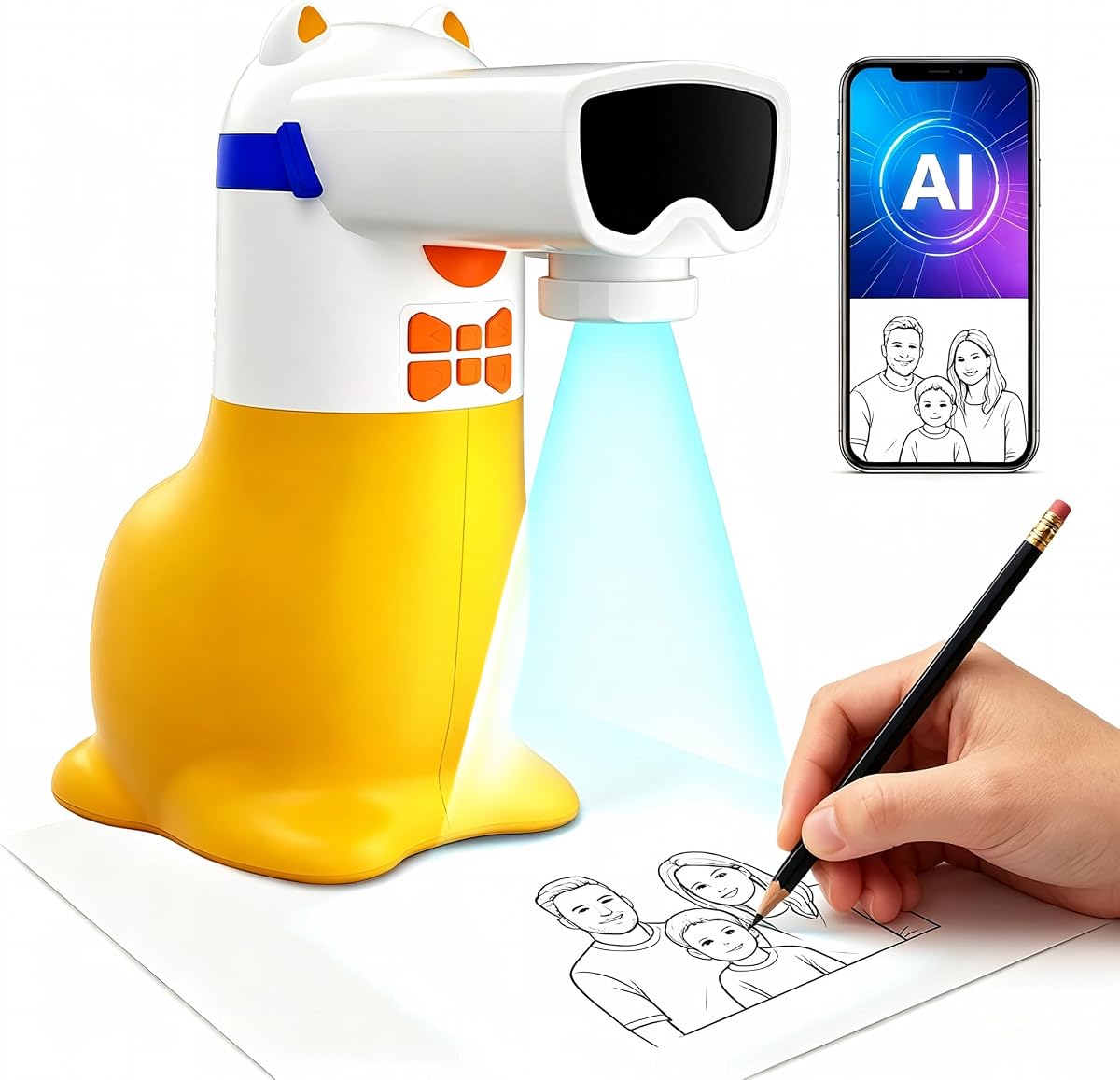
The Caydo T3 Joy stands out as the top choice for families seeking a safe and engaging creative tool. With a strong 4.8 rating, it offers a balance of fun features and protective design that parents appreciate.
We may earn a commission when you buy through this link, at no additional cost to you.
Its 120 built-in patterns cover diverse themes like animals and space adventures. The step-by-step drawing breakdown ensures beginners feel confident. The SGS certified RG0 blue light safety provides peace of mind for extended use.
While it is excellent, users must download the Caydo App to unlock full AI capabilities. Some advanced users may find the interface slightly limited compared to professional tools. These trade-offs are minimal for its target demographic.
We recommend this for kids aged 4 and up who want to start drawing. It transforms imagination into tangible art safely. The combination of built-in content and app expansion makes it a versatile gift.
The projector shines images downward onto paper instead of directly toward children's eyes, creating a more comfortable viewing experience.
Power on, pick up the pen, and the creative journey begins without waiting or complicated setup.
We may earn a commission when you buy through this link, at no additional cost to you.
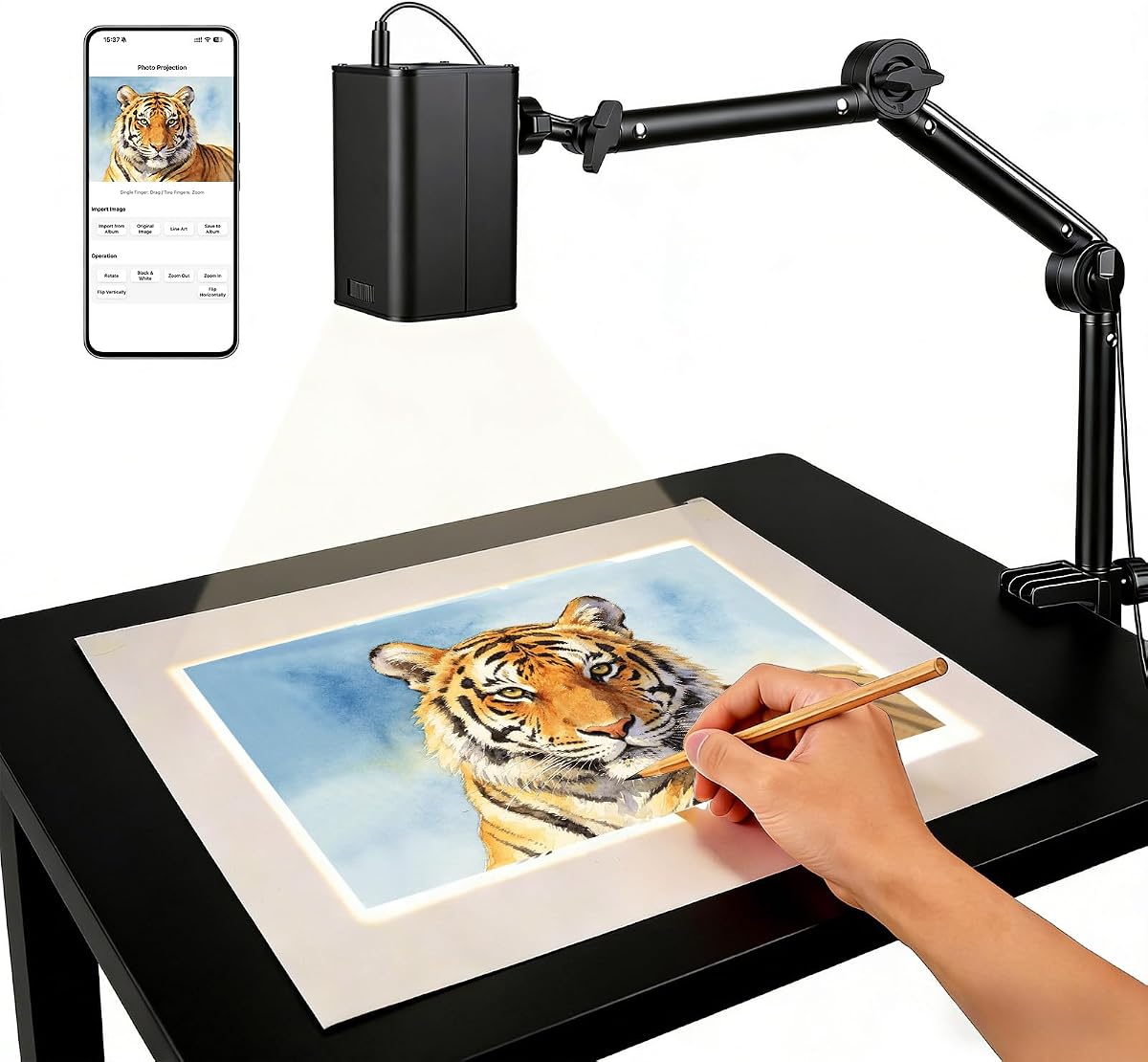
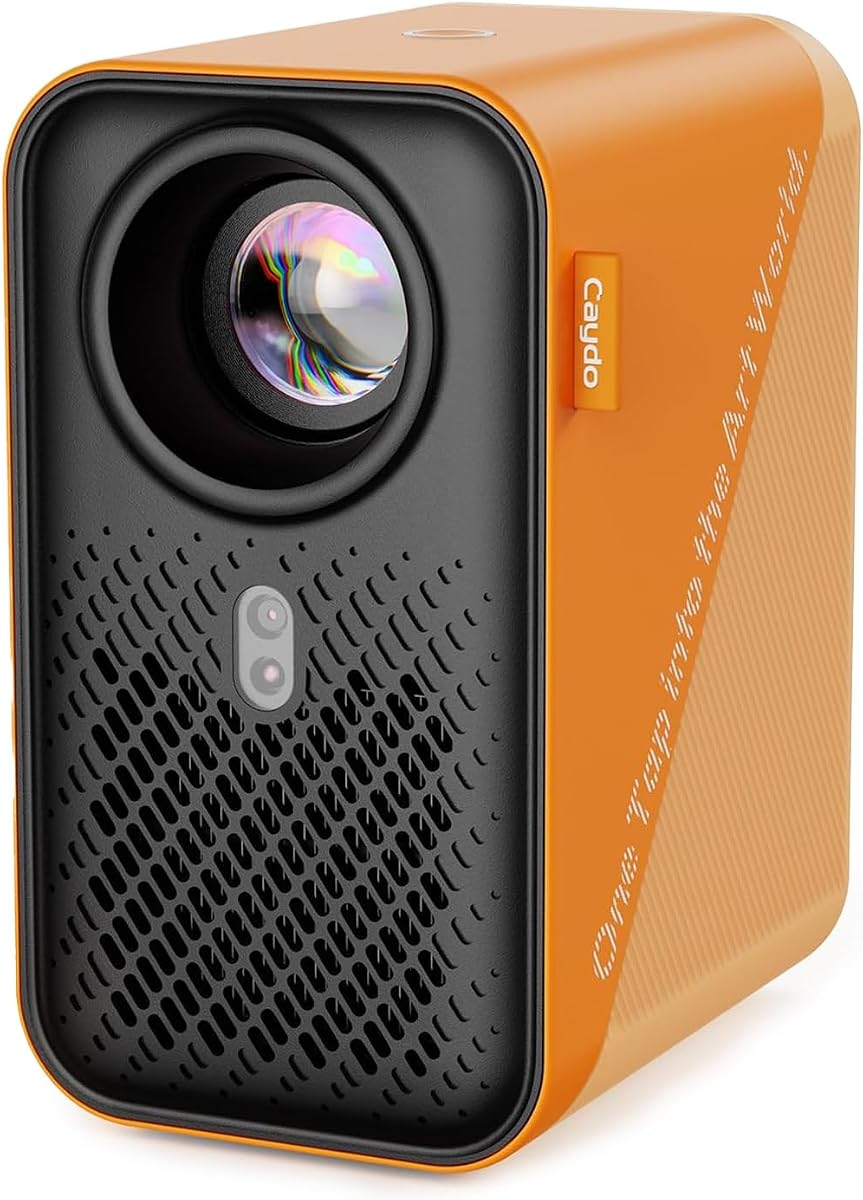
The Caydo P3 is designed for serious artists who need precision. Its native 1080P resolution and 400 ANSI lumens ensure clear images even in lit rooms. This model prioritizes performance and versatility.
We may earn a commission when you buy through this link, at no additional cost to you.
It features an exclusive drawing assistant with zoom and grid tools. You can transfer images via QR or USB without internet. The artistic modes help adapt workflows for various styles and tasks.
The higher cost reflects its professional features but may be steep for casual users. Bluetooth supports audio only, which limits some multimedia functions. These constraints are reasonable given its specialized focus.
Ideal for adults and students needing reliable art projection. It combines high brightness with essential drawing aids. This tool supports long-term creative growth without compromising quality.
With 400 ANSI lumens of brightness, it delivers crisp, vivid images even during the day.
Tools work without requiring an internet connection so you can work in spaces with poor connectivity.
We may earn a commission when you buy through this link, at no additional cost to you.
This affordable projector offers great value for younger kids. It allows custom AI picture generation from typed ideas. The built-in speaker provides educational audio for learning packs. It balances cost and functionality well.
We may earn a commission when you buy through this link, at no additional cost to you.
Kids can transform photos into traceable outlines. The 50 built-in pictures encourage immediate play. Educational packs teach numbers and words through sound. It is a thoughtful gift designed for special occasions.
It requires constant connection to power which limits portability. Advanced users might want more customization. These limitations are acceptable for its age group and price.
Best for parents seeking a fun and educational gift. It brings imagination to life simply. The audio and trace features support early artistic and learning skills.
When a Learning Pack is selected, the built-in speaker says numbers and English words as matching pictures appear.
Type an idea like a dancing dragon and turn it into a custom picture to project and trace.
We may earn a commission when you buy through this link, at no additional cost to you.
The Caydo T3 serves as both a drawing tool and entertainment device. Its 720P resolution ensures clear images for tracing. The built-in WiFi allows streaming cartoons after drawing sessions. It supports growth from simple to detailed patterns.
We may earn a commission when you buy through this link, at no additional cost to you.
Photos become clean traceable outlines instantly. Kids can trace family pets or friends easily. The SGS certified RG0 light protects eyes. Auto-brightness adjusts to rooms for consistent quality.
Streaming adds value but requires network setup. Younger kids may need help. This is minor compared to its dual utility and safety features.
Great for kids aged 5 and up who enjoy art and movies. It grows with their skills. The mix of drawing and play keeps them engaged longer.
It is a true native 720P projector with built-in WiFi and Bluetooth allowing you to switch to streaming favorite cartoons.
Snap any photo and it becomes a clean traceable outline instantly perfect for surprises.
We may earn a commission when you buy through this link, at no additional cost to you.
This model offers unique voice input for creating outlines. It targets older kids and teens needing realistic images. The high resolution supports detailed tracing. It focuses on building real drawing skills through hand-eye coordination.
We may earn a commission when you buy through this link, at no additional cost to you.
Voice or text description generates clean outlines. Images come from a cartridge or app. Tracing happens on paper ensuring screen-free time. It is suitable for tweens and adult hobbyists.
Cartridge content is fixed requiring app for new ideas. Voice accuracy may vary. These are acceptable for its targeted demographic.
Best for teens wanting creative expression. It encourages imagination through simple input. The focus on physical drawing skills is a key advantage.
Tell the free smART Sketcher AI app what you want to draw by voice or by typing and AI creates a clean traceable outline.
Tracing trains hand-eye coordination and confidence which is how art students learn.
We may earn a commission when you buy through this link, at no additional cost to you.
This projector uses web control instead of apps. Scanning a QR code sets up projection directly. Dual-band WiFi ensures stable real-time tracing. It works offline for remote locations.
We may earn a commission when you buy through this link, at no additional cost to you.
Adjustable stands allow various surface projection. Focus buttons tune images sharply. It is ideal for studios or home crafts. The online and offline flexibility adds value.
Web access may be less intuitive than native apps. Initial setup can take time. These are minor trade-offs for its flexibility.
Ideal for users avoiding app installs. It provides precise tracing and versatile mounting. The dual-band support ensures smooth creative sessions.
No app download needed. Simply scan the QR code to control projection settings from your phone browser.
Equipped with a stable dual-band chip providing high-speed low-latency connection for precise accuracy.
We may earn a commission when you buy through this link, at no additional cost to you.
This model emphasizes 5G connectivity for smooth tracing. It reduces latency found in standard models. Web control simplifies setup. FCC ID certification ensures safety and performance.
We may earn a commission when you buy through this link, at no additional cost to you.
It supports both online and local offline connections. Stand adapts to various workspaces. It is engineered for professional and creative environments. Focus buttons adjust focal length easily.
Lower ratings suggest potential inconsistencies in performance or support. Some users may prefer native apps. These factors are important to consider.
Best for tech-savvy users needing speed. It offers professional-grade sketching with real-time accuracy. Verify reviews to ensure quality matches needs.
Equipped with an upgraded 5G dual-band chip offering high-speed consistent connection significantly reducing latency.
Engineered for any environment supporting both online and local offline connections to keep workflow seamless.
We may earn a commission when you buy through this link, at no additional cost to you.
The P2 delivers native 1080P clarity for artists. It features built-in drawing assistant tools like zoom and grids. Bluetooth 5.4 enhances audio experiences. Auto focus ensures sharp images.
We may earn a commission when you buy through this link, at no additional cost to you.
It works offline for functional tools. You can transfer images via USB. It supports projection on tilted canvases. The 250 ANSI lumens work well in dim rooms.
Lower lumens compared to P3 limit bright room use. Some users report minor setup issues. These are typical for this category.
Great for artists needing portable high resolution. It balances technical performance with user-friendly tools. Check brightness needs before purchasing.
Native 1080P resolution produces clear images for accurate color and contrast.
Intuitive tools like zoom and grid make it easier to scale and compose reference images.
We may earn a commission when you buy through this link, at no additional cost to you.
The P1 offers exclusive drawing app with artistic modes. It supports AirPlay and Miracast for screen mirroring. A sealed optical core prevents dust. You can transfer via QR or USB easily.
We may earn a commission when you buy through this link, at no additional cost to you.
Background colors adapt the workflow. It works in various environments. It doubles as an HD video projector. This versatility makes it a multipurpose tool.
Remote requires batteries not included. Some models vary in setup. These are standard considerations.
Best for users needing flexible casting. It supports professional art and home entertainment. The sealed core ensures long-term performance.
The built-in art software features tools like zooming 360 rotation and grids to make your process smoother.
Enjoy movie entertainment through multiple screen mirroring options including EShare AirPlay and Miracast.
We may earn a commission when you buy through this link, at no additional cost to you.
This projector focuses on a stable versatile stand for clarity. It uses web-based control via QR codes. FCC certified 5G ensures safety. Setup takes under 30 seconds.
We may earn a commission when you buy through this link, at no additional cost to you.
It supports online and offline modes. The mount customizes height and angles. It is suitable for various applications. The focus adjustment button is intuitive.
Performance is average compared to specialized models. Some users need time to adapt. These are minor issues for the price.
Ideal for general creative projects requiring stability. It offers precision and convenience. Verify current reviews for best experience.
The stable mount provides a wobble-free experience allowing you to easily customize height and projection angle.
Follow instructions in the manual to establish a stable connection in under 30 seconds.
We may earn a commission when you buy through this link, at no additional cost to you.
Selecting the right projector depends on your creative goals and technical needs. Use these factors to compare features effectively.
Resolution determines how sharp traced lines appear. Higher resolutions like 1080P provide detail needed for professional work. Lower resolutions may suffice for simple sketches.
Prioritize native resolution for best image quality.
Light safety is critical for children's devices. Look for SGS certified RG0 blue light ratings. Ensure light shines downward onto paper away from eyes.
Check certifications before buying for child use.
Content availability impacts long-term engagement. Built-in libraries vary in size and themes. Apps offering AI generation expand possibilities.
Choose models with diverse built-in patterns.
Connectivity options include WiFi Bluetooth and USB. Dual-band WiFi ensures stable connections. Offline modes are useful for remote areas.
Verify network compatibility with your setup.
Power sources vary between corded and battery. Corded models offer consistent power but limit portability. Battery models allow movement but may need frequent charging.
Consider your workspace power availability.
Ease of use ensures quick creative starts. Step-by-step guidance and simple menus help beginners. App integration may add learning curves.
Opt for straightforward setups for kids.
Price ranges vary significantly. Professional tools cost more but offer durability. Warranty terms protect against defects.
Compare total value over purchase cost.
Age appropriateness ensures suitability for users. Younger kids need safety and simplicity. Adults need precision and advanced tools.
Match features to intended user age group.
To start, connect the device to power and turn it on. Adjust the stand angle to your work surface. Select a pattern or upload a photo via the app or QR code.
Trace the projected outline onto paper using a pencil. Add colors or details to personalize the art. Use the timer feature to encourage breaks for eye health.
Clean the lens gently with the provided tool set. Store in a dry place to protect the optical core. Update the app for new content and improvements regularly.
Many models allow basic use without apps using built-in content. Full AI features often require downloading specific apps. Check product details for offline capabilities.
Top models feature SGS certified RG0 safety. They shine light downward rather than at eyes. Always follow guidelines and use timer settings.
Some models support offline modes via USB. Others require internet for AI. Built-in patterns often work without connection.
Native 1080P is ideal for detailed work. 720P suffices for simple kids drawings. Higher resolution ensures sharper edges.
Images transfer via QR code scan or USB drive. Some use Bluetooth or WiFi. Follow manuals for exact steps.
Yes professional models exist for adults. Features like high resolution and grid tools help. Kids models are simpler.
Most require USB power adapters. Some are corded. Check adapter requirements before setup.
Yes most support photo-to-outline conversion. Upload via app or USB. AI can simplify complex images.
We highlighted top models for kids and artists. The Caydo T3 Joy leads for family use. Caydo P3 suits professional needs.
Prioritize safety and resolution for your group. Consider connectivity and content for long-term use. These factors ensure satisfaction.
Prices and availability change. Verify details on product pages before buying. Choose the model that fits your creative vision.