
ASUS ProArt PA248QV
4.6Editor score
24 Inch WUXGA Resolution
100% sRGB Coverage
Ergonomic Stand Design
Finding the right display is crucial for creative professionals who demand color accuracy and reliability. The ASUS Proart series offers a wide range of monitors designed specifically for photographers, designers, and video editors who need precision in their work environment.
We have carefully analyzed ten top models from the current lineup to help you make an informed decision. Our comparison looks at resolution, color gamut coverage, connectivity options, and ergonomic features to ensure you get the best value for your specific needs.
Each selection in this guide highlights unique strengths tailored to different professional requirements and budgets. Please note that product availability and pricing can change frequently, so verify current details before making your final purchase decision online.
4.6Editor score
4.2Editor score

3.9Editor score
As an Amazon Associate we earn from qualifying purchases.
This detailed comparison table allows you to quickly evaluate the key specifications of each model side by side. Use this overview to identify which monitor aligns best with your resolution requirements and connectivity needs.




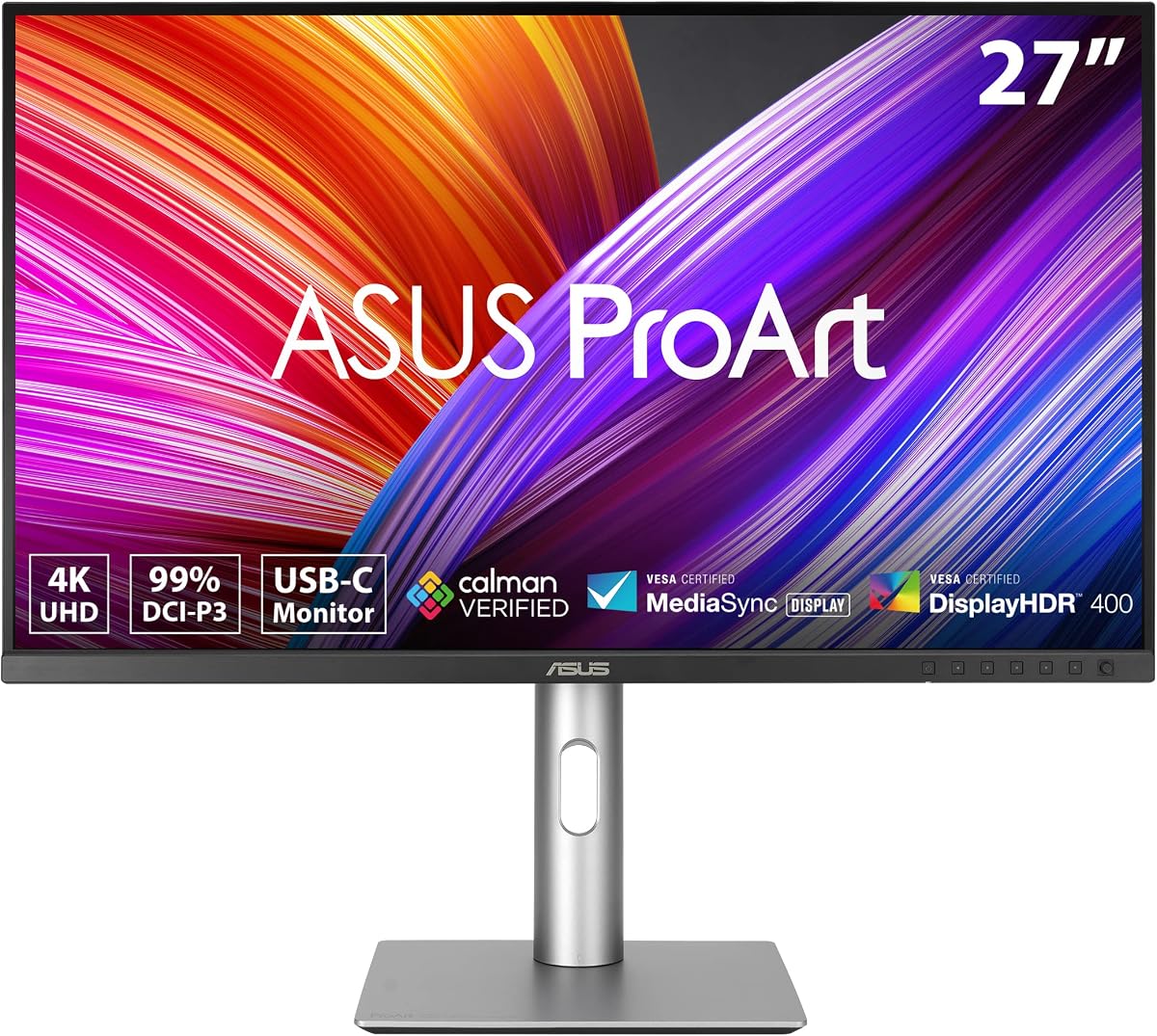
The ASUS ProArt PA279CRV stands out as a top choice for professionals seeking a reliable 4K display without breaking the bank. With a strong rating of 4.2 stars, it offers exceptional color accuracy right out of the box, making it ideal for photo editing and graphic design tasks.
We may earn a commission when you buy through this link, at no additional cost to you.
Its standout quality lies in the factory calibration which ensures Delta E values remain under 2 for precise color reproduction. The monitor covers 99% of both DCI-P3 and Adobe RGB color spaces, providing a vibrant and accurate palette for creative work. Additionally, the versatile connectivity options including DisplayPort over USB-C with 96W Power Delivery allow for a clean single-cable setup with laptops.
While the HDR performance is standard and lacks the contrast of more expensive OLED panels, it is sufficient for general content consumption. The ergonomic stand is highly adjustable but may consume more desk depth than ultra-slim alternatives, which could be a consideration for smaller workspaces.
This monitor is best suited for photographers and designers who need reliable color fidelity and robust connectivity. The inclusion of a complimentary Adobe Creative Cloud subscription adds significant value to the purchase. For those prioritizing color precision and productivity features, this model is a highly recommended investment.
The Calman Verified status and factory pre-calibration ensure that colors match industry standards from day one.
With 96W Power Delivery over USB-C, you can charge compatible laptops while transmitting video and data through a single cable.
We may earn a commission when you buy through this link, at no additional cost to you.
The ASUS ProArt PA248QV is a fantastic option for professionals who need accurate color without the high cost of larger screens. Boasting an impressive 4.6 rating, this 24-inch monitor delivers stunning image clarity and vivid colors suitable for daily creative tasks.
We may earn a commission when you buy through this link, at no additional cost to you.
Its key strength is the 100% sRGB and Rec.709 color space coverage which ensures true-to-life hues for web design and video editing. The Calman Verified technology guarantees consistent color performance across different units. The anti-glare screen technology is particularly beneficial for long working hours by minimizing reflections and reducing eye fatigue.
While the resolution is WUXGA instead of 4K, it remains sharp enough for most design work. The lack of USB-C connectivity means you may need additional adapters for modern laptops, but the standard HDMI and DisplayPort options are reliable and widely supported.
This monitor is ideal for freelancers or students entering the creative field who need dependable hardware on a budget. The ergonomic stand allows for comfortable viewing angles which helps prevent strain. If you prioritize color fidelity and value over ultra-high resolution, this is an excellent choice.
The 100% sRGB coverage ensures that your designs look consistent across standard web browsers and digital platforms.
The ergonomic design supports tilt pivot swivel and height adjustments to help you maintain a healthy posture.
We may earn a commission when you buy through this link, at no additional cost to you.
The ASUS ProArt PA32QCV is a powerhouse for professionals who demand the highest resolution available in a professional monitor. With a 31.5-inch 6K display, it offers unparalleled screen real estate for multitasking and detailed video or image editing tasks.
We may earn a commission when you buy through this link, at no additional cost to you.
Its primary strength is the integration with Apple hardware specifically through the MacBook Color Matching mode which aligns the monitor colors with the laptop display for a seamless workflow. The dual Thunderbolt 4 ports provide robust connectivity and power delivery while allowing multiple displays to be connected via daisy-chaining.
While it holds a lower average rating compared to other models, this is often due to the complexity of high-resolution setup or specific software expectations. The intelligent light sync technology helps maintain color performance by adjusting based on ambient light conditions automatically.
This monitor is perfect for high-end production houses or independent creators working on 4K and 8K content. The built-in Auto KVM switch allows for effortless switching between two computers which boosts productivity. If you need maximum resolution and advanced connectivity features this model is worth the investment.
The specific color preset mode ensures that your external display matches your MacBook screen perfectly for consistent editing.
With daisy-chaining support you can connect multiple monitors through a single cable reducing cable clutter on your desk.
We may earn a commission when you buy through this link, at no additional cost to you.
The ASUS ProArt PA278CV is a highly rated monitor that balances performance and connectivity effectively. It features a 27-inch QHD panel that provides ample screen space for productivity while maintaining sharp image quality for creative work.
We may earn a commission when you buy through this link, at no additional cost to you.
A key feature is the USB-C port with 65W Power Delivery which allows you to charge many ultrabooks and transfer data via a single cable. The ergonomic stand includes a 90-degree pivot making it easy to switch to a vertical orientation for reading long documents or coding.
While the 65W power delivery is sufficient for many laptops it may not charge high-performance machines as quickly as newer 96W models. The DisplayPort daisy-chaining capability is a valuable feature for expanding your workspace without running extra cables to the computer.
This monitor is an excellent choice for general office work and entry-to-mid level creative tasks. The extensive connectivity options and ergonomic design make it a reliable daily driver. If you need a versatile monitor that supports single-cable workflows this model fits the bill.
The USB-C port consolidates power data and video into one connection keeping your desk organized and tidy.
The ability to pivot the screen vertically is a great feature for tasks like coding or reviewing long text documents.
We may earn a commission when you buy through this link, at no additional cost to you.
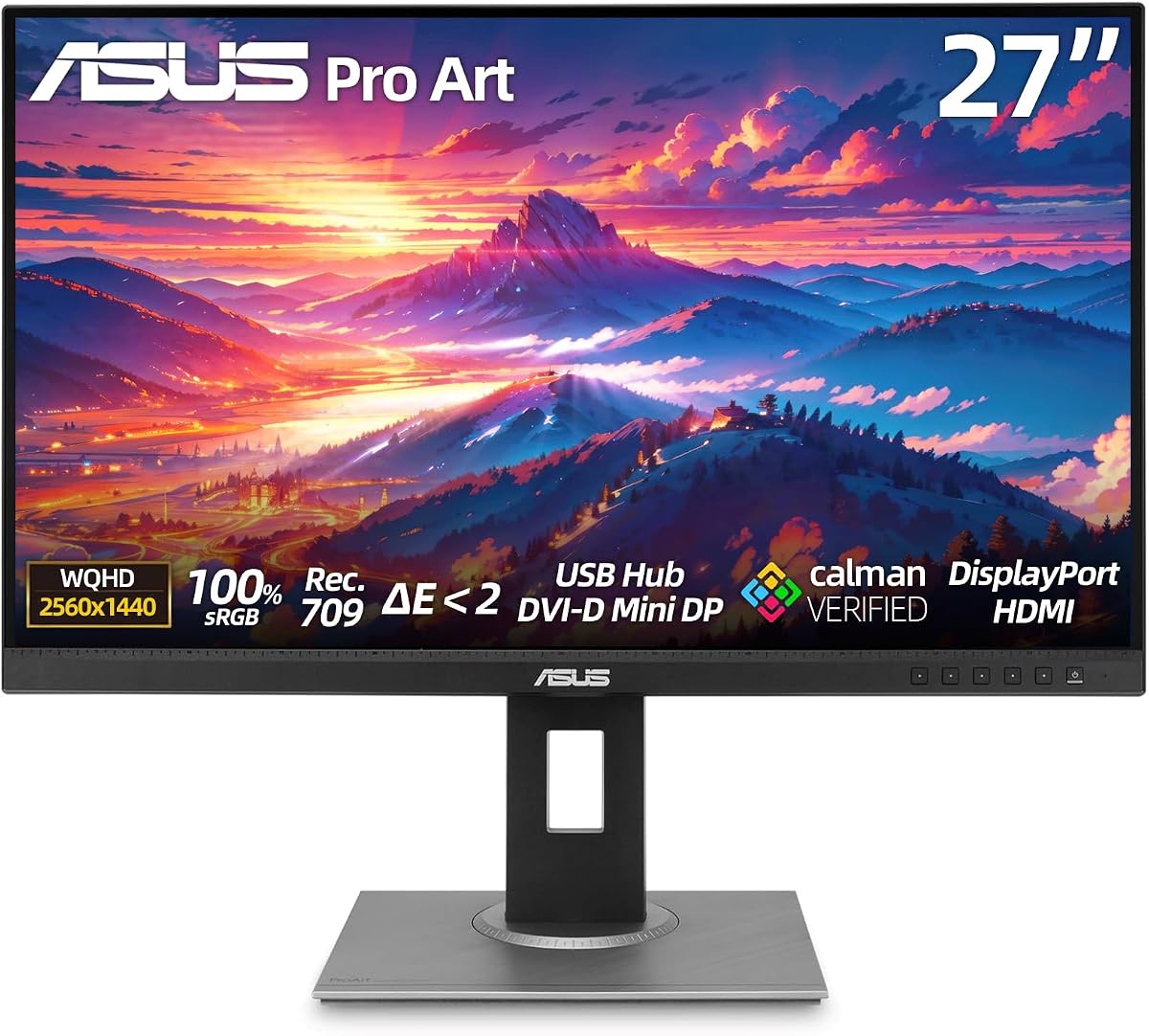
The ASUS ProArt PA279CV has achieved a perfect 5.0 star rating indicating high satisfaction among its users. It features a 27-inch WQHD display that delivers sharp details and wide viewing angles for collaborative work environments.
We may earn a commission when you buy through this link, at no additional cost to you.
The standout feature is the ASUS Eye Care Technology which includes flicker-free and low blue light capabilities. These features significantly reduce eye strain making it ideal for professionals who spend long hours staring at a screen. The extensive connectivity options including a USB hub allow for seamless connection of various peripherals.
While the design is somewhat older with legacy ports like DVI-D, these can be useful for connecting older hardware. The fully ergonomic stand supports tilt swivel pivot and height adjustment to ensure a comfortable setup for any user.
This monitor is best for users who prioritize eye comfort and proven reliability over having the latest port types. The wide range of inputs makes it versatile for mixed-device setups. If you work long hours and value eye health this is a top contender.
Flicker-free technology and low blue light filters help protect your vision during extended periods of screen time.
With multiple input types you can connect older and newer devices to the same monitor without needing extra hubs.
We may earn a commission when you buy through this link, at no additional cost to you.
The ASUS PA329CRV-P offers a large 32-inch 4K display which provides ample workspace for detailed creative projects. With a solid 4.4 rating it combines high resolution with professional color accuracy to support a variety of tasks.
We may earn a commission when you buy through this link, at no additional cost to you.
Its key advantage is the USB-C port with 96W Power Delivery which can charge powerful laptops while driving the 4K display. The TAA compliance makes it a suitable choice for government contracts or institutional procurement that require specific adherence standards.
The screen is quite large so you need to ensure your desk can accommodate the dimensions and stand depth. The contrast ratio and HDR400 support enhance the viewing experience making media consumption more enjoyable alongside professional work.
This model is recommended for those who need a big screen for multitasking and require specific compliance for purchasing. The comprehensive package contents simplify setup with included cables and reports. If you need a larger workspace with reliable connectivity this is a strong option.
Meeting Trade Agreements Act requirements ensures this monitor can be used in federal projects and government contracts.
The 96W Power Delivery is sufficient for high-performance laptops keeping your device charged during heavy usage.
We may earn a commission when you buy through this link, at no additional cost to you.
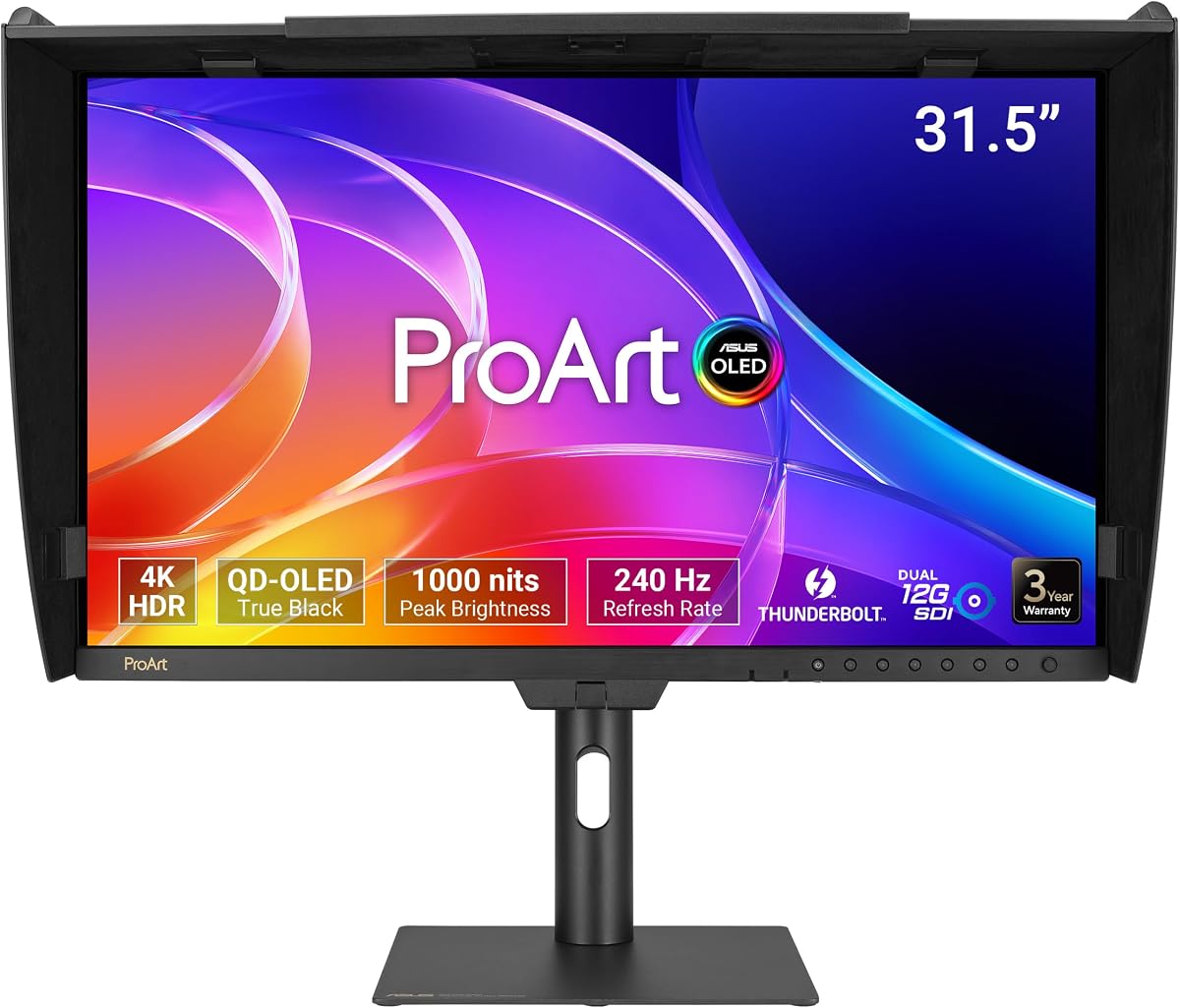
The ASUS ProArt PA32USD is a specialized professional monitor designed for high-end video production and broadcast work. It features a 31.5-inch QD-OLED panel that offers exceptional contrast and brightness for immersive visual experiences.
We may earn a commission when you buy through this link, at no additional cost to you.
The standout feature is the Dual 12G-SDI connectivity which supports uncompressed 4K playback essential for professional editing workflows. With 1000 nits of peak brightness and industry-leading color accuracy of Delta E less than 1 it sets a new standard for HDR monitoring.
This monitor is targeted at facilities where visual fidelity is paramount and budget is less of a concern. The included monitor hood helps reduce reflections during critical color grading sessions. The fast refresh rate also allows for smooth playback of high-motion content.
It is best suited for post-production houses and studios that require broadcast-level connectivity and color precision. The OLED technology ensures that shadows and highlights are displayed accurately. If you need the best possible visual fidelity for video work this model is unrivaled.
The 12G-SDI inputs allow for uncompressed signal transmission crucial for professional video editing suites.
The combination of OLED technology and hardware calibration ensures precise color representation across the entire spectrum.
We may earn a commission when you buy through this link, at no additional cost to you.
The ASUS ProArt PA32UCR-K delivers a high-performance display using Mini-LED technology for superior local dimming. It is designed for professionals who need accurate color management and high brightness for HDR content creation.
We may earn a commission when you buy through this link, at no additional cost to you.
One of its major selling points is the inclusion of an X-rite i1 Calibrator which allows for precise and personalized calibration directly. The coverage of 99.5% of the Adobe RGB color space makes it ideal for designers working on print materials who require broad gamut accuracy.
While the peak brightness is impressive the hardware calibration system may require initial setup time to ensure optimal performance. The monitor is substantial in weight and size so you need a sturdy stand to support it properly.
This model is ideal for users who need broad color gamut coverage and reliable HDR performance. The included calibration tool adds value and ensures accurate colors over time. If you work with print and digital media this monitor offers the tools you need.
The wide Adobe RGB coverage ensures that what you see on screen matches the output from professional printers.
The included X-rite calibrator allows you to verify and maintain color accuracy without purchasing extra hardware.
We may earn a commission when you buy through this link, at no additional cost to you.
The ASUS ProArt PA278CGV stands out by offering a high refresh rate alongside professional color features making it versatile for both work and play. It features a 27-inch QHD panel that delivers sharp visuals and smooth motion for interactive tasks.
We may earn a commission when you buy through this link, at no additional cost to you.
Key strengths include the 144Hz refresh rate which is rare in professional monitors and provides fluid motion for design work involving moving objects. The 90W Power Delivery over USB-C ensures your laptop stays charged during intensive work sessions without needing a separate power adapter.
While it lacks the full 99% DCI-P3 coverage of some models, it still offers excellent color accuracy for general creative work. The DisplayHDR 400 support enhances the contrast and brightness making videos and games look more vibrant on the screen.
This monitor is a great fit for creators who also game or edit video with motion. The combination of speed and color accuracy is unique in this price range. If you need a versatile all-rounder that handles creative and multimedia tasks well this is a solid choice.
The 144Hz refresh rate provides smooth motion rendering which is useful for video editing and gaming sessions.
With 90W Power Delivery you can charge most laptops while using the monitor as a docking station.
We may earn a commission when you buy through this link, at no additional cost to you.
The ASUS ProArt PA32UCG-K is an advanced monitor designed for high-end video and creative work requiring exceptional brightness and color. It features a Mini-LED IPS panel that delivers stunning HDR performance with high contrast and clarity.
We may earn a commission when you buy through this link, at no additional cost to you.
Its primary strength is the 1600 nits peak brightness which allows for realistic highlights in HDR content and works well in bright environments. The 120Hz variable refresh rate provides smooth motion handling which is beneficial for high-fidelity video editing and animation.
While the price is premium and it requires robust hardware to drive the resolution and refresh rate it offers top-tier specs. The included calibration tool helps maintain color accuracy ensuring your work is consistent across different outputs.
This monitor is best for professional studios needing high brightness and advanced color management features. The Thunderbolt 3 connectivity ensures fast data transfer for large files. If you need the best specs for HDR workflow this model is a strong candidate.
The 1600 nits peak brightness ensures highlights in HDR video pop with realistic intensity even in bright rooms.
The 120Hz refresh rate allows for smooth playback of high-motion video making editing easier and more accurate.
We may earn a commission when you buy through this link, at no additional cost to you.
Selecting the right monitor involves balancing resolution color accuracy and connectivity to match your workflow needs.
Resolution impacts how much detail you can see on screen. 4K monitors offer sharp clarity for photos while 6K models provide extra workspace for complex layouts.
Choose a size that fits your desk and distance. 27 inches is a sweet spot for most professionals offering space without excessive neck strain.
Professional work requires accurate colors. Look for covers like Delta E less than 2 which ensures colors match real-world standards.
Consider color space coverage like 99% Adobe RGB or DCI-P3 for creative tasks. Higher coverage means more vibrant and accurate hues for your work.
Modern workflows need flexible connections. USB-C with Power Delivery simplifies setup by charging your laptop and transferring video with one cable.
Check for ports like Thunderbolt or DisplayPort daisy-chaining if you use multiple monitors. These features save desk space and reduce cable clutter.
Most ProArt models focus on color but higher refresh rates like 144Hz help with smooth video playback. This matters if you edit motion graphics or games.
Response time affects how fast pixels change color. Faster response reduces motion blur making it easier to track movement in your editing timeline.
Comfort is key for long work sessions. Look for stands that adjust height tilt swivel and pivot to fit your posture and viewing angle.
A good ergonomic stand reduces neck and eye strain. Ensure the monitor supports vertical pivoting if you work with code or tall documents often.
A reliable warranty protects your investment. Many ProArt monitors come with a 5-year warranty including online registration extensions for added peace of mind.
Check what the warranty covers including backlight burn-in or pixel issues. Strong support options ensure you get help if the screen develops problems.
Connect your monitor using the recommended cables to ensure stable signal and power delivery. Always verify that your computer supports the required resolution and refresh rate before powering on the device.
Adjust the stand to your eye level to prevent strain during long hours. Use the color calibration tools included or software to match the display settings to your specific workflow needs.
Clean the screen with a soft microfiber cloth to avoid scratches. Avoid harsh chemicals and do not spray liquids directly on the panel or bezel during routine cleaning.
Yes most ProArt models work seamlessly with Macs via USB-C or Thunderbolt. Several models feature MacBook Color Matching presets to ensure accurate color alignment.
Many models come factory calibrated. Higher-end options include X-rite calibration kits or support hardware calibration for maintaining Delta E less than 2.
Most but not all models offer USB-C Power Delivery. Higher wattage options like 96W are available on newer models to charge powerful laptops effectively.
While designed for work some models offer 144Hz refresh rates which support smooth gaming. However they prioritize color accuracy over gaming features like G-Sync.
Most monitors come with a 3-year standard warranty with an option to extend to 5 years via online registration which helps protect your investment.
You need a graphics card with HDMI 2.0 or DisplayPort 1.4 support for 4K at 60Hz. Modern integrated graphics usually handle basic tasks without issues.
The ASUS ProArt series offers a range of monitors tailored to professionals. The PA279CRV stands out for its balance of color accuracy and connectivity making it a top pick for most users.
Prioritize color gamut and resolution based on your workflow needs. If you work with print look for Adobe RGB coverage while video editors might prefer HDR brightness features.
Always verify current stock and pricing before buying to ensure you get the best deal. These monitors are reliable investments that enhance productivity and visual quality in your workspace.