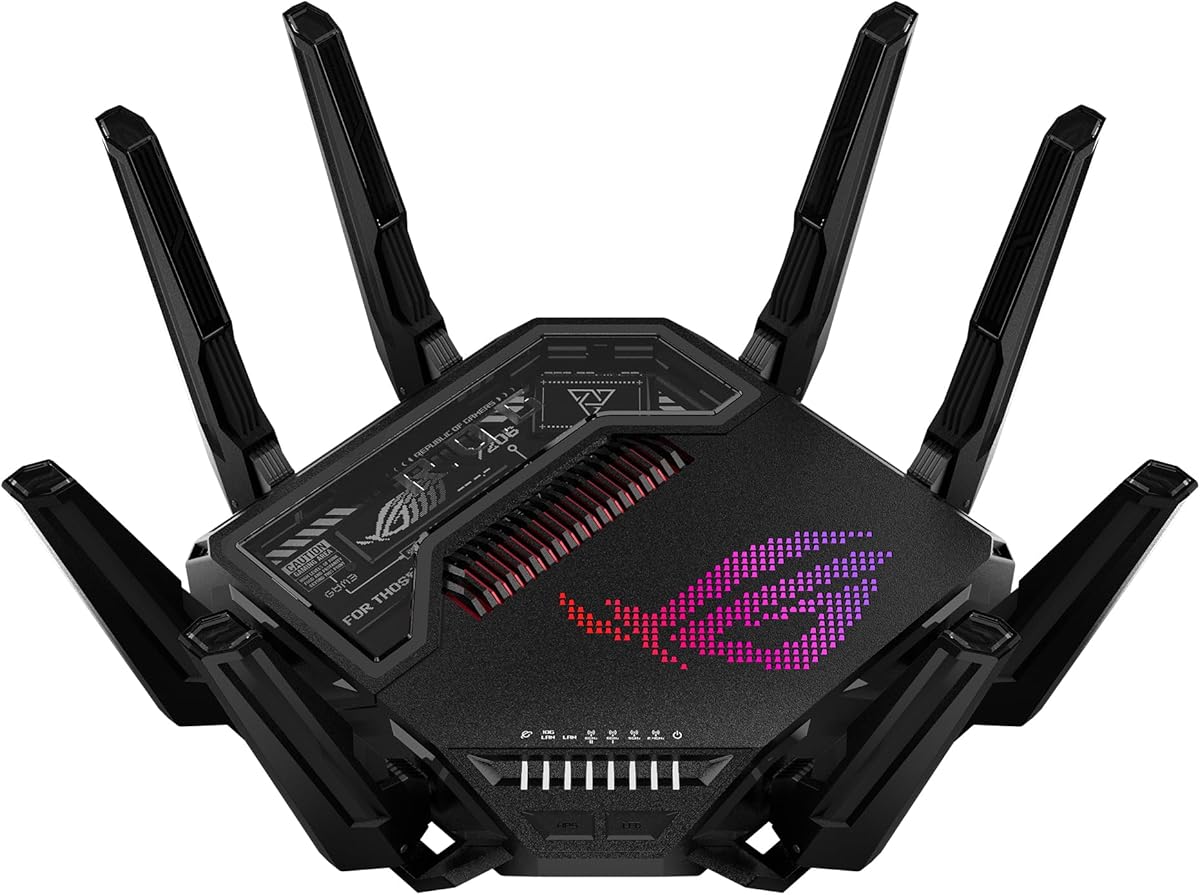
ASUS ROG Rapture GT-BE98 Pro
4.3Editor score
30 Gbps speeds
Dual 10G ports
Triple-level game acceleration
Compare the top 10 ASUS WiFi routers including WiFi 7 models. Expert reviews on speed, coverage, security, and features with real user ratings.
ASUS WiFi routers are known for their advanced features, robust security, and reliable performance across home and business environments.
We analyzed ten top models based on WiFi generation, coverage area, port options, security suites, and user ratings to find the best options.
Each pick highlights specific strengths and ideal use cases, though pricing and availability may change over time on retailer sites.
4.3Editor score

4.3Editor score

4.5Editor score
This comparison table outlines key specifications for all ten routers to help you quickly identify which model fits your bandwidth and coverage needs.
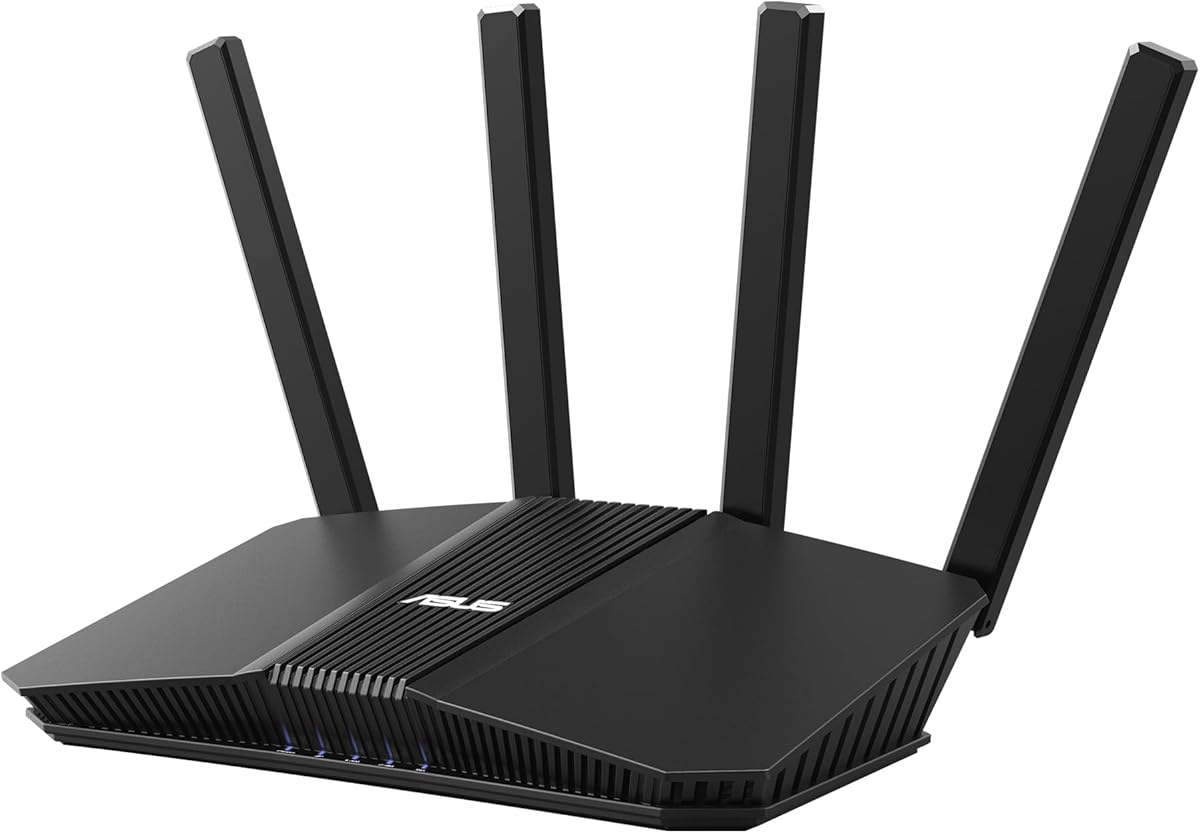

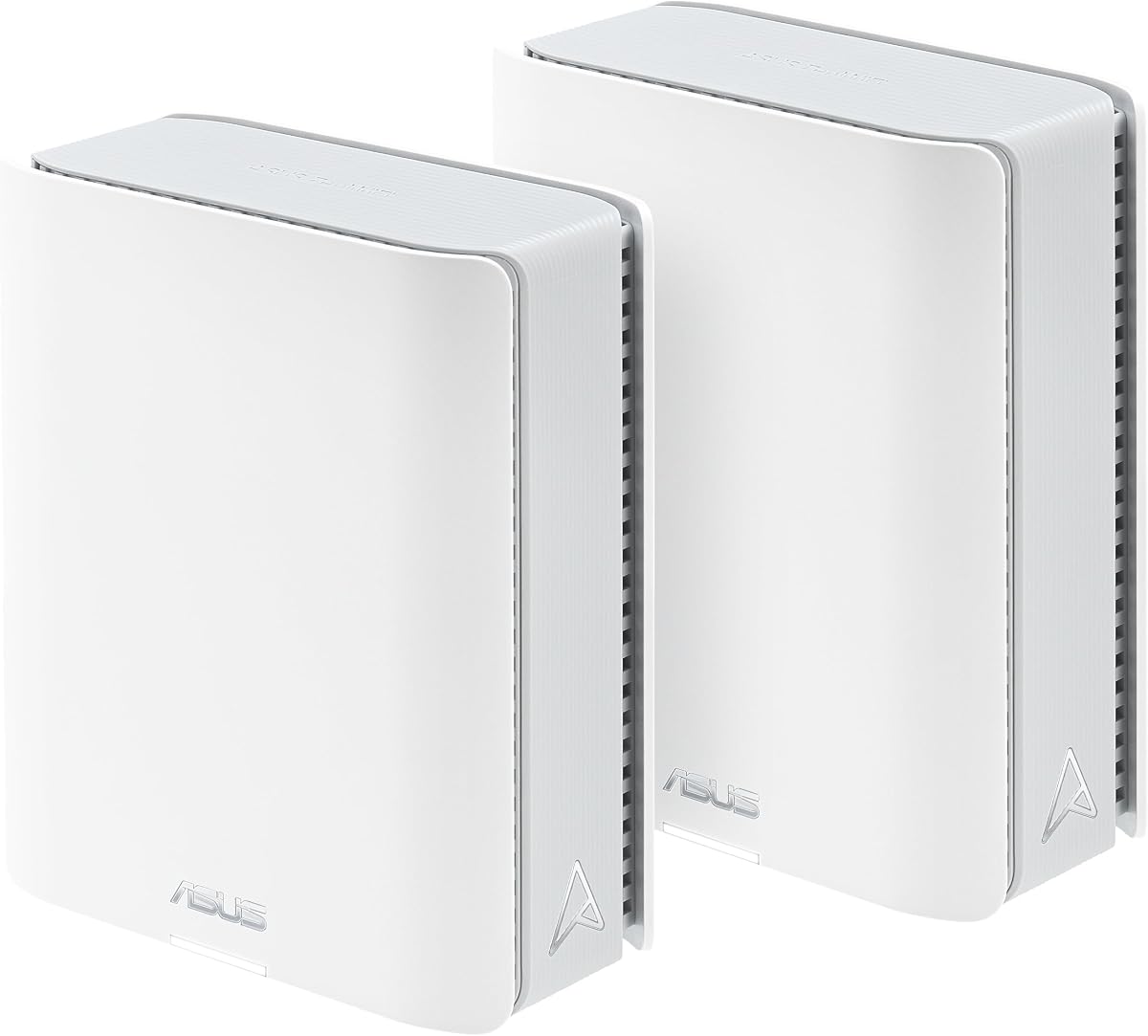


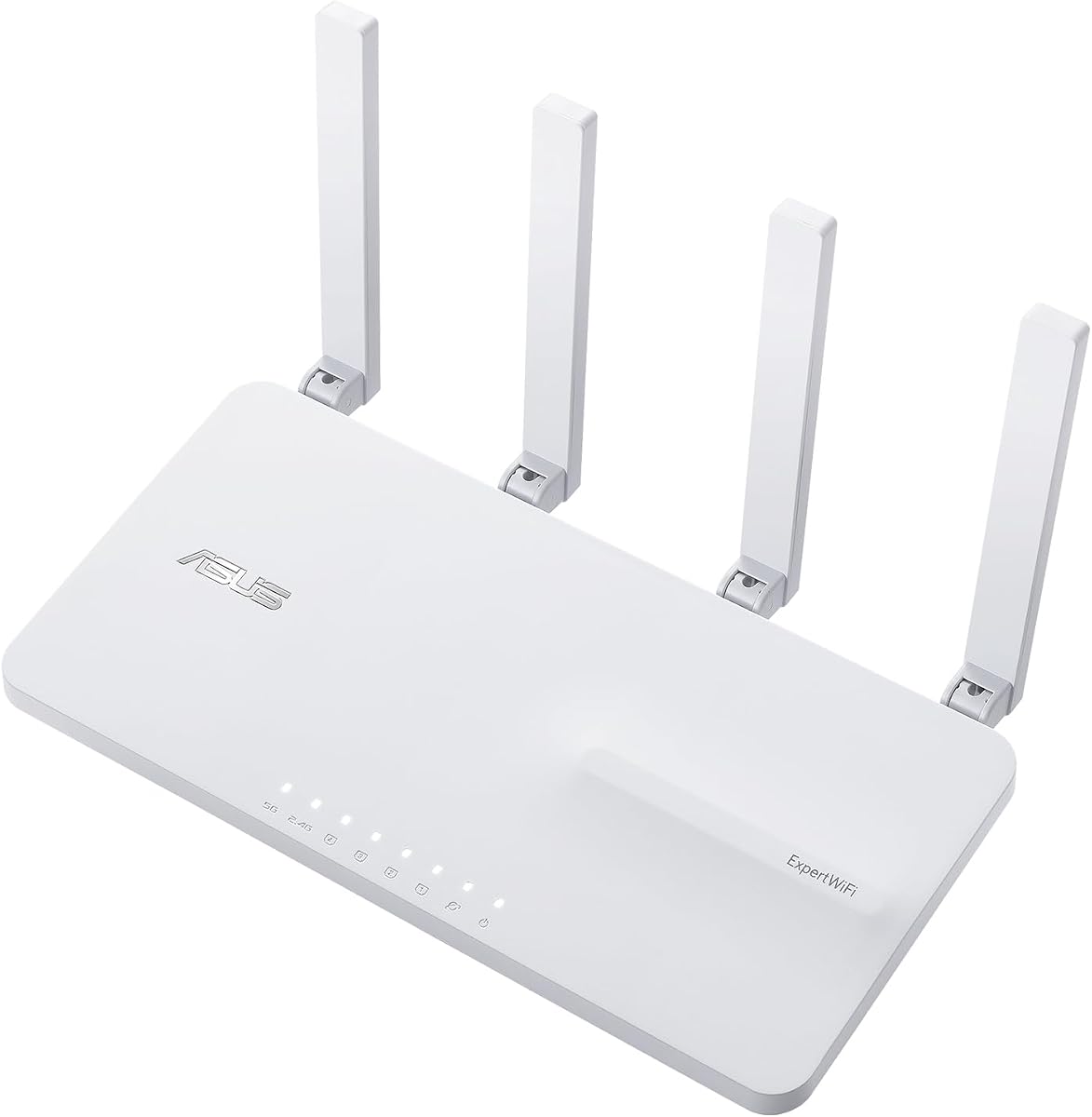
The ASUS RT-AX1800S offers a balance of performance and affordability for standard households seeking reliable WiFi 6 connectivity.
We may earn a commission when you buy through this link, at no additional cost to you.
With its 1800 Mbps combined speed and support for MU-MIMO and OFDMA, this router efficiently manages multiple connected devices without significant lag.
While it lacks the raw throughput of higher-end models, its built-in VPN and parental controls provide essential tools for modern home networks.
Ideal for users needing a straightforward upgrade from older WiFi standards without breaking the budget or sacrificing security.
Powered by Trend Micro, AiProtection Classic protects against online threats and malicious websites without requiring a subscription fee.
Four gigabit LAN ports and one WAN port ensure plenty of wired connections for smart TVs, consoles, and desktops.
We may earn a commission when you buy through this link, at no additional cost to you.
The RT-BE58U brings WiFi 7 technology to home users with dual-band operation and advanced features like Multi-Link Operation for smoother data flow.
We may earn a commission when you buy through this link, at no additional cost to you.
Its 3600 Mbps speed supports demanding applications like 4K streaming and large file transfers while maintaining network stability.
Dual WAN capabilities ensure you can connect to multiple internet sources for redundancy, making it suitable for small offices or power users.
Buy this if you want early access to next-gen WiFi standards without jumping to the highest cost tier immediately.
Multi-Link Operation links multiple bands simultaneously, reducing latency and improving throughput efficiency significantly.
Smart Home Master lets you set up to three SSIDs to easily segregate IoT devices from main traffic.
We may earn a commission when you buy through this link, at no additional cost to you.
Designed for enthusiasts, the GT-BE98 Pro delivers blazing fast 30 Gbps speeds and a quad-band setup that ensures zero congestion.
We may earn a commission when you buy through this link, at no additional cost to you.
Triple-level game acceleration optimizes traffic from your PC to game servers, significantly reducing ping and jitter during competitive sessions.
Dual 10G ports provide maximum wired throughput for NAS drives or high-end PCs, ensuring no bottleneck between devices and the internet.
This is the ideal choice for gaming rigs and smart homes where budget is secondary to absolute performance and reliability.
Two 10 Gigabit ports allow for future-proof wired connections that support ultra-fast local network transfers.
Dual-feeding antennas boost coverage and efficiency, maintaining strong signals even across large floor plans.
We may earn a commission when you buy through this link, at no additional cost to you.
The RT-BE92U offers tri-band performance with a dedicated 6GHz channel, freeing up lower bands for legacy devices and IoT traffic.
We may earn a commission when you buy through this link, at no additional cost to you.
With speeds up to 9700 Mbps, it handles heavy simultaneous usage without sacrificing speed or reliability during peak times.
Dual WAN support provides flexibility for internet redundancy, ensuring your connection stays online even if one ISP fails.
Consider this router if you need more than dual-band capacity but want a mid-tier option compared to quad-band extremes.
AiProtection Pro powered by Trend Micro offers advanced malware protection and one-tap security scans.
AI WAN detection and USB tethering options keep you connected through various internet sources seamlessly.
We may earn a commission when you buy through this link, at no additional cost to you.
This mesh system spans up to 6000 square feet using two powerful nodes that maintain strong signals throughout multi-story homes.
We may earn a commission when you buy through this link, at no additional cost to you.
With tri-band speeds reaching 18 Gbps, every device enjoys high-speed access without bottlenecks or dead zones in remote rooms.
Dual 10G ports on each unit ensure your wired devices get maximum speed while the backhaul remains optimized for wireless traffic.
Ideal for homeowners needing extensive coverage and advanced smart home features with a single unified network experience.
Eight internal antennas and high-power modules eliminate dead zones in all directions for seamless whole-home WiFi.
Ultimate AiMesh delivers seamless connectivity and lets you scale your network easily with compatible extenders.
We may earn a commission when you buy through this link, at no additional cost to you.
The AX82U combines gaming-specific optimizations with stylish RGB lighting, making it perfect for gamers who value both aesthetics and performance.
We may earn a commission when you buy through this link, at no additional cost to you.
Mobile Game Mode minimizes latency for smartphone players, while dedicated ports ensure consoles receive prioritized traffic on your network.
With 5400 Mbps total speeds, it handles high-bandwidth tasks comfortably, even when multiple users stream or game simultaneously.
This renewed option offers significant savings while still providing robust features like AiMesh compatibility and lifetime security protection.
Triple-level game acceleration helps boost traffic specifically for gaming devices to reduce lag and improve responsiveness.
Aura RGB lighting effects allow you to customize the router's look to match your gaming setup or room vibe.
We may earn a commission when you buy through this link, at no additional cost to you.
This single-pack mesh router delivers tri-band WiFi 7 performance ideal for medium-sized homes needing modern connectivity and easy expansion.
We may earn a commission when you buy through this link, at no additional cost to you.
AI-powered Smart AiMesh ensures the device integrates seamlessly with other ASUS routers if you later decide to expand your coverage area.
With 14 Gbps speeds and internal antennas, it eliminates dead zones effectively while protecting your network with commercial-grade security.
Choose this if you want to start with a powerful single unit but keep the option to add more nodes as your needs grow.
Smart Home Master enables effortless IoT setup and parental controls through dedicated SSIDs for device segregation.
Smart AiMesh boosts coverage up to 3000 sq ft with seamless connectivity for all your devices.
We may earn a commission when you buy through this link, at no additional cost to you.
The RT-AX3000 is a highly rated workhorse offering 3000 Mbps speeds and extensive coverage suitable for average households on a budget.
We may earn a commission when you buy through this link, at no additional cost to you.
It features 160MHz bandwidth and 1024-QAM to boost speeds significantly over previous WiFi generations, ensuring smooth streaming and browsing.
With AiMesh technology, you can easily pair it with other compatible routers later to create a larger whole-home network without hassle.
This model is best for users seeking reliable performance and excellent support without paying for features they do not need.
AiMesh allows you to create a seamless whole home WiFi system by pairing it with other compatible ASUS routers.
AiProtection Pro secures connected devices against online threats while parental controls manage family internet usage.
We may earn a commission when you buy through this link, at no additional cost to you.
A legacy favorite, the RT-AC68U provides solid AC1900 speeds and five gigabit ports for wired devices, making it a reliable choice for small offices.
We may earn a commission when you buy through this link, at no additional cost to you.
Its dual-core CPU manages separate lanes for Wi-Fi and USB data, ensuring smooth multitasking even when multiple apps are active.
Though it uses older WiFi 5 standards, its stability and extensive feature set still make it a viable option for basic internet needs.
Buy this if you prefer proven stability over cutting-edge speed and want a router with robust wired connectivity options.
The 1GHz dual-core CPU dedicates separate lanes for Wi-Fi and USB data to maximize efficiency and speed.
Five Gigabit LAN ports provide ample connectivity for multiple wired devices without needing additional switches.
We may earn a commission when you buy through this link, at no additional cost to you.
The EBR63 is tailored for small businesses needing secure guest networks and scalable management tools without enterprise-level complexity.
We may earn a commission when you buy through this link, at no additional cost to you.
Its customizable guest portal allows you to brand your WiFi login page and create separate SSIDs for different usage scenarios effectively.
With SDN support and remote management, IT admins can monitor and secure the network easily from a centralized interface.
This router is perfect for offices, cafes, or retail spaces requiring reliable connectivity and strict security segmentation.
Create branded guest portals with custom SSIDs and templates to match your business style and requirements.
Receive free subscription to ASUS AiProtection Pro and safe browsing features to secure your business WiFi.
We may earn a commission when you buy through this link, at no additional cost to you.
Selecting the right router requires evaluating speed needs, coverage area, port requirements, and specific features like gaming boosts or mesh capabilities.
WiFi 7 offers the fastest speeds and lowest latency, but WiFi 6 is still sufficient for most households. Consider future-proofing if you plan to keep the router for several years.
Choose the latest generation if you have high-speed internet and many concurrent devices.
Single routers typically cover 2000 to 3000 square feet, while mesh systems can scale beyond 6000 square feet for larger homes.
Assess your home layout to decide if a mesh system or a single powerful unit is needed to avoid dead zones.
Gigabit LAN ports are essential for wired devices like desktop PCs or consoles. Some premium models offer 10G ports for faster local transfers.
Check how many wired connections you need before buying to avoid needing extra switches or hubs.
Gamers should look for routers with Triple-Level Game Acceleration or dedicated gaming ports to prioritize traffic and reduce ping.
These features help maintain low latency during competitive online matches even when others are streaming content.
ASUS AiMesh allows you to use compatible routers to create a whole-home network. If you might need to expand coverage later, check if the model supports this.
A mesh-capable router provides flexibility to grow your network without replacing the hardware entirely.
Many ASUS routers include AiProtection Pro powered by Trend Micro for free. This blocks malicious sites and provides parental controls without extra fees.
Look for routers offering lifetime free security to ensure long-term safety for your family online.
Entry-level routers provide basic speed and reliability, while premium models offer maximum performance and advanced settings.
Determine your spending limit to find a router that balances performance with cost effectively.
Business routers often feature VLANs, guest portals, and SDN support that home routers lack. Ensure the model fits your usage scenario.
Use business models for offices requiring segmentation and home models for residential convenience.
Plug the router into a central, elevated location away from obstructions and interference sources like microwaves or cordless phones.
Download the ASUS Router app on your smartphone to complete setup, configure parental controls, and monitor network usage easily.
Regularly update firmware through the admin panel or app to ensure you have the latest security patches and performance improvements.
WiFi 7 offers faster speeds, lower latency, and supports wider channels compared to WiFi 6. It also uses MLO to connect to multiple bands simultaneously for better stability.
If your home exceeds 3000 square feet or has many walls blocking signals, a mesh system is recommended to ensure seamless coverage throughout all rooms.
Yes, models like the ExpertWiFi series are designed for business with features like VLANs, guest portals, and remote management for secure environments.
No, AiProtection Classic and Pro are free lifetime subscriptions on supported ASUS routers, providing built-in threat blocking and parental controls.
Download the ASUS app, plug in your main node, and add other compatible nodes to the app to expand your network coverage seamlessly.
Most models include Gigabit WAN and LAN ports. Premium models may include 2.5G or 10G ports and USB ports for storage or 4G/5G tethering.
The ASUS RT-AX1800S stands out as the best value, while the ROG Rapture GT-BE98 Pro leads for raw performance in demanding gaming setups.
Prioritize factors like speed, coverage, and specific needs such as gaming or mesh to find the model that fits your lifestyle best.
Always check current pricing and availability since deals change frequently, ensuring you get the best value for your purchase today.