
Webcam for PC HD 1080P
4.4Editor score
Plug and Play Setup
30 Frames Per Second
Adjustable Clip Design
Discover the top 10 cheap webcams for streaming with real ratings and detailed comparisons. Find the perfect camera for your setup today.
Streaming has become a vital way to connect with audiences across the globe. Whether you are teaching online, hosting meetings, or broadcasting games, having a reliable camera is essential. Budget-friendly options now deliver impressive quality without breaking the bank, making it easier than ever to start your journey.
We have carefully evaluated ten popular webcams based on video clarity, audio performance, and ease of use. Our analysis focuses on models that offer the best value for money while maintaining professional standards. This list covers a range of prices to suit different needs and setups.
Each pick below highlights key strengths and potential trade-offs to help you decide. We focus on real user ratings and technical specifications to ensure accuracy. Keep in mind that prices and availability change frequently, so check current listings before making a final decision.
4.4Editor score

4.4Editor score

4.5Editor score
This side-by-side comparison highlights the key specifications and features of each webcam on our list. Use this table to quickly identify which model aligns best with your specific streaming or meeting requirements.


The Logitech Brio 101 stands out as a reliable choice for streamers and professionals seeking quality on a budget. With a rating of 4.4 stars, users appreciate its crisp Full HD video and seamless integration with major platforms like Zoom and Teams.
We may earn a commission when you buy through this link, at no additional cost to you.
Its Auto-Light Balance feature boosts brightness by up to 50 percent ensuring you look clear even in dim rooms. The integrated privacy cover offers peace of mind by physically blocking the lens when not in use. Setup is effortless thanks to the plug-and-play design requiring no extra software.
While it lacks autofocus which limits flexibility compared to premium models, the fixed focus works well for standard desk setups. The built-in microphone captures clear audio though external mics may be preferred for professional streaming. It is a practical option for daily calls and casual broadcasting.
Buy this if you value simplicity and reliable performance without spending a fortune. It is ideal for home offices or remote workers needing a professional look. The eco-friendly design using recycled plastic is a bonus for environmentally conscious buyers.
The integrated slide cover ensures your privacy is never compromised when you are not on a call.
RightLight technology adjusts automatically to improve brightness and reduce shadows in challenging lighting.
We may earn a commission when you buy through this link, at no additional cost to you.
This webcam delivers surprising performance for its price point making it a top pick for budget-conscious buyers. With 4.4 stars from users it offers 1080p HD video that remains sharp and smooth during meetings and streams. It is perfect for students or casual users.
We may earn a commission when you buy through this link, at no additional cost to you.
The plug-and-play design means you can connect it via USB and start using it immediately without installing drivers. Its stable transmission chip ensures lag-free video and synchronized audio even after long sessions. The automatic light adjustment helps maintain visibility in lower light environments.
Audio quality is functional but may not match dedicated microphones for high-end production. The lack of a privacy shutter is a minor downside for security-focused users. However the 1.5-meter braided cable provides flexibility in placement.
Choose this if you need a straightforward camera that works well out of the box. It is great for online classes or basic live streaming where cost is a primary factor. Just ensure your lighting is adequate for best results.
Works seamlessly with Mac Windows and Linux systems across multiple video calling platforms like Zoom and Skype.
The lightweight clip fits securely on monitors allowing you to angle the camera precisely.
We may earn a commission when you buy through this link, at no additional cost to you.
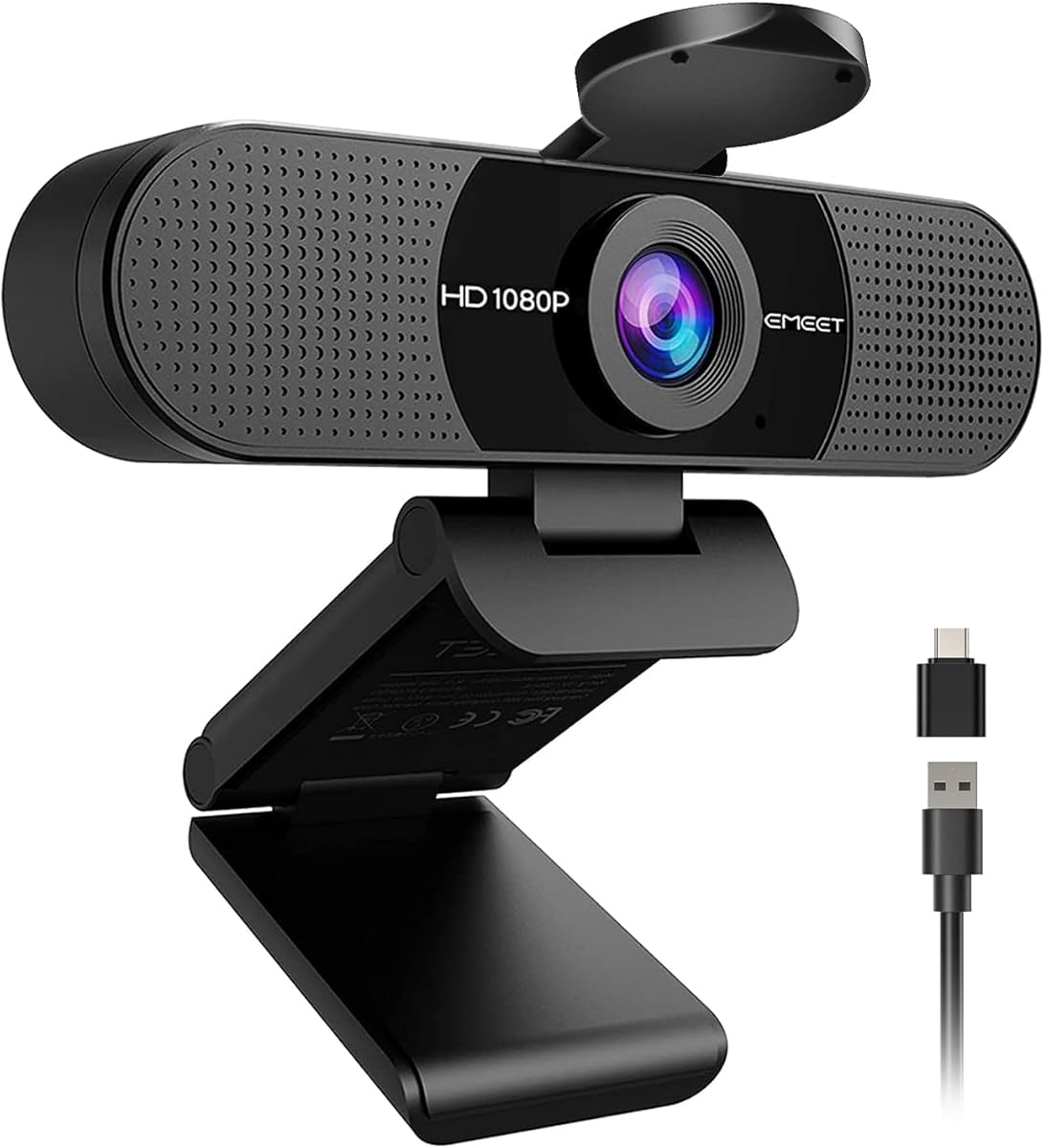
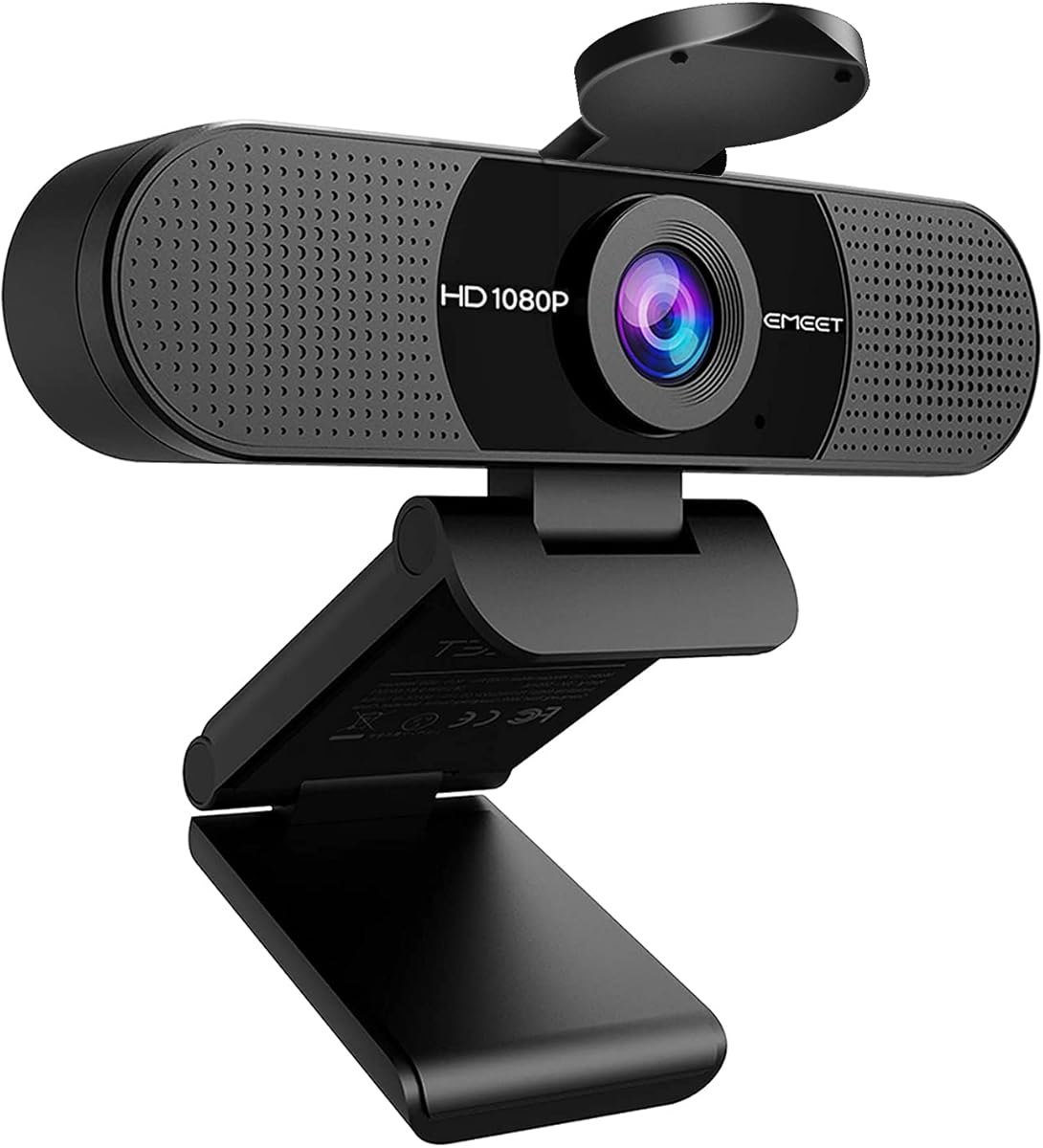
The EMEET C960 is engineered for professional video streaming with a focus on audio and visual clarity. It features two built-in microphones that pick up your voice clearly from different angles ensuring good communication. Users appreciate the 90-degree field of view for including more people.
We may earn a commission when you buy through this link, at no additional cost to you.
Its automatic light adjustment balances exposure and color to keep your image looking vibrant. The removable privacy cover adds a layer of security when the camera is not active. Connectivity is flexible with both Type-A and Type-C adapter options for modern laptops.
The fixed focus works best within a specific range so positioning is key for sharp images. It does not include speakers meaning you will rely on your computer's audio output. The USB connectivity ensures stable performance without frequent drops.
This camera suits remote workers or teachers who need reliable audio and video quality. The wide angle is useful for group calls and the privacy cover is a thoughtful addition. Consider it if you prioritize audio clarity in your setup.
Dual microphones capture clear voice input reducing the need for an external microphone in many scenarios.
Supports USB Type-A and Type-C for broader compatibility with newer and older devices.
We may earn a commission when you buy through this link, at no additional cost to you.
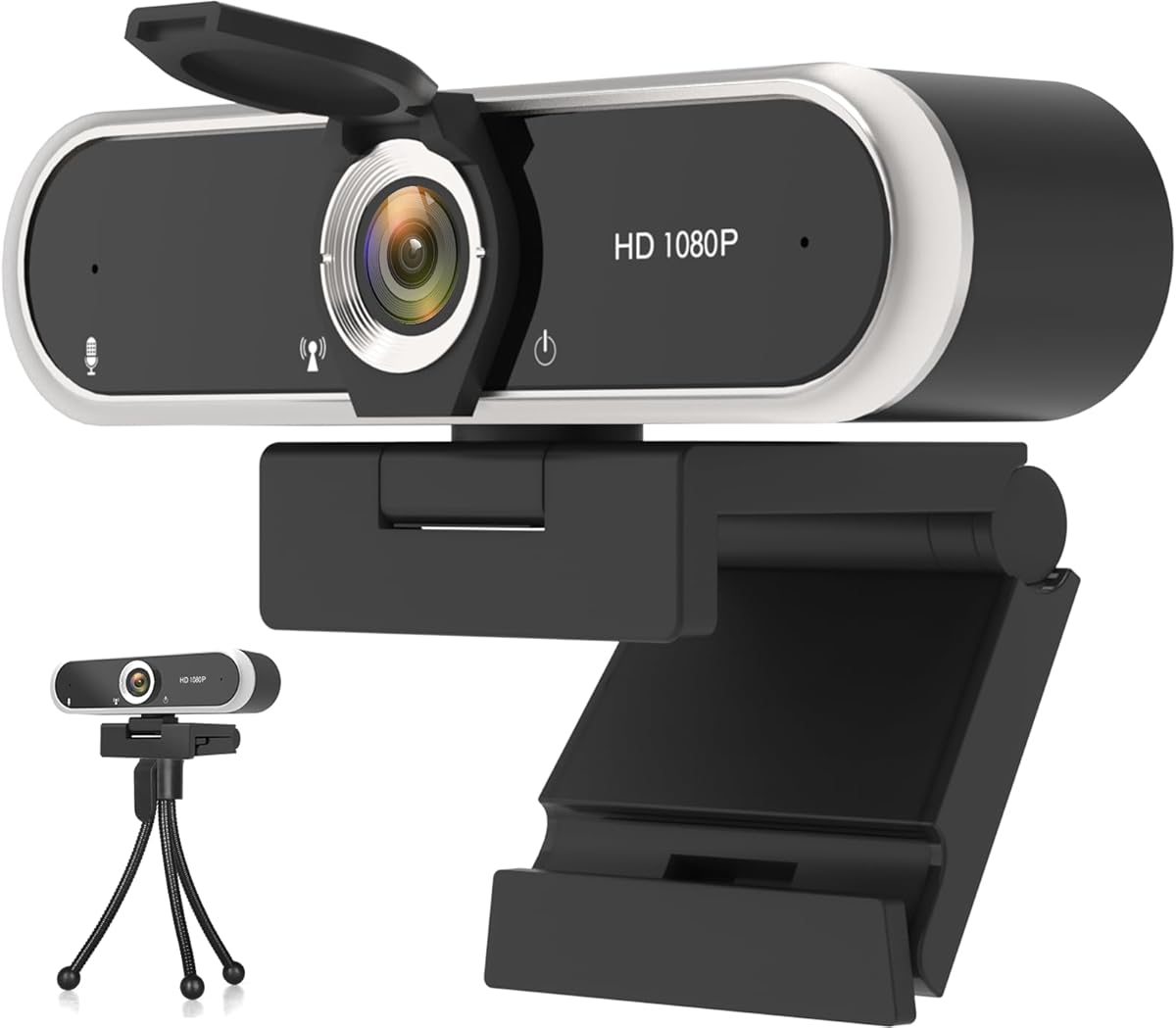
This webcam combines essential features like privacy protection and noise cancellation in a compact design. With 4.3 stars it delivers sharp 1080p video with enhanced HDR for better visibility in varied lighting. The privacy shutter allows you to physically block the lens easily.
We may earn a commission when you buy through this link, at no additional cost to you.
Dual digital microphones filter out background noise ensuring your voice is the focus during calls. The auto light correction keeps your image balanced whether you are near a window or in a dim room. It plugs directly into USB 2.0 for quick setup.
The flexible mount lets you place it on monitors or use it standalone as needed. While build materials are standard it holds up well for daily use. The 360-degree rotating head helps you find the perfect angle quickly.
Ideal for users who value security and clear audio on a budget. It is a solid choice for home offices where privacy is a concern. Ensure your lighting is stable to maximize the auto-correction benefits.
The sliding cover blocks the lens completely giving you control over when the camera is active.
Noise-cancelling microphones reduce distractions from busy environments for smoother conversations.
We may earn a commission when you buy through this link, at no additional cost to you.
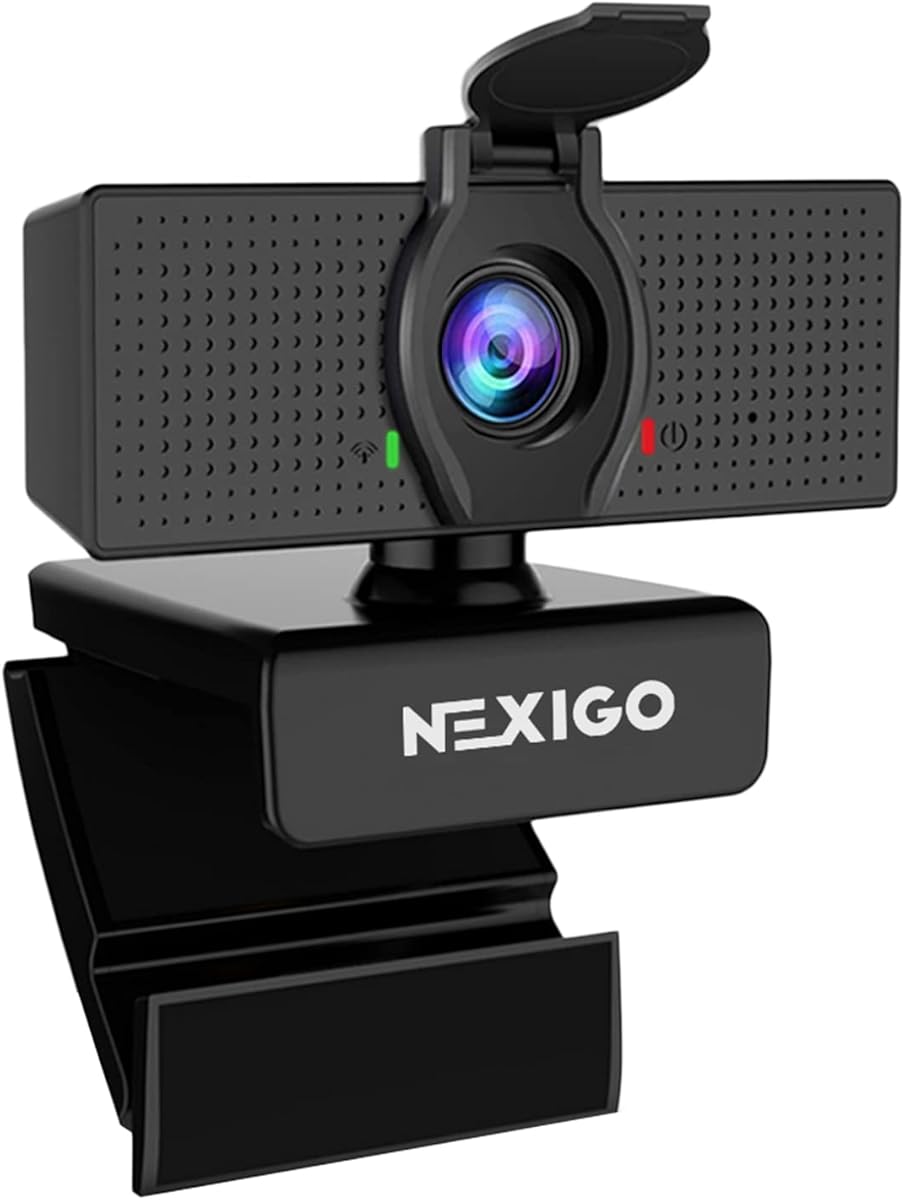
The NexiGo N60 delivers crisp 1080p video using a 3.6mm glass lens for sharp image quality. Rated 4.3 stars by users it is optimized for distances between 19 inches and 13 feet making it versatile for different desk sizes. The privacy cover ensures security when idle.
We may earn a commission when you buy through this link, at no additional cost to you.
Its built-in noise-canceling microphone reduces ambient noise so your voice comes through clearly during calls. The USB connectivity requires no additional drivers and works across Windows Mac Linux and Chrome OS. You can start using it in under a minute.
The fixed focus is precise but means you cannot adjust sharpness dynamically without moving closer. Some users note that firmware updates may require contacting support for specific fixes. Despite this the performance remains steady for daily tasks.
This is a great choice for general conferencing and remote schooling. The glass lens offers better clarity than plastic alternatives at this price point. Consider it if you need a reliable camera that works immediately without setup hassles.
The glass lens provides sharper images compared to plastic lenses in budget models.
A physical privacy cover prevents accidental recording and protects the lens from dust.
We may earn a commission when you buy through this link, at no additional cost to you.
This AOC model offers 4K Ultra HD resolution for incredibly sharp and detailed video quality. With a 4.4 rating it stands out for its lifelike images and professional look. The physical sliding lens cover ensures your privacy is maintained at all times.
We may earn a commission when you buy through this link, at no additional cost to you.
The 80-degree field of view allows you to fit more people into the frame comfortably. Its 360-degree swivel and tilt adjustment make it easy to find the perfect angle. Plug-and-play simplicity means no drivers are needed to start using it.
Built-in noise-reducing microphone helps clear background sounds for better communication. Automatic light correction adjusts brightness intelligently to keep you visible. The included USB-C to USB-A adapter ensures compatibility with newer laptops.
Choose this if you want high-end resolution without a premium price tag. It is excellent for professional streaming or content creation. Just ensure your computer has a USB 3.0 port to support 4K output properly.
4K Ultra HD captures fine details making you look professional on every call.
A physical sliding cover blocks the lens completely to protect your personal space.
We may earn a commission when you buy through this link, at no additional cost to you.
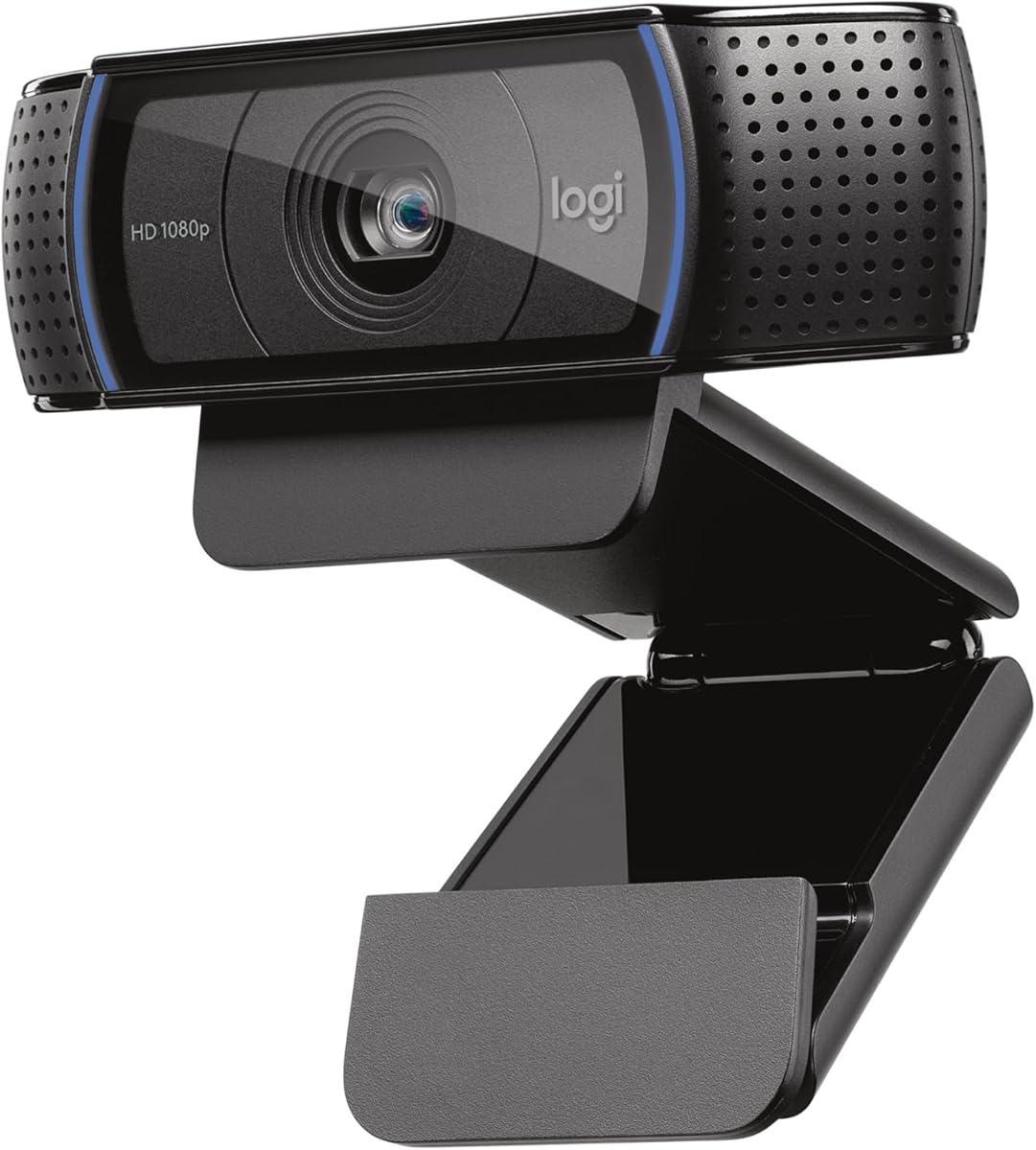
The Logitech C920x is a well-established choice known for reliable performance and high-quality video. With a 4.6 star rating it delivers crisp 1080p video at 30 frames per second. The autofocus feature keeps your image sharp even as you move.
We may earn a commission when you buy through this link, at no additional cost to you.
Stereo audio with dual mics captures natural sound during calls and recordings. HD lighting adjustment fine-tunes brightness to produce bright images in low-light settings. It comes with a three-month XSplit VCam license for background removal without a green screen.
The lack of a privacy shutter might be a concern for some users but the image quality often outweighs this. Setup is straightforward and it is fully compatible with Windows 11 and major platforms. It is a robust option for frequent users.
Buy this if you prioritize autofocus and high-quality audio over budget constraints. It is ideal for streamers and professionals who need consistent performance. Check current offers as prices can vary over time.
Automatic focus adjusts as you move ensuring your image stays sharp and clear.
Advanced light correction ensures you look professional even in dim environments.
We may earn a commission when you buy through this link, at no additional cost to you.
The EMEET S600 is a high-end streaming camera featuring a Sony sensor for unmatched 4K quality. Rated 4.5 stars it offers crisp images that exceed typical webcam standards. The PDAF autofocus ensures fast and precise focus in various scenes.
We may earn a commission when you buy through this link, at no additional cost to you.
Advanced light balance adjusts shadows and highlights to keep details sharp even in low light. Privacy is protected with a built-in sliding cover that stays secure. The customizable field of view allows you to focus on you or your surroundings.
Noise-canceling microphones capture clear voice and can be controlled via software for flexibility. Setup is easy with plug-and-play functionality but software allows advanced customization. It is ruggedly designed for stability and durability.
Choose this if you demand top-tier performance and are willing to invest. It is ideal for content creators and serious streamers. The software offers deep control if you want to fine-tune your broadcast settings.
The Sony sensor delivers professional-grade image quality with rich colors and detail.
PDAF autofocus locks on faster than standard methods for smoother visuals.
We may earn a commission when you buy through this link, at no additional cost to you.
This XOCLON webcam is designed for simplicity and reliability in daily calls. With 4.4 stars users appreciate its smooth 30fps video and sharp details. It works immediately after plugging in without needing any driver installation.
We may earn a commission when you buy through this link, at no additional cost to you.
The advanced noise-canceling technology keeps your voice clear even in busy environments. Auto brightness adjustment ensures you look your best in low-light conditions. It is compatible with major platforms like Zoom Teams and Google Meet.
The design is basic and lacks advanced customization but it gets the job done efficiently. Video quality remains consistent over time making it a dependable choice for work or school. It saves time with hassle-free setup every time.
Buy this if you want a camera that works instantly without technical trouble. It is great for remote employees or students on a tight schedule. Just ensure your lighting is adequate for best performance.
Plug and play means you can start your call in seconds without setup.
Noise-canceling tech filters background sounds for better communication quality.
We may earn a commission when you buy through this link, at no additional cost to you.
This EMEET C960 offers a wide 90-degree view to accommodate more participants easily. With 4.4 stars it provides 1080p HD video with smooth performance for streaming. The dual omnidirectional microphones filter out background noise for clear voice capture.
We may earn a commission when you buy through this link, at no additional cost to you.
Automatic low-light correction technology ensures your image remains visible in dim settings. The foldable design makes it portable for taking your camera anywhere. The privacy cover adds security when you are not on a call.
The fixed focus works well within the focal range but limits flexibility. The long USB cord provides decent reach but may not suit all desk setups. Overall it is a versatile option for both home and office use.
Choose this if you need a wide view and solid audio on a budget. It is great for group meetings and teaching. Just be mindful of your positioning to keep everyone in focus.
The 90-degree lens captures more people without needing to adjust the camera often.
Dual microphones filter background sounds to ensure your voice remains clear.
We may earn a commission when you buy through this link, at no additional cost to you.
Selecting the right webcam involves balancing cost with essential features that meet your needs. Use these factors to find a model that offers reliable performance.
Resolution defines the clarity of your video output with 1080p being the standard for clear HD footage. While 4K models exist they require more bandwidth and powerful hardware to run smoothly.
For most streaming and meeting purposes a 1080p webcam provides excellent detail without overloading your system.
Built-in microphones vary in quality with some offering noise cancellation to reduce background distractions. Clear audio is just as important as video for effective communication during calls.
Look for models with dual or noise-canceling mics if you do not plan to use a separate microphone.
Good webcams automatically adjust exposure and brightness to keep your face visible in different lighting. This feature helps avoid dark images when you are in dim rooms or backlit environments.
Ensure the model you choose has automatic light correction to maintain consistent video quality.
USB 2.0 and 3.0 ports are common but newer devices may require USB-C adapters for proper connection. Check that the webcam supports your operating system and preferred video platforms like Zoom or Teams.
A plug-and-play design saves time by eliminating the need for extra software installation.
The angle of the lens determines how much of your surroundings is visible on screen. A wider field of view is useful for group calls or showing more of your workspace.
Narrower angles focus on you specifically which can reduce distractions for professional meetings.
Privacy covers or sliding shutters provide physical security by blocking the lens when not in use. This prevents accidental recording and protects your privacy in shared spaces.
Prioritize models with built-in privacy covers if security is a concern for you.
An adjustable clip or stand allows you to position the camera securely on your monitor or desk. Flexible mounting helps you achieve the best angle for your setup.
Check if the webcam comes with a tripod mount for additional positioning options if needed.
To get started connect the webcam to your computer via USB and ensure your system recognizes it. You can select it as your default camera in video calling software like Zoom or Meet.
Keep the lens clean by wiping it gently with a soft microfiber cloth to remove dust and fingerprints. Avoid using harsh chemicals that might damage the protective coating on the glass or plastic.
For best performance position the camera at eye level and ensure you have good lighting in front of you. Adjust your room lighting to avoid shadows on your face for a clearer image.
Most modern webcams listed here are plug-and-play meaning they work immediately when connected via USB without extra software. However some advanced models may offer optional software for customization or firmware updates.
Yes these webcams are compatible with streaming software like OBS and platforms like Twitch. Ensure your computer has sufficient power to handle the video encoding alongside your games for smooth performance.
A 4K webcam offers higher resolution and sharper detail compared to 1080p models. However 4K requires more bandwidth and may not display better on standard monitors unless you have a high-resolution display.
Add more light to your room such as a desk lamp facing you to brighten the scene. Some webcams have automatic low-light correction but adding physical light will always improve clarity.
Yes most models listed work with macOS 10.14 or later without needing additional drivers. Just plug the camera into a USB port and select it in your video app settings.
Use the privacy cover or shutter if your webcam has one to block the lens physically. Alternatively you can cover the lens with a small piece of opaque tape for security.
Most models in this list operate at 30fps which is standard for meetings and basic streaming. High-end options may support 60fps at 1080p but check specific product details before buying.
Yes these webcams are designed to work with both desktops and laptops. They typically come with an adjustable clip to fit securely on top of most laptop screens.
The webcams on this list offer a range of options to suit different budgets and needs. From the reliable Logitech Brio 101 to the high-resolution EMEET S600 there is something for everyone.
Consider your primary use case whether it is daily meetings or live streaming to decide which features matter most. Audio quality and privacy features should not be overlooked when selecting your model.
Prices and availability change so checking current listings will help you get the best deal available. We hope this guide helps you find the perfect camera to enhance your streaming experience.