
Intel Core Ultra 9 285K
4.6Editor score
24 Cores 24 Threads
Up to 5.7 GHz
Intel Hybrid Architecture
Discover the top CPUs for Excel and data analysis. Compare specs, ratings, and performance to choose the right processor for your workflow.
Choosing the right central processing unit is critical for efficient spreadsheet management and complex data modeling. A powerful CPU ensures smooth calculations and faster load times.
We compared ten top-rated processors based on core count, clock speed, and user reviews. This list covers options ranging from budget-friendly to high-performance workstation grades.
Each pick highlights specific strengths for analytical tasks and general productivity. Note that product availability and pricing can change frequently on retailer sites.
4.6Editor score

4.8Editor score
4.7Editor score
This side-by-side comparison lists key specifications for all ten selected processors to help you find the exact match for your needs.


This processor stands out with its Zen 5 architecture and massive cache, making it a top choice for heavy spreadsheet tasks.
We may earn a commission when you buy through this link, at no additional cost to you.
The 16 threads allow simultaneous execution of data transformations and background services without lag.
While it lacks a cooler, the thermal performance is strong enough to handle sustained loads during complex macro runs.
Ideal for power users who need a reliable engine for data analysis and multitasking.
The 96MB L3 cache stores frequently accessed data closer to the cores, significantly reducing latency during iterative Excel operations.
Built on advanced manufacturing processes, this CPU delivers high instructions per cycle while maintaining lower power consumption than previous generations.
We may earn a commission when you buy through this link, at no additional cost to you.
This flagship processor combines performance and efficiency with a hybrid architecture that distributes workloads intelligently across different core types.
We may earn a commission when you buy through this link, at no additional cost to you.
The 24 cores and threads provide ample headroom for running multiple analysis tools at once.
Users will need a separate cooling solution since no thermal solution is included in the box.
It is a great choice for those seeking top-tier speed and future-proof connectivity features.
The Performance Hybrid Architecture prioritizes and distributes workloads to optimize performance for both quick calculations and background tasks.
With speeds up to 5.7 GHz unlocked, you can achieve rapid responsiveness and high throughput for demanding data processing tasks.
We may earn a commission when you buy through this link, at no additional cost to you.
This 14th Gen Intel processor offers a leading clock speed of up to 6.0 GHz for smoother responsiveness in all tasks.
We may earn a commission when you buy through this link, at no additional cost to you.
Its 24 cores and 32 threads deliver high performance for demanding applications like large dataset analysis.
Note that some motherboard compatibility might require a BIOS update depending on your specific board.
A solid pick for users who prioritize raw single-core speed for immediate results.
The leading max clock speed of up to 6.0 GHz gives you smoother game play and rapid responsiveness for single-threaded tasks.
DDR4 and DDR5 platform support cuts load times and gives you the space to run the most demanding data processing games.
We may earn a commission when you buy through this link, at no additional cost to you.
This Zen 5 based processor delivers smooth performance and high boost clocks ideal for responsive calculations.
We may earn a commission when you buy through this link, at no additional cost to you.
The 6 cores and 12 processing threads are sufficient for most data analysis workflows.
It is unlocked for overclocking if you want to extract extra speed for your tasks.
Great for those who want modern AM5 platform features without paying top-tier prices.
For the state-of-the-art Socket AM5 platform, it can support PCIe 5.0 on select motherboards for future expansion.
With a 5.4 GHz Max Boost, this unlocked processor provides high responsiveness for demanding applications and multitasking.
We may earn a commission when you buy through this link, at no additional cost to you.
The 270K offers high-performance core configurations with up to 24 cores for demanding gaming and creator tasks.
We may earn a commission when you buy through this link, at no additional cost to you.
It is built for enthusiasts and is unlocked for performance tuning when paired with Intel Z-series chipsets.
The high turbo power design sustains high-intensity workloads but demands good cooling.
Select for users who need a balance of high thread count and tuning capabilities.
It reaches up to 5.5 GHz max turbo frequency for top-tier responsiveness and performance in single-threaded apps.
Compatible with Intel 800 Series Chipset-based motherboards enabling PCIe 5.0 and high-speed DDR5 memory support.
We may earn a commission when you buy through this link, at no additional cost to you.
This processor delivers ultra-fast performance with 16 cores and 32 processing threads based on Zen 5 architecture.
We may earn a commission when you buy through this link, at no additional cost to you.
The 80 MB cache helps manage large data sets efficiently during complex analytical processes.
It is recommended to use a liquid cooler for optimal thermal performance and stability.
Perfect for heavy multitaskers who run multiple virtual machines or heavy applications simultaneously.
The 16 cores and 32 processing threads deliver ultra-fast performance in the world's most popular tasks and games.
For the state-of-the-art Socket AM5 platform, it can support PCIe 5.0 on select motherboards for modern I/O.
We may earn a commission when you buy through this link, at no additional cost to you.
This unlocked processor offers more cache space and hyper-threading architecture for high performance in demanding applications.
We may earn a commission when you buy through this link, at no additional cost to you.
With 12 cores and 20 threads it handles computational intensive apps with supreme efficiency.
Users should note this model requires a discrete graphics card since it is a KF variant.
A reliable choice for building a cost-effective workstation on existing LGA1700 boards.
Intel 7 Architecture enables improved performance per watt and micro architecture makes it power-efficient for daily use.
11 MB L2 and 25 MB L3 cache offers supreme performance for computation intensive apps and data processing.
We may earn a commission when you buy through this link, at no additional cost to you.
The 14400F features a hybrid architecture integrating two core microarchitectures to optimize performance for daily tasks.
We may earn a commission when you buy through this link, at no additional cost to you.
With 10 cores and 16 threads it provides a good balance of speed and efficiency.
Note that this version requires a discrete graphics card to output video signal.
An excellent mid-range option for general office work and light data analysis.
Performance hybrid architecture integrates two core microarchitectures, prioritizing and distributing workloads to optimize performance.
DDR4 and DDR5 Memory support provides options for various budget levels without compromising on speed.
We may earn a commission when you buy through this link, at no additional cost to you.
This 12 core processor is built on Zen 5 architecture to deliver ultra-fast performance and responsive workflows.
We may earn a commission when you buy through this link, at no additional cost to you.
The 76 MB cache helps speed up data retrieval during complex analysis tasks.
It is unlocked for overclocking and supports modern DDR5 memory standards for high speed.
A strong contender for users needing serious computing power without reaching the top tier.
The 12 cores and 24 processing threads deliver ultra-fast performance in the world's most popular games and tasks.
For the state-of-the-art Socket AM5 platform, it can support PCIe 5.0 on select motherboards.
We may earn a commission when you buy through this link, at no additional cost to you.
This processor comes bundled with the AMD Wraith Stealth cooler making it an easy entry point for new builds.
We may earn a commission when you buy through this link, at no additional cost to you.
The 6 cores and 12 processing threads handle standard office apps with ease.
It is unlocked for overclocking to squeeze out extra performance if you wish.
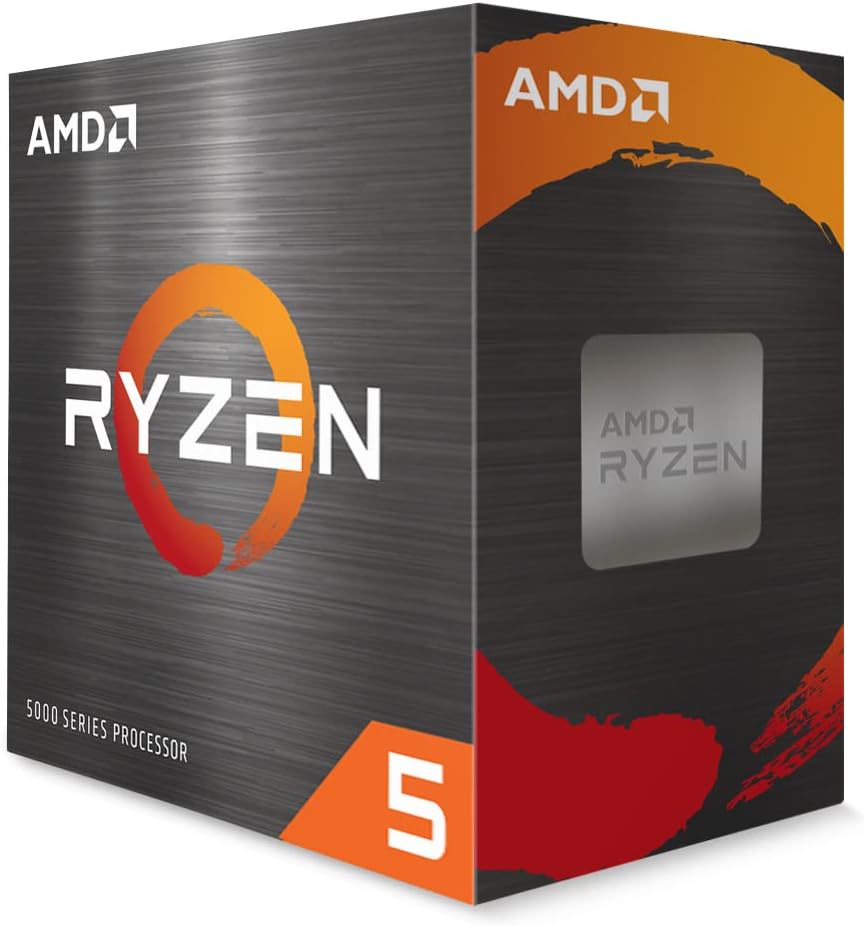
Ideal for users on a tight budget who need reliable performance for basic tasks.
It delivers fast performance in the world's most popular games and apps for a budget price.
For the advanced Socket AM4 platform it offers wide motherboard availability and compatibility.
We may earn a commission when you buy through this link, at no additional cost to you.
Selecting the right processor requires understanding how core count and speed affect your specific workflows.
Higher core counts allow multiple data calculations and background apps to run simultaneously without lag. For heavy data analysis look for at least 12 threads.
Prioritize multi-threaded CPUs if you use complex formulas or power pivot tables often.
Single core speed is vital for opening files and applying basic formulas quickly. A high boost clock improves general responsiveness.
Choose CPUs with turbo speeds above 5.0 GHz for fast everyday operations.
L3 cache stores data closer to the cores which reduces memory access times during repetitive calculations. Larger cache helps complex queries.
Look for processors with more than 30MB cache for better analysis efficiency.
Ensure the CPU socket matches your motherboard. New AM5 and LGA1851 sockets support faster memory but may need upgrades.
Check your motherboard generation before buying to avoid BIOS issues.
Some CPUs include integrated graphics useful for systems without a dedicated card. Others require discrete GPU for video output.
Confirm if you need a discrete GPU if buying KF or F series processors.
Higher wattage CPUs generate more heat so invest in proper cooling for stability. Unlocked parts need adequate airflow.
Select a cooling solution that matches the CPU power rating.
DDR5 memory offers faster bandwidth for large datasets compared to DDR4. Check if your chosen CPU supports DDR5.
If budget is tight DDR4 support might be sufficient for basic sheets.
Price varies by generation and performance. Entry level options work for simple tasks while high end suits enterprise workloads.
Balance your needs against cost to get the best value.
Keep your computer in a cool and dust free environment to prevent thermal throttling during long analysis sessions.
Ensure your operating system and drivers are updated to maximize the potential of newer processor architectures.
Use power management settings to prevent unnecessary heat generation when your computer is idle.
For standard spreadsheets a mid-range CPU is sufficient. However complex data modeling and Power Query benefit from more cores.
Newest generations like Zen 5 and Core Ultra provide the best efficiency and speed due to architectural improvements.
Most high performance CPUs do not include coolers. You will need to buy a separate aftermarket cooler for stability.
New CPUs often require new socket types. Check your motherboard compatibility list before purchasing a modern processor.
Yes faster memory bandwidth helps reduce load times for large datasets. DDR5 memory is generally faster than DDR4.
Unlocked CPUs allow overclocking to gain extra performance. This is useful if you have strong cooling solutions.
We reviewed ten top CPUs offering a range of options from budget-friendly models to premium workstations.
Prioritize core count and cache size for heavy data tasks while ensuring your motherboard supports the new hardware.
Always check current product availability and prices as they change frequently on online retail stores.