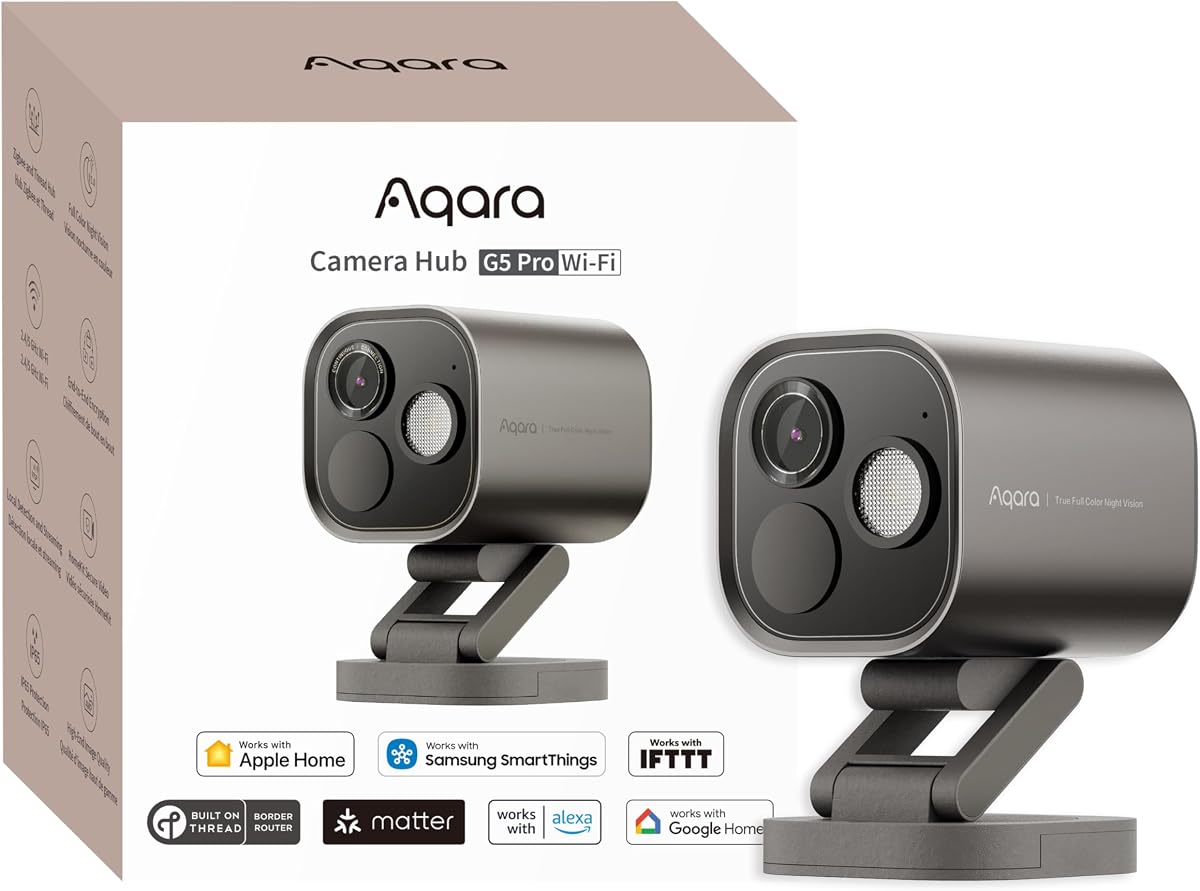
Aqara G5 Pro WiFi
4.3Editor score
4MP True Color Night Vision
Built-in Zigbee and Thread Hub
Local AI Abnormal Sound Detection
Discover the top 10 Apple HomeKit security cameras for 2026. Compare features, ratings, and privacy to choose the perfect smart home surveillance solution.
Securing your home with smart technology has never been more important. Apple HomeKit security cameras offer a seamless way to monitor your property while maintaining high privacy standards. These devices integrate directly with your Apple ecosystem, providing reliable alerts and encrypted video storage.
We have analyzed the leading options available on the market today. Our selection process involves comparing video quality, smart detection capabilities, and ease of setup. We focus on cameras that deliver consistent performance and robust security features for peace of mind.
Each pick in this guide highlights specific strengths for different household needs. You will find budget-friendly indoor options and premium outdoor solutions with advanced features. Keep in mind that availability and offers can change, so check the latest details before purchasing.
4.3Editor score
4.5Editor score

4.2Editor score
This side-by-side comparison highlights the key specifications and unique features of the top ranked cameras. Use this table to quickly identify which model best fits your specific surveillance needs and budget constraints.



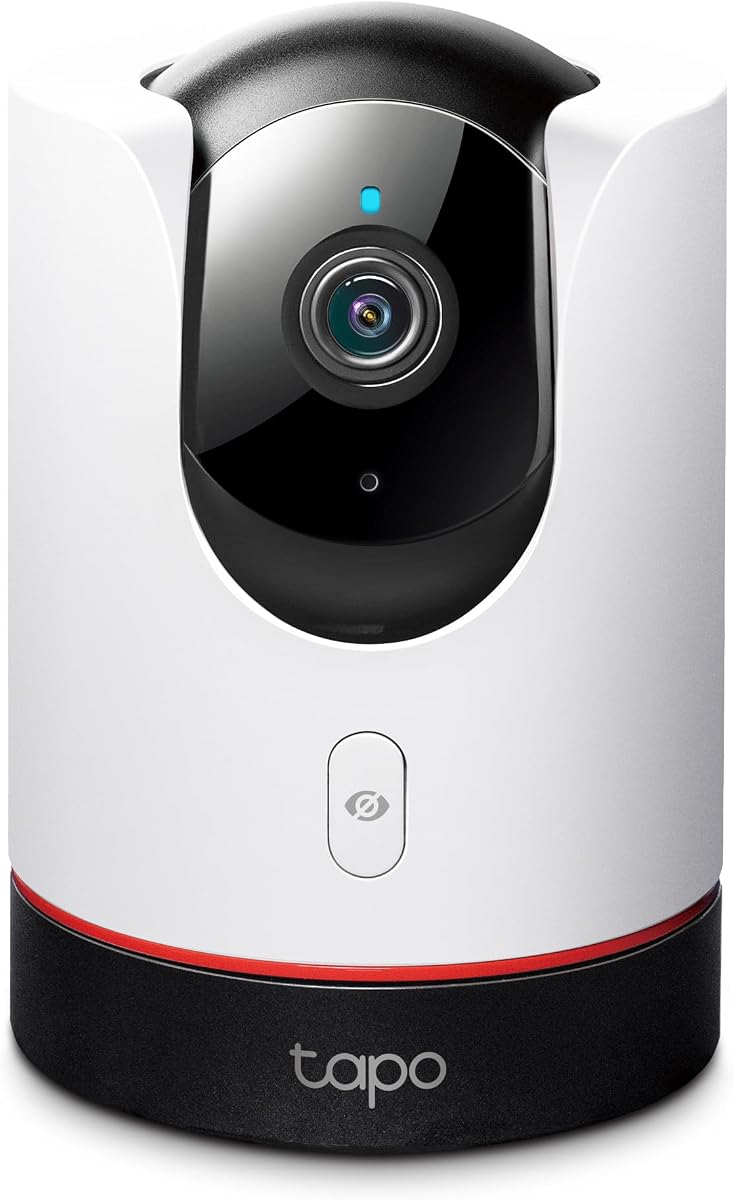
The TP-Link Tapo C225 stands out as the best overall choice for Apple HomeKit users seeking affordability without sacrificing quality. With a high rating and solid design recognition, it offers a complete surveillance package for indoor monitoring.
We may earn a commission when you buy through this link, at no additional cost to you.
Its 2K QHD live view provides crystal-clear imagery across a full 360-degree horizontal field of view. The innovative physical privacy mode ensures your home remains private when the camera is not actively recording or being monitored.
While it lacks a built-in memory card, its support for local storage up to 512GB ensures you have flexibility. The smart AI detection accurately identifies people and pets, sending instant notifications to keep you informed of activity.
This camera is ideal for renters or homeowners wanting reliable indoor security at a competitive cost. Its design and performance make it a top recommendation for anyone prioritizing value and privacy in their smart home setup.
The F1.6 large aperture allows more light into the sensor, producing brighter visuals even in dim environments.
You can choose between continuous local recording on a microSD card or cloud storage via Tapo Care subscriptions.
We may earn a commission when you buy through this link, at no additional cost to you.
The Aqara G5 Pro WiFi is a powerhouse for those needing advanced outdoor security and smart home integration. Its 4MP resolution and true color night vision set it apart as a top-tier device for serious surveillance needs.
We may earn a commission when you buy through this link, at no additional cost to you.
Beyond camera features, it acts as a hub for Zigbee and Thread devices, connecting up to 80 sub-devices. This centralizes your smart home control while providing encrypted video storage options and robust local AI processing capabilities.
The ability to detect specific sounds like crying or barking adds an extra layer of protection without relying on the cloud. Its dual-band Wi-Fi ensures stable connectivity even in congested networks, though it requires a wired power source.
This model is perfect for tech-savvy users looking to expand their smart home ecosystem. It delivers professional-grade outdoor surveillance with the convenience of a built-in hub for other compatible devices.
The f/1.0 aperture and 1/1.8 sensor capture clear color footage in low-light conditions where standard IR cameras fail.
It bridges existing devices to Matter-compatible platforms, making your entire home automation network more cohesive.
We may earn a commission when you buy through this link, at no additional cost to you.
The Aqara E1 proves that budget-friendly does not mean compromising on essential features. It offers excellent 2K resolution and a wide 360-degree viewing angle, making it a smart choice for indoor monitoring.
We may earn a commission when you buy through this link, at no additional cost to you.
Its automated privacy mode pivots the lens to a safe position when deactivated, ensuring you know exactly when the camera is active. Local processing handles motion and person detection efficiently, keeping your data secure on the device.
While it relies on a specific USB power supply which is not included, its performance justifies the minor setup effort. The support for Wi-Fi 6 ensures smooth streaming even if your network is heavily used by other smart devices.
For anyone looking to add HomeKit security without a high expense, this camera is a reliable starting point. It balances cost, performance, and privacy features effectively for most indoor needs.
The full 360-degree viewing angle means you can track movement across an entire room without blind spots.
All motion events and recordings are processed locally, ensuring privacy by design without constant cloud dependency.
We may earn a commission when you buy through this link, at no additional cost to you.
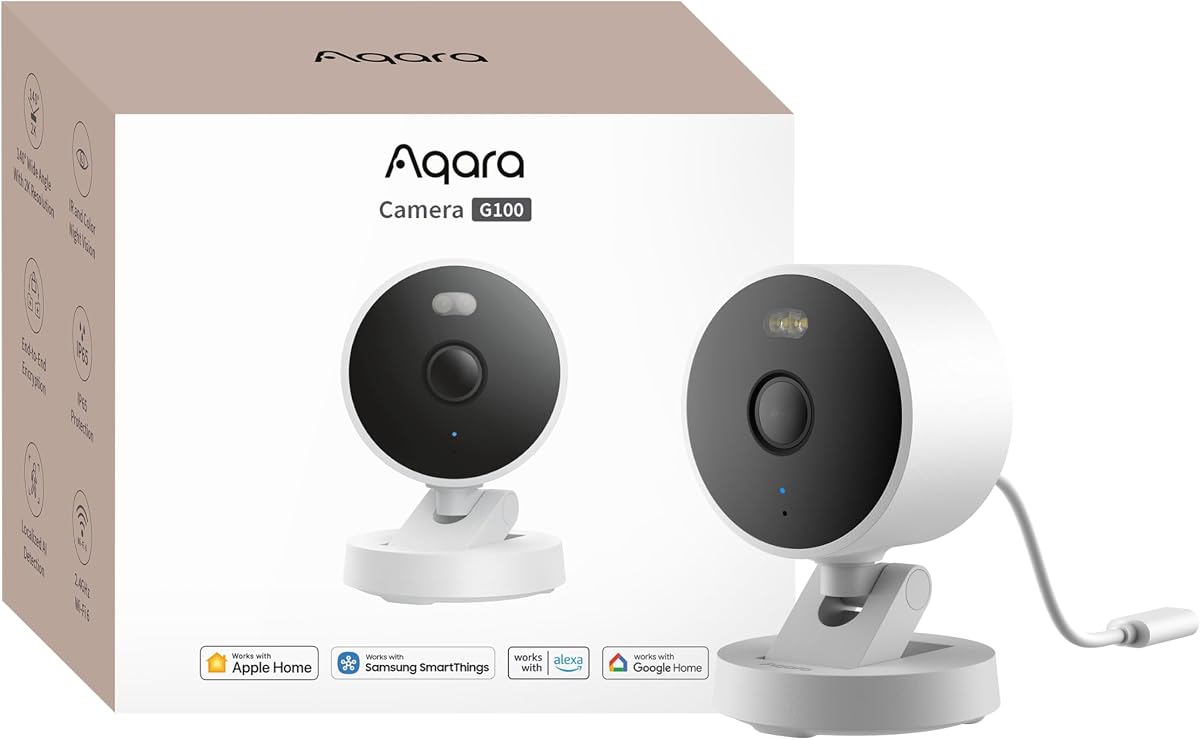
The Aqara G100 is versatile enough to handle both indoor and outdoor surveillance roles with equal efficiency. Its robust weather-resistant design ensures it withstands various environmental conditions without losing performance quality.
We may earn a commission when you buy through this link, at no additional cost to you.
It features two distinct night vision modes: a spotlight color mode for visible deterrence and an infrared mode for covert monitoring. These options allow you to choose the level of visibility that suits your specific security scenario.
While the night vision modes need to be manually enabled in the app, this control prevents accidental illumination or battery drain issues. The camera also supports RTSP streaming, integrating it easily into broader smart home ecosystems like Home Assistant.
This camera is ideal for homeowners who want a single solution for multiple locations. Its durability and flexible vision modes make it a strong contender for comprehensive property monitoring.
Choose between spotlight color vision for deterrence or infrared for covert observation depending on the time of day.
The IP65 rated housing allows installation in rain or dust without compromising the internal components.
We may earn a commission when you buy through this link, at no additional cost to you.
The Eve Cam is designed exclusively for Apple users who prioritize data privacy above all else. It supports HomeKit Secure Video and keeps all video analysis local to your home rather than sending data to external servers.
We may earn a commission when you buy through this link, at no additional cost to you.
Its ability to distinguish between people and pets reduces false alarms, ensuring notifications are relevant. The system integrates seamlessly with your Apple devices, allowing you to view footage securely on your iPhone or iPad.
To function fully, it requires an active HomePod or Apple TV hub, which may be a barrier for some users. However, for those already invested in the Apple ecosystem, the security benefits are substantial.
This camera is a perfect fit for privacy-conscious families. It offers peace of mind through local processing and end-to-end encryption, ensuring your home video remains strictly private.
Video processing happens securely inside your home, ensuring personal data remains private and under your control.
Built for Apple HomeKit Secure Video, it ensures seamless integration with your existing smart home devices.
We may earn a commission when you buy through this link, at no additional cost to you.
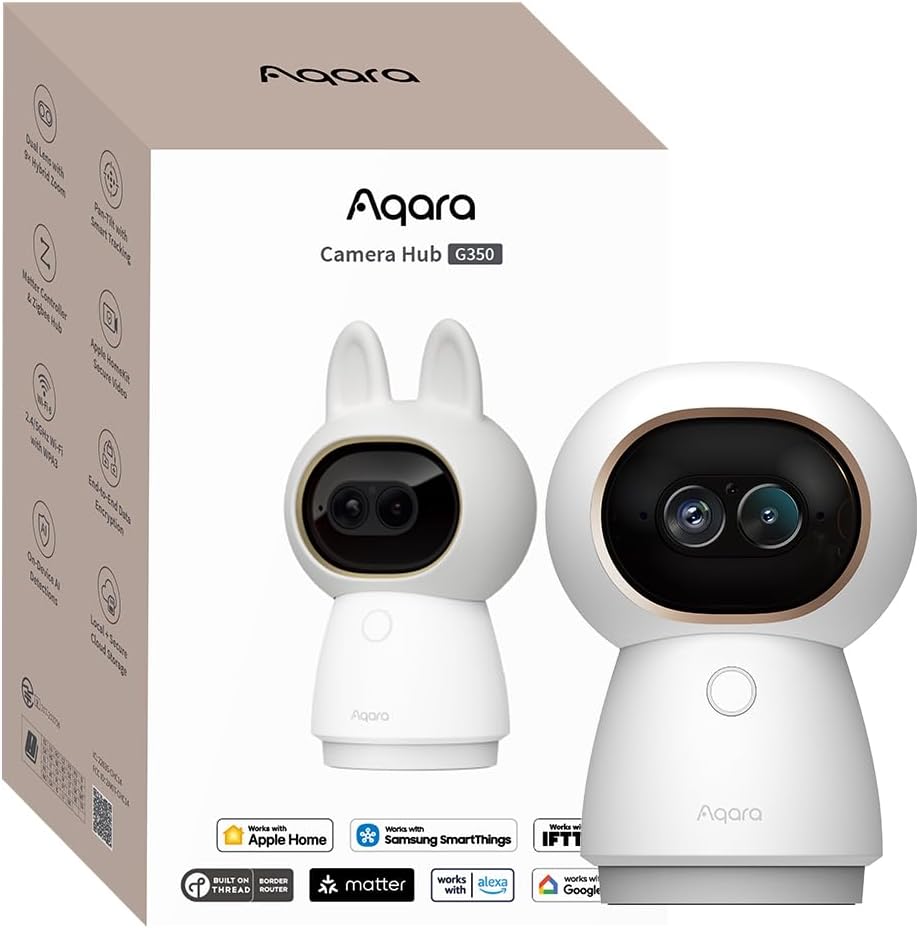
The Aqara G350 delivers high-end features with its 4K UHD dual-lens system. This allows for sweeping panoramic views alongside zoomed-in details, offering a versatile way to monitor indoor spaces with high clarity.
We may earn a commission when you buy through this link, at no additional cost to you.
Its AI auto-tracking feature follows movement smoothly, adjusting zoom levels to keep subjects in focus without blurring. Gesture recognition adds a unique control layer, letting you trigger scenes with a simple wave or OK sign.
While it is limited to indoor environments, its performance as a Matter bridge allows for significant smart home expansion. The pan and tilt capabilities combined with zoom make it suitable for detailed monitoring of specific areas.
This model is excellent for users who want advanced control and high resolution. It balances surveillance quality with smart home connectivity, making it a robust choice for modern interiors.
The dual lens system allows you to magnify specific areas using a fixed tap or finger spread without losing clarity.
The camera intelligently identifies subjects and maintains framing at the center of the view for continuous monitoring.
We may earn a commission when you buy through this link, at no additional cost to you.
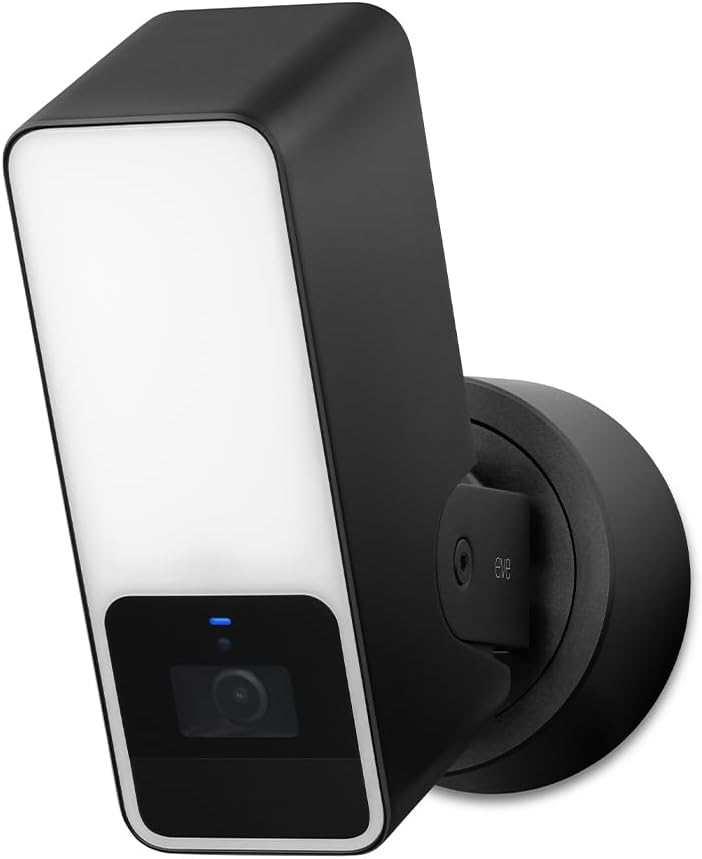
The Eve Outdoor Cam acts as a powerful deterrent with its integrated bright floodlight. It combines this with reliable HD video recording to ensure your exterior is monitored securely using HomeKit standards.
We may earn a commission when you buy through this link, at no additional cost to you.
Its local intelligence ensures that data is never exposed to the cloud, keeping your footage private and secure. The motion sensor triggers both light and recording, providing a comprehensive response to any movement detected.
Installation requires a neutral wire and ground connection, which might be challenging for those without electrical expertise. However, the trade-off is a hardwired, reliable system that does not depend on battery replacements.
For homeowners seeking a traditional floodlight camera with modern privacy features, this is a strong option. It provides robust physical and digital security for your property entrance.
The dimmable floodlight with infrared motion sensor triggers light to deter intruders effectively when motion is detected.
No Eve cloud registration ensures your data remains private and is never exposed to external tracking or storage.
We may earn a commission when you buy through this link, at no additional cost to you.
The Logitech Circle View offers an impressive 180-degree field of view, covering a wider area than most standard cameras. Its TrueView technology optimizes video quality for high contrast scenes like direct sunlight.
We may earn a commission when you buy through this link, at no additional cost to you.
The camera features an innovative physical privacy button that allows you to instantly turn off the lens. This design choice reinforces trust in the device and gives you direct control over when recording occurs.
While it is motion-based rather than continuous, it captures detailed clips effectively. The durable weatherproof body allows for outdoor placement, though it relies on wired power and lacks cloud storage options.
Ideal for those prioritizing wide-angle coverage and privacy, this camera offers a classic yet modern security approach. Its design and durability make it a reliable addition to any Apple HomeKit setup.
High-quality sensors with wide dynamic range let you see more detail in bright or high-contrast lighting.
The camera features a tilt-down mechanism and a rear button for instant privacy control.
We may earn a commission when you buy through this link, at no additional cost to you.
The eufy Security E30 brings 4K resolution to indoor monitoring, capturing every detail with precision. Its ability to track movement automatically ensures that you never miss an activity when a pet or person is detected.
We may earn a commission when you buy through this link, at no additional cost to you.
Unlike many competitors, it offers full functionality without monthly subscription fees. You can store footage locally on a separate SD card, making it a cost-effective solution for long-term use.
While HomeKit limits the output resolution to 1080p, the local recording preserves the full 4K quality. This hybrid approach ensures compatibility with Apple devices while maintaining high-definition storage for review.
This camera is perfect for pet owners and families wanting high resolution without ongoing costs. Its tracking capabilities and lack of fees make it a standout choice for budget-conscious high-end monitoring.
Capture every detail day and night with crystal-clear 4K recording, ensuring high-quality footage for review.
Store footage locally with an SD card and enjoy all functions without any mandatory subscription fees.
We may earn a commission when you buy through this link, at no additional cost to you.
The Aqara G5 Pro PoE is designed for reliability, transmitting video and power over a single Ethernet cable. This eliminates the need for multiple power adapters and reduces potential connection issues found in wireless setups.
We may earn a commission when you buy through this link, at no additional cost to you.
Like its WiFi counterpart, it features true color night vision and local AI sound detection. These features ensure that your outdoor security remains effective even in low-light conditions or during internet outages.
It requires a PoE switch for full functionality, which adds to the initial complexity. However, this wired connection provides a stable and secure video stream that is ideal for professional-grade security installations.
For those needing a robust, wire-free network cable connection, this is an ideal choice. It combines advanced imaging with the reliability of a wired connection for total peace of mind.
Transmit video and power via a single network cable, reducing cable clutter and installation complexity.
The wired connection ensures stable transmission regardless of network congestion or interference.
We may earn a commission when you buy through this link, at no additional cost to you.
Selecting the right security camera involves balancing resolution, connectivity, and privacy features. This section details the key factors to consider before making your purchase to ensure compatibility with your HomeKit setup.
Video resolution determines how clearly you can see details on your footage. For HomeKit cameras, 1080p is often the standard for video, but local recording can support 4K or 2K for better clarity.
Prioritize cameras with higher resolution if you need to identify faces or license plates clearly. Look for large aperture lenses that perform well in low light to ensure usable footage at night.
Ensure the camera is rated for the environment where you plan to install it. Outdoor cameras usually require IP65 or IP67 ratings to withstand rain, dust, and temperature fluctuations.
Indoor cameras focus on design and privacy features like physical shutters. If you plan to place a camera outside, verify that it can withstand the weather conditions in your specific region.
HomeKit Secure Video allows you to store footage securely in iCloud. This feature requires an iCloud+ subscription and a home hub like an Apple TV or HomePod mini.
Check if the camera supports end-to-end encryption to keep your data private. Local processing ensures that only you can view recorded clips, adding a significant layer of security to your system.
Cameras often offer choices between cloud storage and local SD cards. Local storage avoids subscription fees and keeps data off the cloud, which appeals to privacy-focused users.
Some models provide dual options, letting you choose based on your budget. Ensure the camera supports large capacity SD cards if you plan to record continuously for several days.
Advanced cameras use AI to distinguish between people, pets, and packages. This reduces false alarms caused by moving leaves or animals, keeping notifications relevant and manageable.
Look for cameras that process AI locally on the device for better privacy and speed. Cloud-based detection often requires a subscription, so verify the costs involved in using these advanced features.
Power options range from wired Ethernet to battery or solar panels. Wired connections like PoE offer the most stability, while battery models provide flexibility for remote locations.
Check the Wi-Fi capabilities; dual-band support helps avoid interference. Ensure your router supports the frequency the camera uses, as some models only connect to 2.4GHz networks.
Some cameras act as hubs for other smart devices, such as lights or sensors. This centralizes your smart home ecosystem, allowing for broader automation possibilities.
Verify if the camera supports Matter or Thread protocols for future-proofing. Integration with other platforms like Alexa or Google Home can be useful if you use a multi-platform home.
Night vision is critical for 24/7 security. Traditional IR cameras show monochrome footage, while true color night vision cameras maintain color even in low light.
Consider cameras with spotlights that turn on when motion is detected. These act as a deterrent and improve video quality without revealing your presence unnecessarily at night.
Setup begins with the physical installation of the camera. Ensure the device is securely mounted and the lens is clean before connecting it to power. Follow the manufacturer's instructions for positioning to avoid blind spots.
Use the Home app to add the camera to your home profile. You will need to scan the HomeKit code usually found on the device or packaging. Once added, configure your notification preferences to stay informed of important events.
Regular maintenance includes cleaning the lens and checking firmware updates. A clean lens ensures clear footage, while updates patch security vulnerabilities. Periodically check your storage settings to ensure your video clips are being saved as expected.
HomeKit Secure Video features typically require an iCloud+ subscription to store encrypted clips. However, many cameras also support local storage via SD cards without a subscription.
You can view a camera directly on your iPhone, but to receive remote alerts and enable Secure Video, you need a home hub like an Apple TV or HomePod.
Many cameras support multiple platforms like Alexa or Google Home, but HomeKit Secure Video is exclusive to Apple devices. Check the specific model for multi-platform support.
Look for cameras with local processing and end-to-end encryption. Features like physical privacy shutters and local storage options help keep your footage secure and private.
Outdoor cameras have weatherproof ratings like IP65 to withstand elements. Indoor cameras often focus on design and privacy features, though some models can work in both environments.
Continuous recording depends on the model. Some support 24/7 recording via SD card or NAS, while others only record events. Verify the storage options before purchasing.
Some models support RTSP protocols or bridges that allow integration with Home Assistant. Check the device specifications for third-party compatibility if you use open-source platforms.
Choosing the right HomeKit camera depends on your specific needs for privacy, resolution, and location. The TP-Link Tapo C225 offers great value for indoor use, while the Aqara G5 Pro stands out for its premium features.
Prioritize features that align with your security goals, such as local processing or smart detection capabilities. Ensure the camera you choose fits seamlessly into your existing smart home ecosystem.
Keep in mind that pricing and availability may change. Always review the latest specifications and current offers before finalizing your purchase to get the best value for your money.